Screenshots


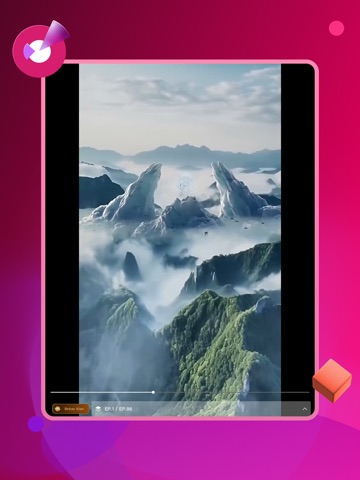
iPad screenshots




Icon palette
About this app
Welkom bij LiiDramaShort, de ultieme offline encyclopedie, speciaal ontwikkeld voor filmliefhebbers, tv-fanaten en verzamelaars van drama's. Onze app fungeert als een geavanceerd persoonlijk digitaal archief waarmee je de enorme wereld van uitzonderlijke visuele verhalen kunt samenstellen, catalogiseren en verkennen – en dat alles zonder internetverbinding. In een tijdperk van versnipperde streamingdiensten kan het een hele uitdaging zijn om bij te houden waar films en tv-series te zien zijn, of om je persoonlijke gedachten en recensies vast te leggen. LiiDramaShort biedt de oplossing met een volledig lokale, uiterst veilige en private database, rechtstreeks op je apparaat. Dankzij onze geavanceerde functies voor collectiebeheer kun je films ordenen op basis van specifieke genres, zelfgemaakte lijsten en mappen voor favorieten. We hebben onze structuur uitgebreid tot voorbij de standaa…
App details
What you can learn from LiShort
Every shipping app on the App Store has gone through the same decisions you're working through right now: which screenshot goes first, what caption sits over it, which device frame to show, what color the background should be. The 10 screenshots above are LiShort's answers to those questions — they're public, they're real, and they made it through Apple's review.
Notice the first screenshot in particular. It's the one users see in search results and on the product page, and it's where most apps spend their best caption and tightest design. Look at the proportion of background to phone, where the text sits, what one thing the image is trying to communicate.
Want to see how other Entertainment apps approach the same problem? Browse more Entertainment apps in the showcase.
Take what works into your own screenshots
Open LaunchShots and design your App Store & Google Play screenshots — pick a device frame, drop captions, ship in minutes. Free, in your browser.
Open the screenshot editor →