Screenshots
Icon palette
About this app
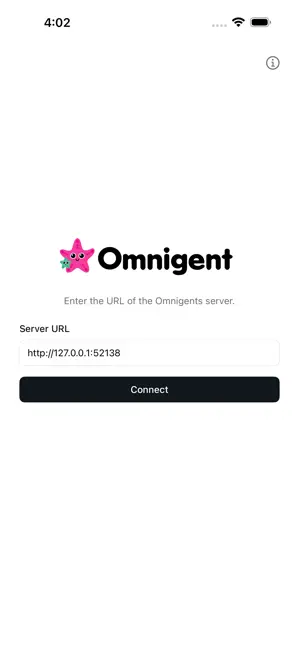
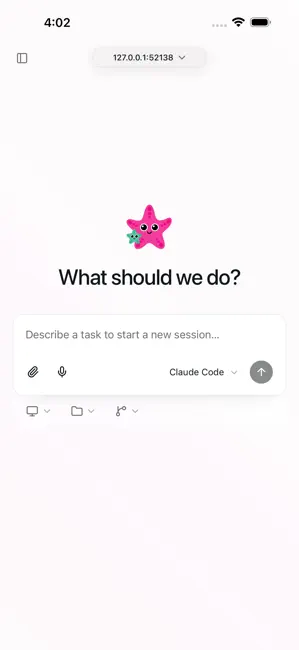
Omnigent is the mobile companion for your Omnigent server: an open-source workspace for supervising AI agents across coding, research, automation, and other technical workflows. Connect to a server you run, sign in, and continue the same sessions you use from desktop or browser. Follow agent work from your phone, send messages, review outputs, and switch between sessions without losing context. Use Omnigent to: - Keep agent chats, sub-agents, terminals, and files in sync across devices - Supervise multiple agents from one interface - Work with custom YAML agents and shared team sessions - Reach self-hosted or cloud-hosted Omnigent deployments This app is a native iOS shell for the Omnigent web UI. You need access to an Omnigent server to use it. For local or private deployments, configure your server URL on the first screen and connect securely.
App details
What you can learn from Omnigent
Every shipping app on the App Store has gone through the same decisions you're working through right now: which screenshot goes first, what caption sits over it, which device frame to show, what color the background should be. The 2 screenshots above are Omnigent's answers to those questions — they're public, they're real, and they made it through Apple's review.
Notice the first screenshot in particular. It's the one users see in search results and on the product page, and it's where most apps spend their best caption and tightest design. Look at the proportion of background to phone, where the text sits, what one thing the image is trying to communicate.
Want to see how other Developer Tools apps approach the same problem? Browse more Developer Tools apps in the showcase.
Take what works into your own screenshots
Open LaunchShots and design your App Store & Google Play screenshots — pick a device frame, drop captions, ship in minutes. Free, in your browser.
Open the screenshot editor →