Screenshots
Icon palette
About this app
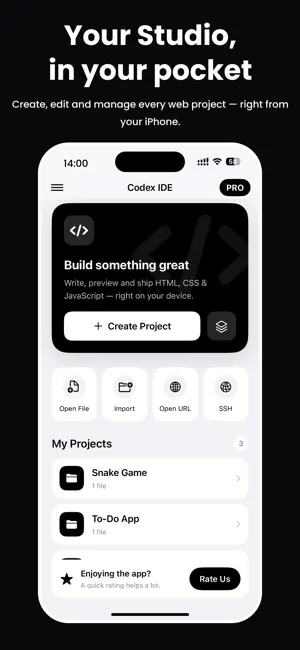
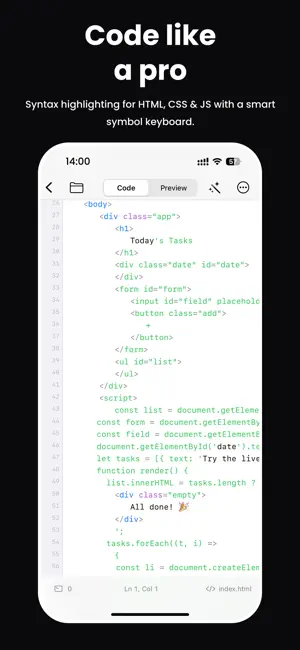
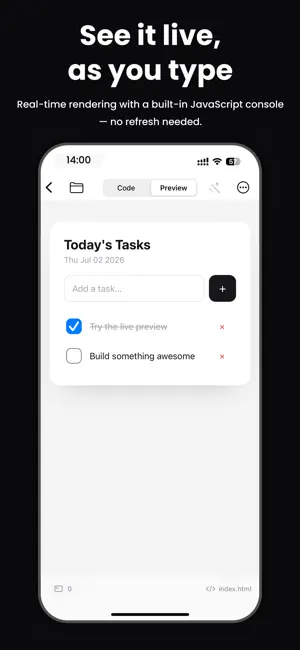
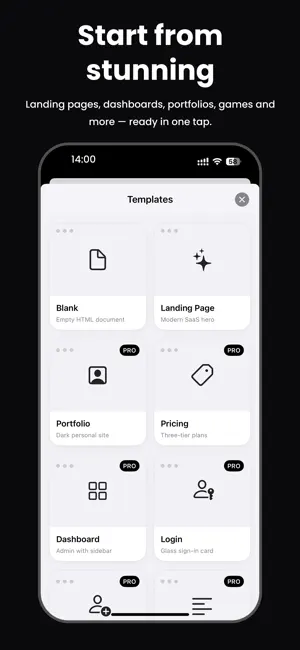
Codex - Editor HTML Escribe, previsualiza y prueba tu código Escribe HTML, CSS y JavaScript y visualiza los resultados al instante en tu iPhone y iPad. Codex es un editor de código rápido, limpio y nativo, diseñado para aprender desarrollo web y crear proyectos desde cualquier lugar. Sin cuentas, sin complicaciones: simplemente abre la aplicación y empieza a programar. Escribe código más rápido Editor completo para HTML, CSS y JavaScript Resaltado de sintaxis con temas claro y oscuro Numeración de líneas e interfaz nativa limpia y sin distracciones Previsualización y pruebas al instante Visualiza tus páginas web directamente en el dispositivo Prueba HTML, CSS y JavaScript sin salir de la aplicación Observa los cambios en tiempo real mientras escribes código Empieza con plantillas Comienza con plantillas listas para usar (Página en blanco, Landing Page y más) Ahorra tiempo y aprende co…
App details
What you can learn from Codex - editor HTML
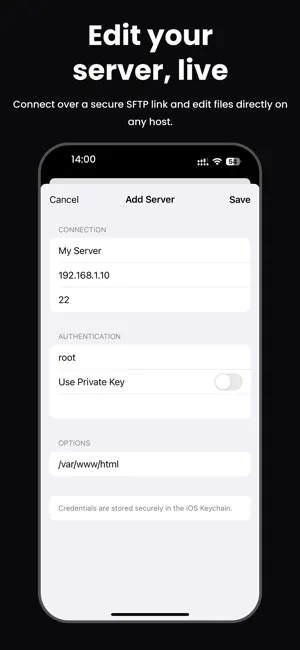
Every shipping app on the App Store has gone through the same decisions you're working through right now: which screenshot goes first, what caption sits over it, which device frame to show, what color the background should be. The 5 screenshots above are Codex - editor HTML's answers to those questions — they're public, they're real, and they made it through Apple's review.
Notice the first screenshot in particular. It's the one users see in search results and on the product page, and it's where most apps spend their best caption and tightest design. Look at the proportion of background to phone, where the text sits, what one thing the image is trying to communicate.
Want to see how other Developer Tools apps approach the same problem? Browse more Developer Tools apps in the showcase.
Take what works into your own screenshots
Open LaunchShots and design your App Store & Google Play screenshots — pick a device frame, drop captions, ship in minutes. Free, in your browser.
Open the screenshot editor →