Screenshots

Icon palette
About this app
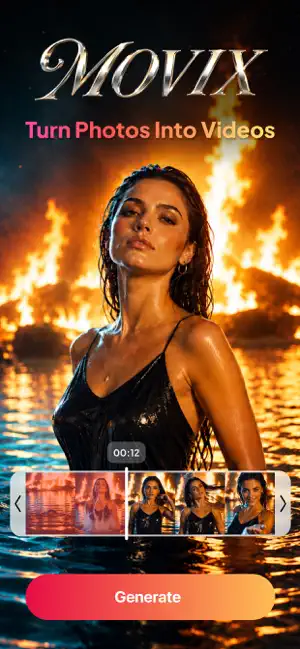
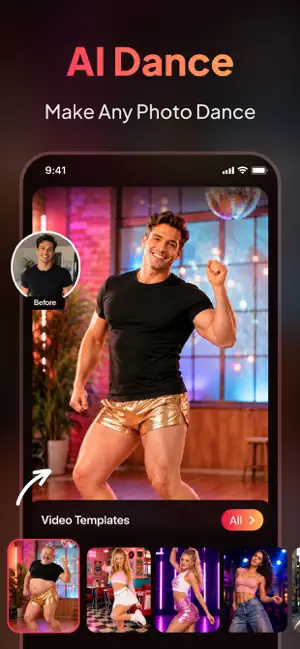
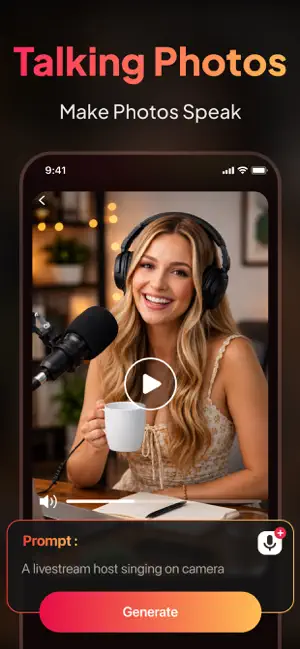
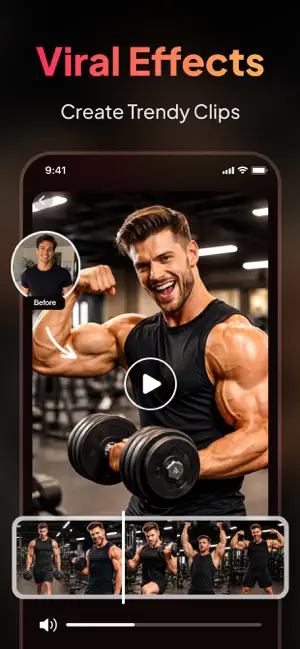
Turn photos, videos, and ideas into eye-catching AI content with Movix. Create animated clips, transform images, extend videos, explore new styles, and make social-ready edits with simple prompts—no complex editing skills required. POWERED BY LEADING AI MODELS Movix offers access to supported third-party video and image generation models, including Sora 2, Veo 3.1, Kling v3, Seedance 2.0, Happyhorse 1.0, Wan 2.7, Nano Banana, and Grok Imagine. Choose from available models for cinematic scenes, realistic visuals, expressive motion, and different creative styles. Model availability may vary by feature, plan, region, and app version. READY-TO-USE TEMPLATES AND EFFECTS Explore a growing collection of creative AI templates and effects: • Viral Dance: Turn photos into energetic dance videos inspired by popular trends. • Trending Dance: Explore fresh dance styles and entertaining animated…
App details
What you can learn from Movix: AI Video Generator
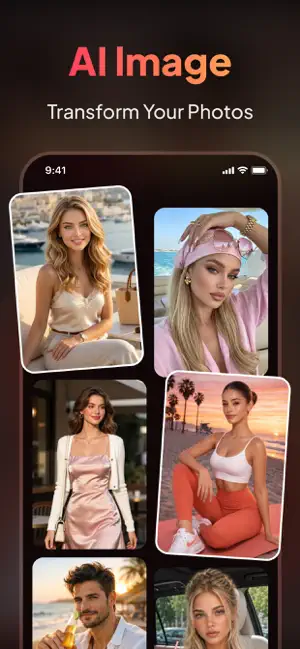
Every shipping app on the App Store has gone through the same decisions you're working through right now: which screenshot goes first, what caption sits over it, which device frame to show, what color the background should be. The 6 screenshots above are Movix: AI Video Generator's answers to those questions — they're public, they're real, and they made it through Apple's review.
Notice the first screenshot in particular. It's the one users see in search results and on the product page, and it's where most apps spend their best caption and tightest design. Look at the proportion of background to phone, where the text sits, what one thing the image is trying to communicate.
Want to see how other Graphics & Design apps approach the same problem? Browse more Graphics & Design apps in the showcase.
Take what works into your own screenshots
Open LaunchShots and design your App Store & Google Play screenshots — pick a device frame, drop captions, ship in minutes. Free, in your browser.
Open the screenshot editor →