Screenshots
Icon palette
About this app
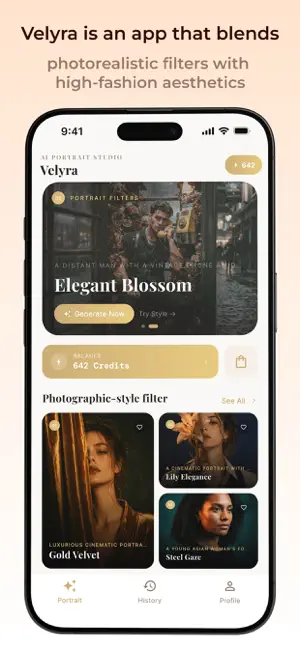
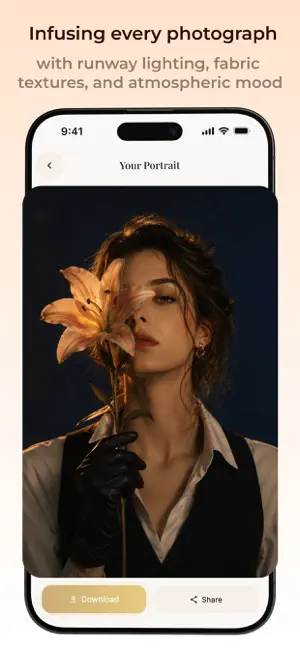
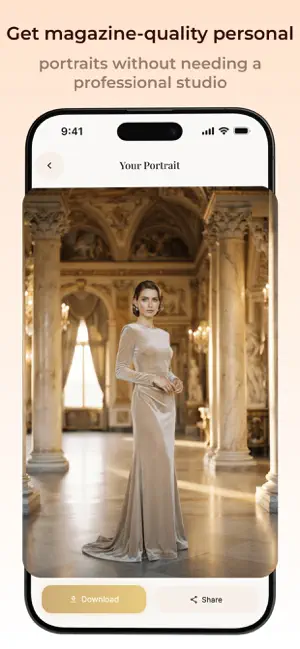
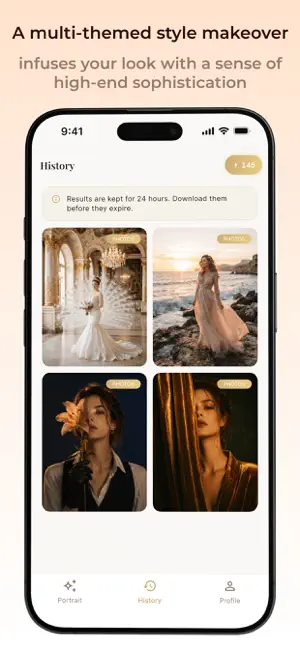
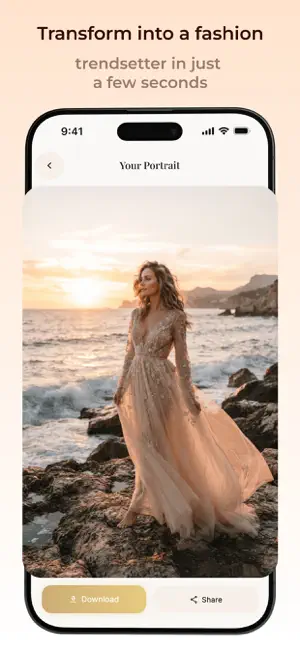
Velyra is an AI-powered app specializing in portrait filters and high-end fashion. Upload your photo and instantly get studio-quality retouching, plus a wardrobe of couture looks — from elegant evening gowns to avant-garde streetwear, from French chic to futuristic silhouettes. No photoshoot crew needed. Your phone is your private fashion studio. Core Experience • Portrait-Grade Filters — Cinematic color grading, soft glow, skin texture refinement — every shot looks professionally edited. • Premium Fashion Library — Couture gowns, designer suits, luxury furs, minimalist tailoring — spanning diverse styles, updated regularly. • Style Matrix — Vintage film, French romance, cyber neon, classic black & white — find the look that defines you. • One-Tap Transformation — Upload a photo → pick a style or outfit → generate. Three steps, zero complexity. Everyone can be a cover star. …
App details
What you can learn from Velyra — Every Photo
Every shipping app on the App Store has gone through the same decisions you're working through right now: which screenshot goes first, what caption sits over it, which device frame to show, what color the background should be. The 5 screenshots above are Velyra — Every Photo's answers to those questions — they're public, they're real, and they made it through Apple's review.
Notice the first screenshot in particular. It's the one users see in search results and on the product page, and it's where most apps spend their best caption and tightest design. Look at the proportion of background to phone, where the text sits, what one thing the image is trying to communicate.
Want to see how other Graphics & Design apps approach the same problem? Browse more Graphics & Design apps in the showcase.
Take what works into your own screenshots
Open LaunchShots and design your App Store & Google Play screenshots — pick a device frame, drop captions, ship in minutes. Free, in your browser.
Open the screenshot editor →