Screenshots




Icon palette
About this app
Discover movies and TV shows with ratings, details, and the latest updates in one simple app. Features: Discover trending, popular, top-rated, and upcoming movies Explore popular and top-rated TV shows View ratings, overviews, genres, and release dates Fast and easy search Create and manage your watchlist Clean and user-friendly interface Fun Games section with multiple mini-games Data Source Transparency: All movie and TV show data, including posters, ratings, and descriptions, are powered by The Movie Database (TMDb) API. This app is not endorsed or certified by TMDb. All TV show information and images are sourced from TMDb, licensed under CC BY-NC 4.0 : https://creativecommons.org/licenses/by-nc/4.0 This product uses the TMDB API but is not endorsed or certified by TMDB. Learn more: TMDb API Terms : https://www.themoviedb.org/api-terms-of-use Disclaimer: This app does not stream o…
App details
What you can learn from Lok l0k-Watch Movies,Drama,TV
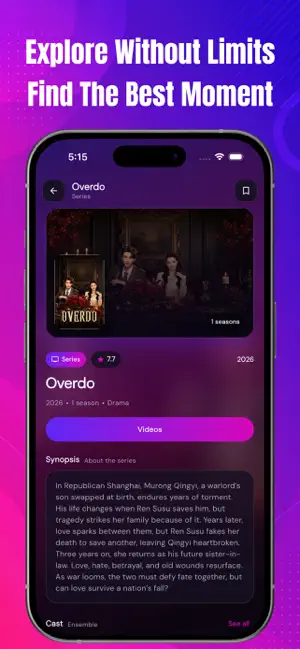
Every shipping app on the App Store has gone through the same decisions you're working through right now: which screenshot goes first, what caption sits over it, which device frame to show, what color the background should be. The 6 screenshots above are Lok l0k-Watch Movies,Drama,TV's answers to those questions — they're public, they're real, and they made it through Apple's review.
Notice the first screenshot in particular. It's the one users see in search results and on the product page, and it's where most apps spend their best caption and tightest design. Look at the proportion of background to phone, where the text sits, what one thing the image is trying to communicate.
Want to see how other Reference apps approach the same problem? Browse more Reference apps in the showcase.
Take what works into your own screenshots
Open LaunchShots and design your App Store & Google Play screenshots — pick a device frame, drop captions, ship in minutes. Free, in your browser.
Open the screenshot editor →