Screenshots
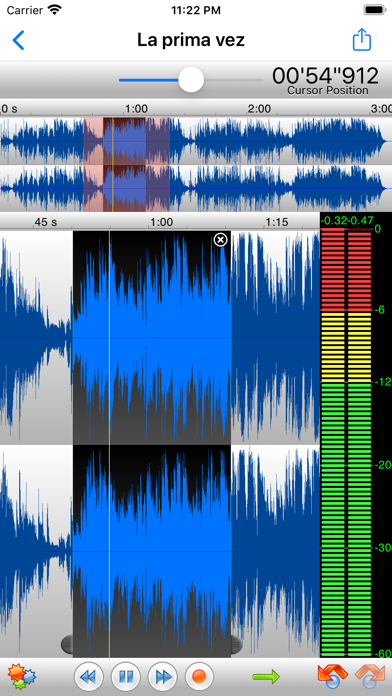
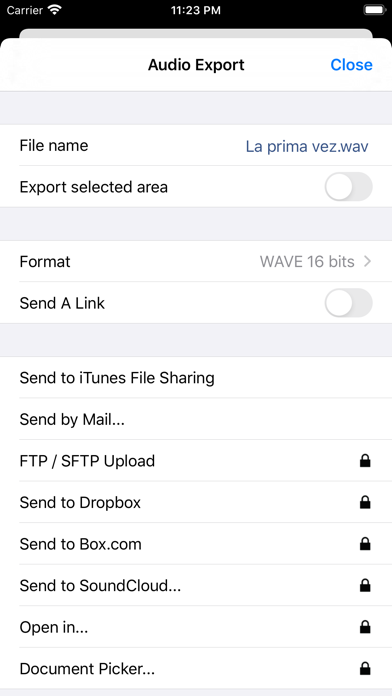
iPad screenshots


Icon palette
About this app
TwistedWave is a very fast and easy to use audio editor and recorder. Even when working with huge files, it will remain very fast and fluid, and will never run out of memory. TwistedWave Recorder is the free version of TwistedWave Audio Editor. You can use it to record and send audio by email. Once the full editing functionality and the extra export options have been purchased, "TwistedWave Recorder" and "TwistedWave Audio Editor" offer the same feature set. UNIQUE TO TWISTEDWAVE • Very fluid, even with very large files • Unlimited undo / redo history, happens instantly RECORD AUDIO • No duration limit other than the available storage • Up to 24 bit / 96 kHz audio if your audio interface supports it • Record stereo audio with the built-in microphone (iPhone XS or more recent) • Record studio quality audio with an external microphone • Record audio from other music applications with …
App details
What you can learn from TwistedWave Voice Recorder
Every shipping app on the App Store has gone through the same decisions you're working through right now: which screenshot goes first, what caption sits over it, which device frame to show, what color the background should be. The 4 screenshots above are TwistedWave Voice Recorder's answers to those questions — they're public, they're real, and they made it through Apple's review.
Notice the first screenshot in particular. It's the one users see in search results and on the product page, and it's where most apps spend their best caption and tightest design. Look at the proportion of background to phone, where the text sits, what one thing the image is trying to communicate.
Want to see how other Music apps approach the same problem? Browse more Music apps in the showcase.
Take what works into your own screenshots
Open LaunchShots and design your App Store & Google Play screenshots — pick a device frame, drop captions, ship in minutes. Free, in your browser.
Open the screenshot editor →