Screenshot style breakdown
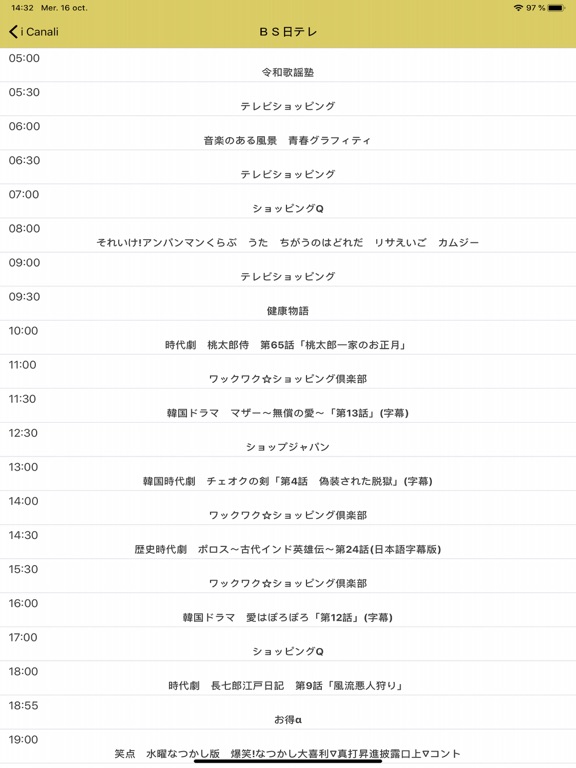
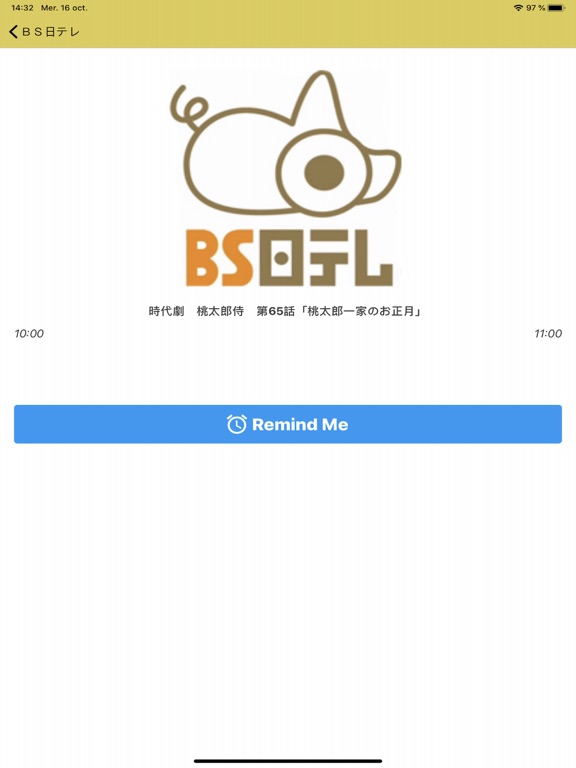
Sampled from 3 of 日本のTV番組 Japanese TV Listings's App Store screenshots — background, accent and theme, measured by LaunchShots (not something Apple publishes).
#FCFCFC bg
#DDDDDD
#DCCC54 accent
#111111 text
Screenshots
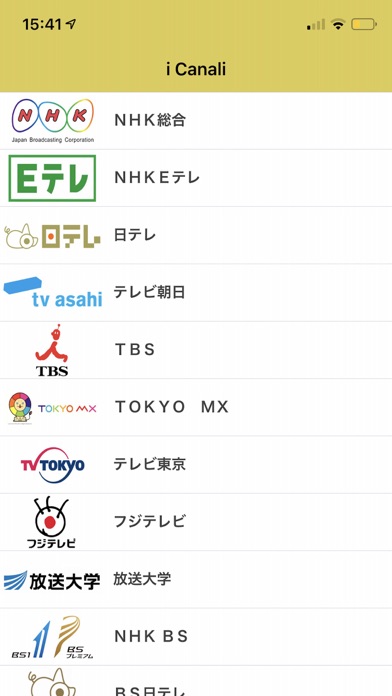
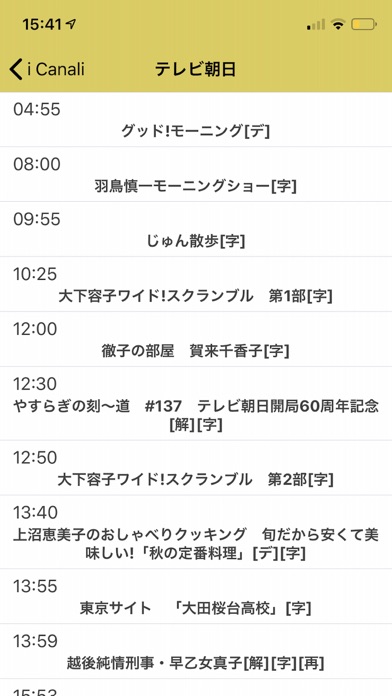
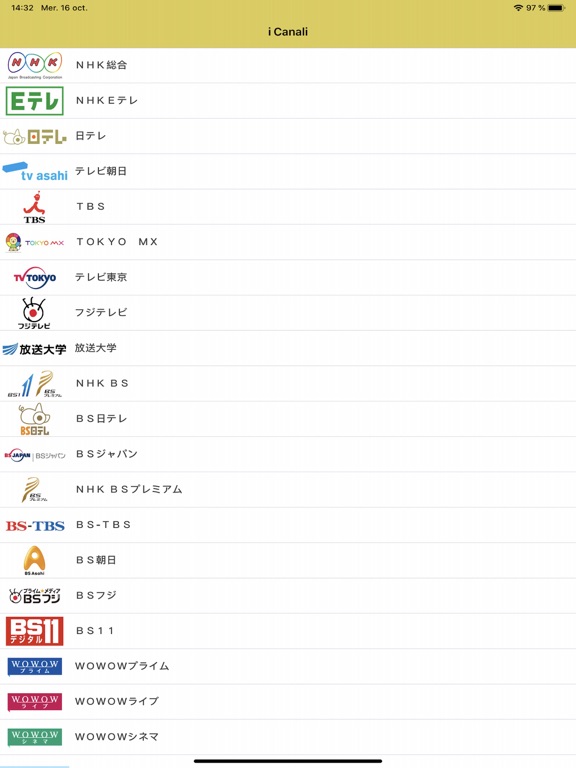
iPad screenshots
Icon palette
About this app
最速かつ最も包括的な日本のテレビの掲載唯一のアプリから利用できるガイド。全国のすべての主要な日本のTV局を見つけて下さい! 日本では日本のテレビの掲載への最高のアクセス。 This application gives you the best and faster TV Listings in the whole Japan. You can acces very quickly to the information that you want once you are subscribe. Keep follow your series, the news and your favorite movies with our totally new Japanese TV Listings App. You need to be subscribe to get access to the app content. 高品質なアプリケーションのためのシックなデザイン! 海外で利用できるアプリ! 互換性のあるアプリケーションは、iOS 7、iPhone 5s/5c をマルチタスク。 チャンネル ブックマーク! The Japanese Program (TV Listings) in Japan (JP). Premium unlock, offers unlimited usage and no ads for $4.99 per week subscription. Recurring billing. Cancel anytime. Premium version offers weekly subscription for $4.99 w…
App details
What you can learn from 日本のTV番組 Japanese TV Listings
Every shipping app on the App Store has gone through the same decisions you're working through right now: which screenshot goes first, what caption sits over it, which device frame to show, what color the background should be. The 6 screenshots above are 日本のTV番組 Japanese TV Listings's answers to those questions — they're public, they're real, and they made it through Apple's review.
What the numbers say: 日本のTV番組 Japanese TV Listings runs a light set with one background colour (#FCFCFC) carried across every screenshot — the listing reads as a single poster when the shots sit side by side in search results. The accent colour we picked up, #DCCC54, is the one to reuse for badges, arrows and highlighted words if you borrow this look. Hit Use this style to open the editor with these exact colours and drop your own screenshot in.
Notice the first screenshot in particular. It's the one users see in search results and on the product page, and it's where most apps spend their best caption and tightest design. Look at the proportion of background to phone, where the text sits, what one thing the image is trying to communicate.
Want to see how other News apps approach the same problem? Browse more News apps in the showcase.
Take what works into your own screenshots
Open LaunchShots and design your App Store & Google Play screenshots — pick a device frame, drop captions, ship in minutes. Free, in your browser.
Open the screenshot editor →Apps with a similar look
Closest background + accent colours among the listings we've analysed — useful when you want to see the same palette handled by a different team.