Screenshots
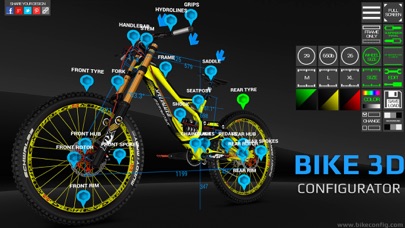
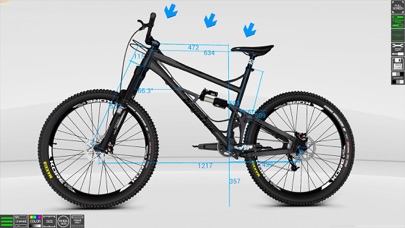
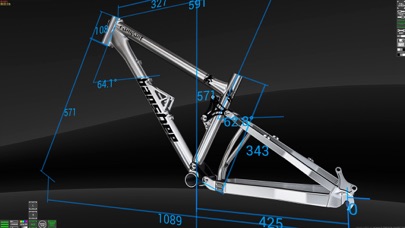
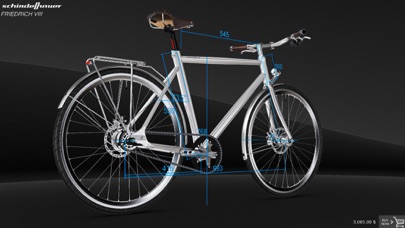
iPad screenshots
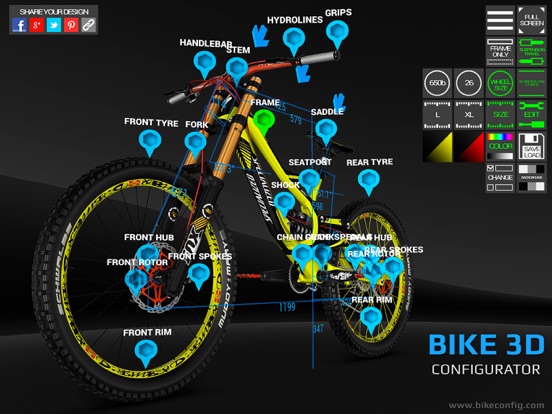
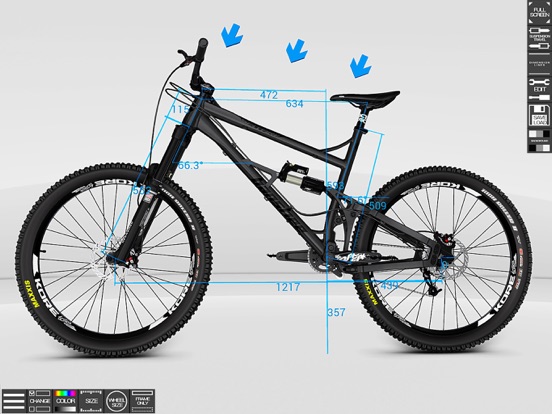
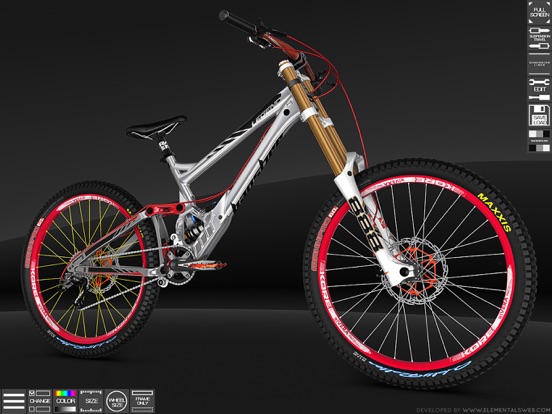
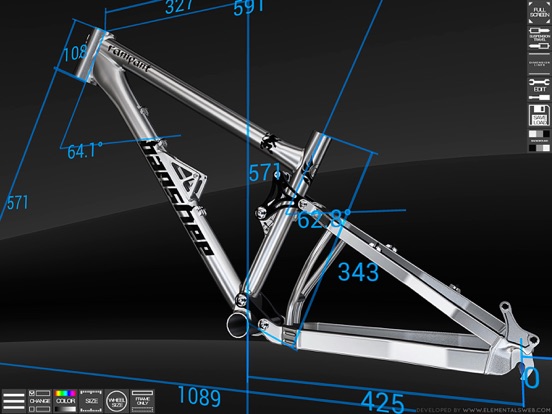

Icon palette
About this app
Project Bike 3d Configurator created so that you can build your existing or future bike with modern technology and 3D graphics. Bike customization has never been so quick and easy, change components, experiment with colors, see how suspension works, show your friends, create the bike of your dream. In the future, we see the project as a online shop or service with which you can easily build and then purchase your bike. Also plans to add other types of bikes, more hardtail, dirt, dh, cross country bikes, road and city bikes. We make option to paint the components that might be painted by custom colors: bike frames, wheel hubs, spokes, hydrolines, rims, grips, pedals, stems, handlebars. For such components as: bike forks, tyres, headsets, brakes, saddles, chain guides, brake rotors, shocks, derailleurs, cassettes, we leave only those colors that provided by the manufacturer. If you want …
App details
What you can learn from Bike 3D Configurator
Every shipping app on the App Store has gone through the same decisions you're working through right now: which screenshot goes first, what caption sits over it, which device frame to show, what color the background should be. The 9 screenshots above are Bike 3D Configurator's answers to those questions — they're public, they're real, and they made it through Apple's review.
Notice the first screenshot in particular. It's the one users see in search results and on the product page, and it's where most apps spend their best caption and tightest design. Look at the proportion of background to phone, where the text sits, what one thing the image is trying to communicate.
Want to see how other Sports apps approach the same problem? Browse more Sports apps in the showcase.
Take what works into your own screenshots
Open LaunchShots and design your App Store & Google Play screenshots — pick a device frame, drop captions, ship in minutes. Free, in your browser.
Open the screenshot editor →