Screenshots
Icon palette
About this app
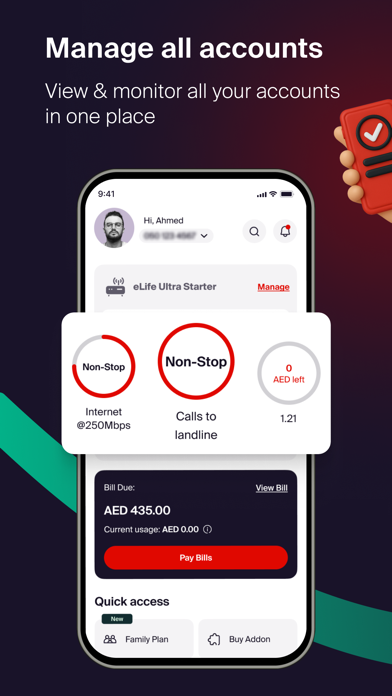
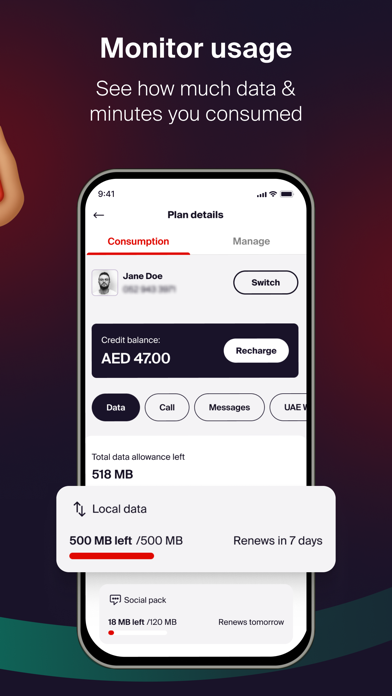
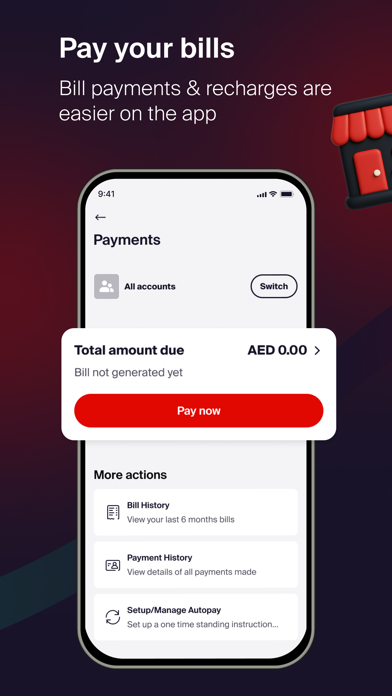
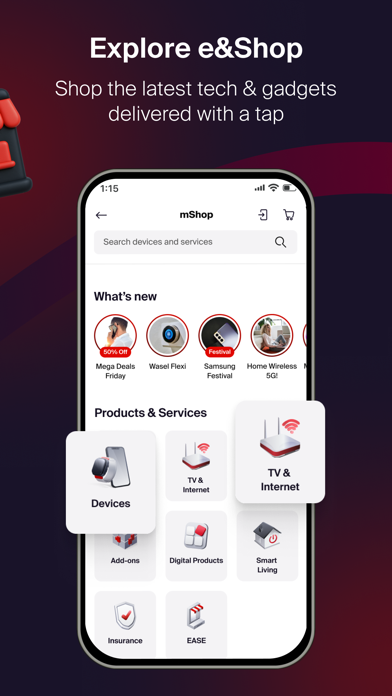
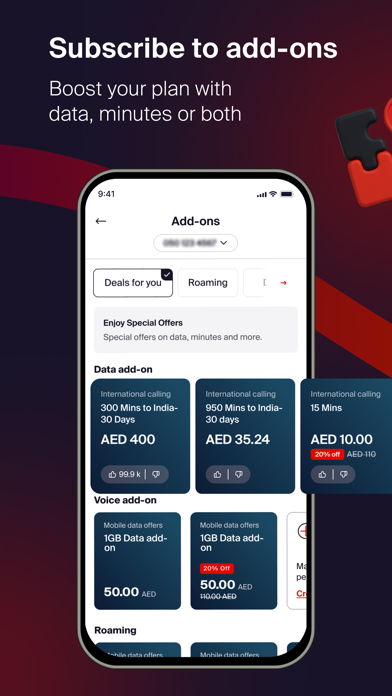
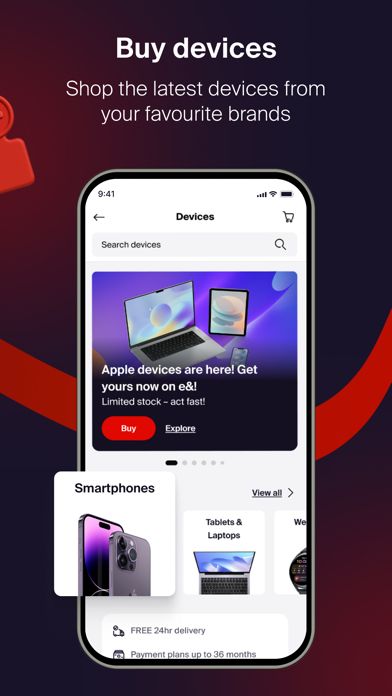
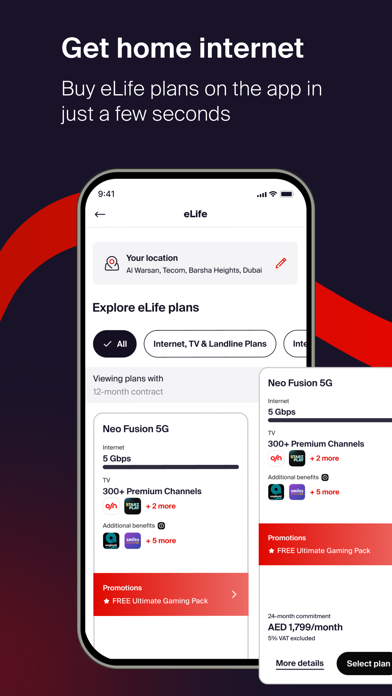
Get e& UAE app – convenience at your fingertips A one-stop shop where you can manage multiple accounts, recharge, pay your bills, subscribe to add-ons, renew your emirates ID registration, avail exclusive online offers and much more with 24/7 live online chat support. Postpaid Plans Enjoy an exclusive 25% discount on Freedom Plans. Benefit from unlimited data, international minutes, and a complimentary STARZPLAY subscription. Get a free SIM card with the option to choose an eSIM. Unlock these special postpaid offers exclusively on the e& UAE app, tailored to enhance your mobile experience. Prepaid & Recharge Purchase your prepaid plan through the e& UAE app and receive a complimentary SIM card. Enjoy an exclusive 15% bonus cashback on every recharge, available only with the e& UAE app Add-ons Power your mobile plan with e&'s selection of call packs, roaming offers, and data packag…
App details
What you can learn from e& UAE
Every shipping app on the App Store has gone through the same decisions you're working through right now: which screenshot goes first, what caption sits over it, which device frame to show, what color the background should be. The 7 screenshots above are e& UAE's answers to those questions — they're public, they're real, and they made it through Apple's review.
Notice the first screenshot in particular. It's the one users see in search results and on the product page, and it's where most apps spend their best caption and tightest design. Look at the proportion of background to phone, where the text sits, what one thing the image is trying to communicate.
Want to see how other Utilities apps approach the same problem? Browse more Utilities apps in the showcase.
Take what works into your own screenshots
Open LaunchShots and design your App Store & Google Play screenshots — pick a device frame, drop captions, ship in minutes. Free, in your browser.
Open the screenshot editor →