Screenshots



Icon palette
About this app
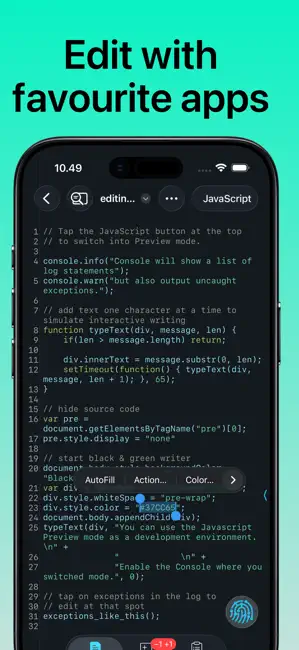
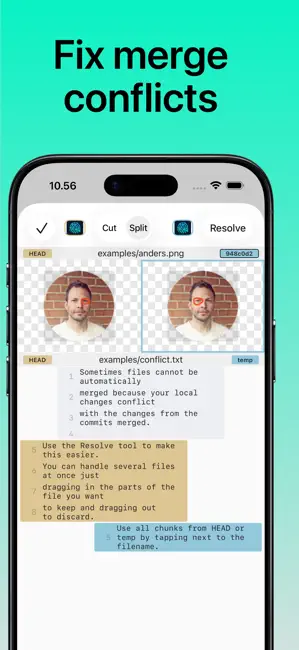
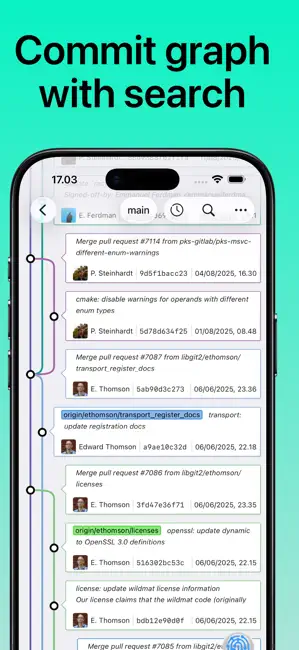
Access Git repositories on the go. Clone, edit, commit and push while allowing other apps access to repositories. Git is a important part of our work-life and iOS can take part in this. The ability to commit even when offline has added utility on a device that moves in and out of network coverage. Cloning repositories gets you a local copy on your iOS device with commits for all branches. You can browse the content from within the app and make changes. Other applications supporting the Files app, WebDAV or x-callback-url has access to these files. Changes made can be committed and the commits can in turn be pushed back to the remote. The idea of doing significant programming on iOS might seem far fetched when you are used to a large screen, a physical keyboard and a full IDE. But just as it turned out that not every email is serious prose, then not everything that goes on in Git is si…
App details
What you can learn from Git client - Working Copy
Every shipping app on the App Store has gone through the same decisions you're working through right now: which screenshot goes first, what caption sits over it, which device frame to show, what color the background should be. The 6 screenshots above are Git client - Working Copy's answers to those questions — they're public, they're real, and they made it through Apple's review.
Notice the first screenshot in particular. It's the one users see in search results and on the product page, and it's where most apps spend their best caption and tightest design. Look at the proportion of background to phone, where the text sits, what one thing the image is trying to communicate.
Want to see how other Developer Tools apps approach the same problem? Browse more Developer Tools apps in the showcase.
Take what works into your own screenshots
Open LaunchShots and design your App Store & Google Play screenshots — pick a device frame, drop captions, ship in minutes. Free, in your browser.
Open the screenshot editor →