Screenshots


iPad screenshots
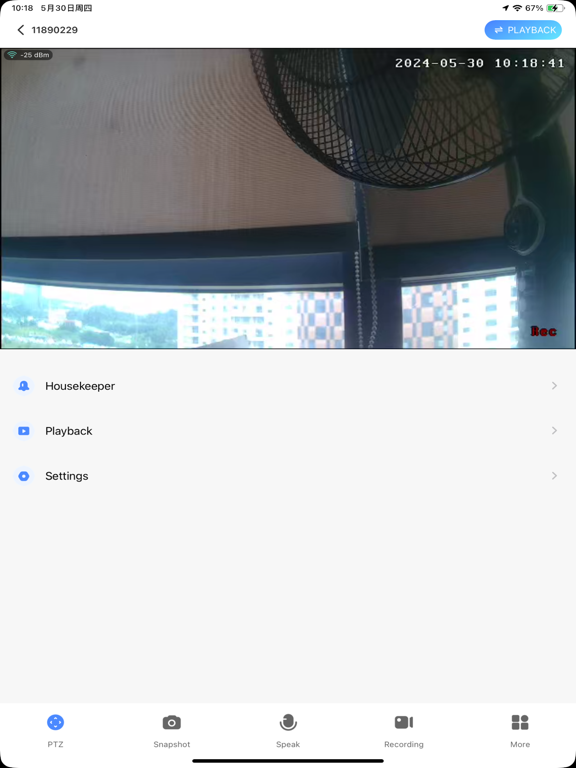
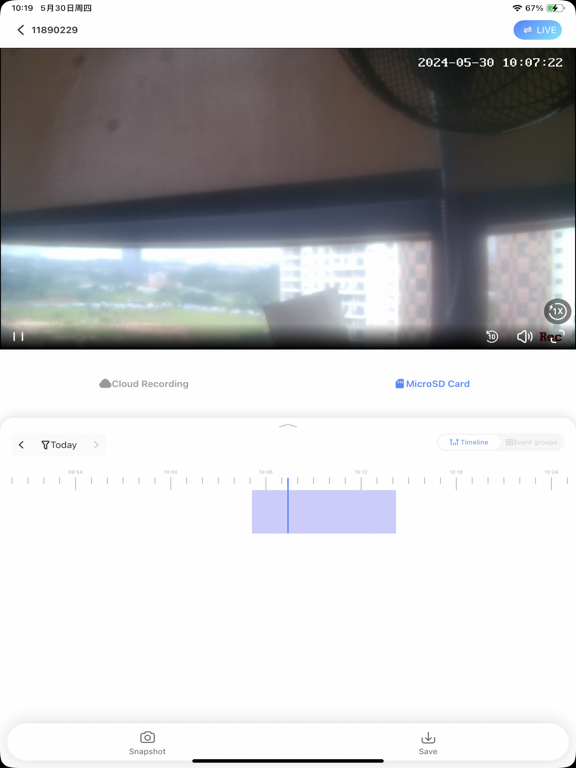
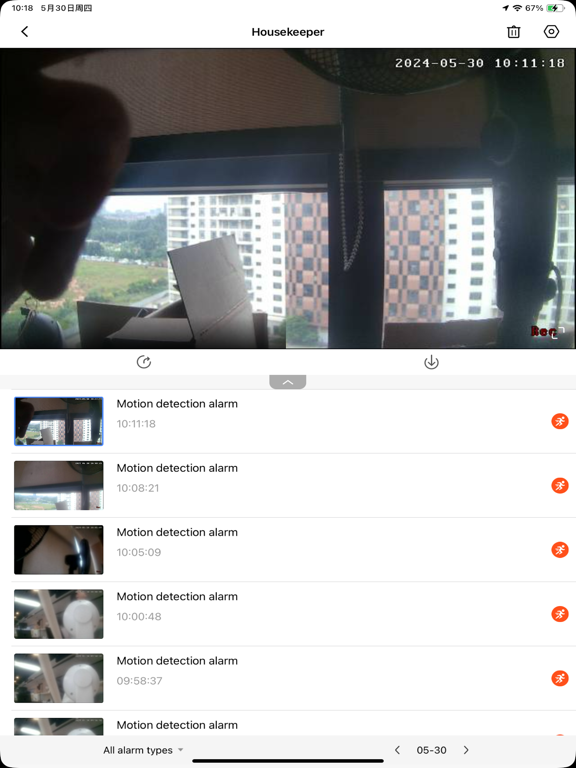

Icon palette
About this app
Our company division WiFi camera products can be used to achieve remote configuration camera, remote viewing, remote playback; It’s your home security housekeeper! V380 is a new generation of intelligent household cloud camera free application, can easily realize the remote video monitoring and management. 1. By this software can view the process of real-time video anytime and anywhere. 2. Support remote PTZ control, camera direction of rotation performed by touching the screen. 3. Support network live audio monitoring. 4. Support network remote video playback and image capture. 5. Support site motion detection alarm, and save the server to view 6. Support voice intercom and video calls 7. Intelligent cloud streaming transmission technology, 720P million high-definition public network real-time transport. 8. Increased Digital zoom function, Preset function and WIFI Smartlink config…
App details
What you can learn from V380
Every shipping app on the App Store has gone through the same decisions you're working through right now: which screenshot goes first, what caption sits over it, which device frame to show, what color the background should be. The 8 screenshots above are V380's answers to those questions — they're public, they're real, and they made it through Apple's review.
Notice the first screenshot in particular. It's the one users see in search results and on the product page, and it's where most apps spend their best caption and tightest design. Look at the proportion of background to phone, where the text sits, what one thing the image is trying to communicate.
Want to see how other Utilities apps approach the same problem? Browse more Utilities apps in the showcase.
Take what works into your own screenshots
Open LaunchShots and design your App Store & Google Play screenshots — pick a device frame, drop captions, ship in minutes. Free, in your browser.
Open the screenshot editor →