Screenshots

Icon palette
About this app
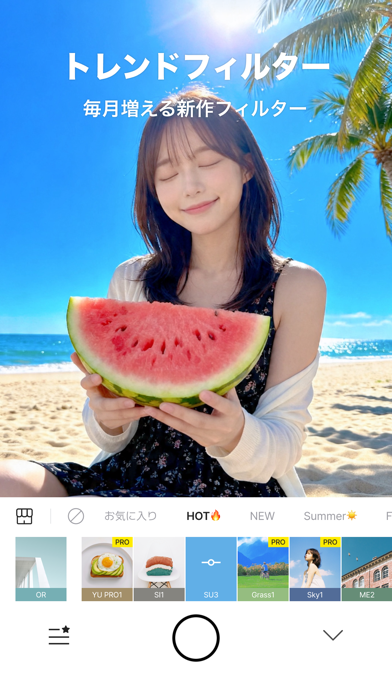
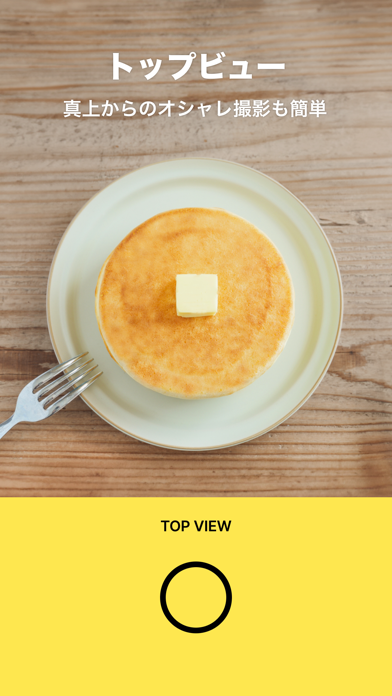
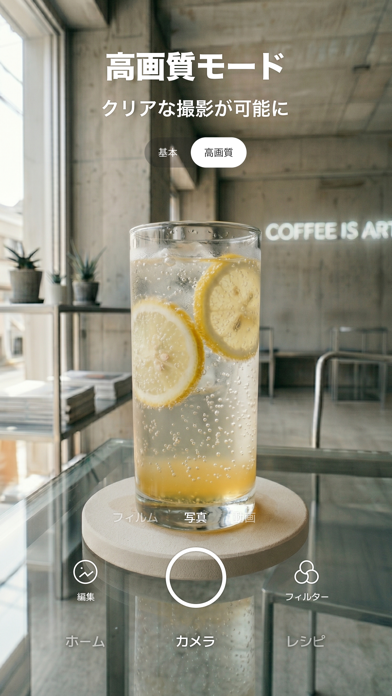
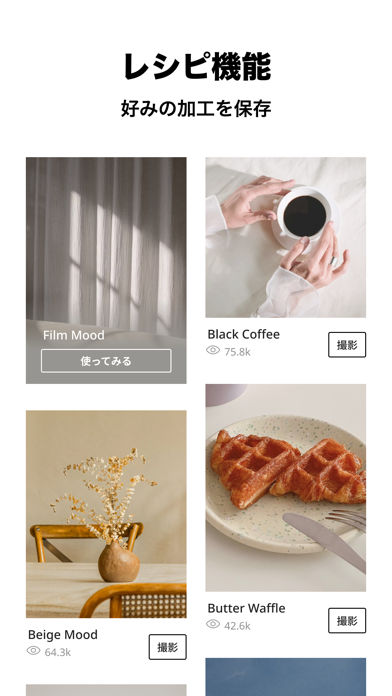
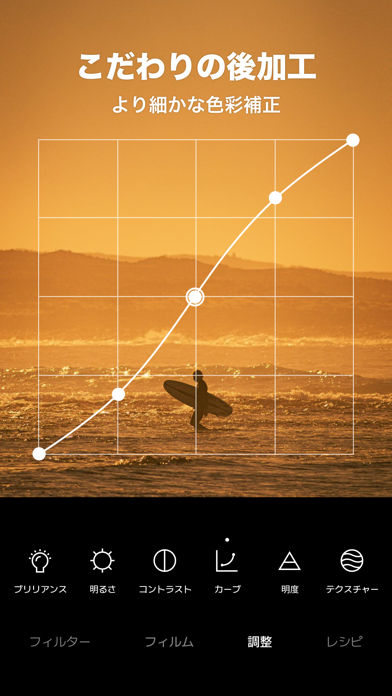
料理が一番おいしく見えるカメラ 簡単操作で手軽にプロ級の写真が撮れます! 豊富なフィルターで毎日がもっと楽しく ▶毎月アップデートされる新作フィルター シチュエーションに合わせて使える200種類以上のフィルターをご用意しました さらにトレンドに合わせたフィルターを毎月お届けします ▶フィルムモードでエモい写真を撮影 今流行のフィルム風フィルターもバッチリ搭載 平成デジカメ風、最新のiPhone風のフィルターで思い通りの写真が撮れます ▶レシピ機能でお気に入りの設定を保存 オリジナルの色味や調整を保存して簡単に補正しましょう ▶人気のレシピでトレンドに合わせて写真を加工 レシピの作成が面倒な時は、クリエイターが作成したレシピを活用しましょう シチュエーションにあわせて好きなものをチョイス! ▶状況に応じて使える無音モード レストランやカフェなど静かな環境でも撮影可能 人目が気になる状況での自撮りにも使えます ▶面倒な作業を一発で!一括編集機能 アルバム一括編集機能で複数枚の写真を一発補正できます ▶各種SNSに簡単シェ…
App details
What you can learn from Foodie(フーディー)-料理がおいしく撮れるカメラ
Every shipping app on the App Store has gone through the same decisions you're working through right now: which screenshot goes first, what caption sits over it, which device frame to show, what color the background should be. The 6 screenshots above are Foodie(フーディー)-料理がおいしく撮れるカメラ's answers to those questions — they're public, they're real, and they made it through Apple's review.
Notice the first screenshot in particular. It's the one users see in search results and on the product page, and it's where most apps spend their best caption and tightest design. Look at the proportion of background to phone, where the text sits, what one thing the image is trying to communicate.
Want to see how other Photo & Video apps approach the same problem? Browse more Photo & Video apps in the showcase.
Take what works into your own screenshots
Open LaunchShots and design your App Store & Google Play screenshots — pick a device frame, drop captions, ship in minutes. Free, in your browser.
Open the screenshot editor →