Screenshots
Icon palette
About this app
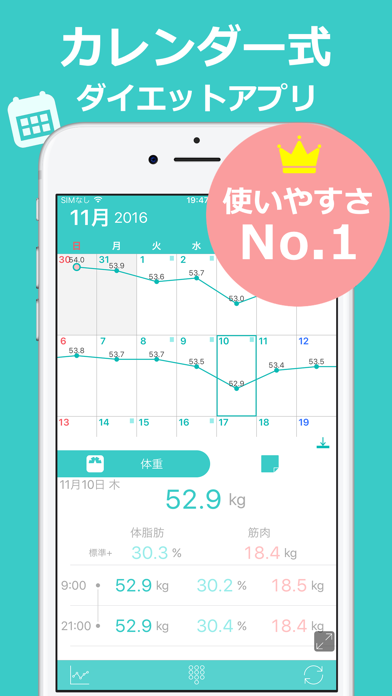
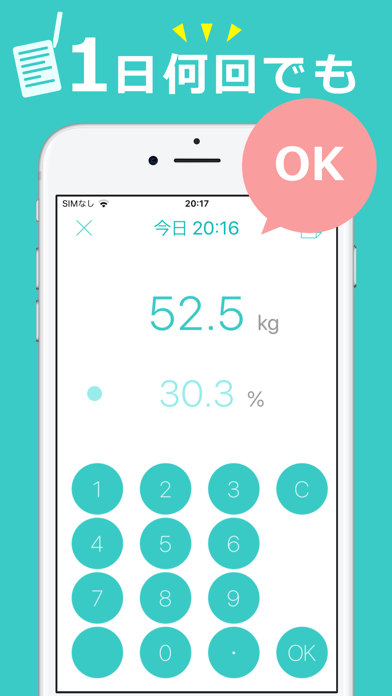
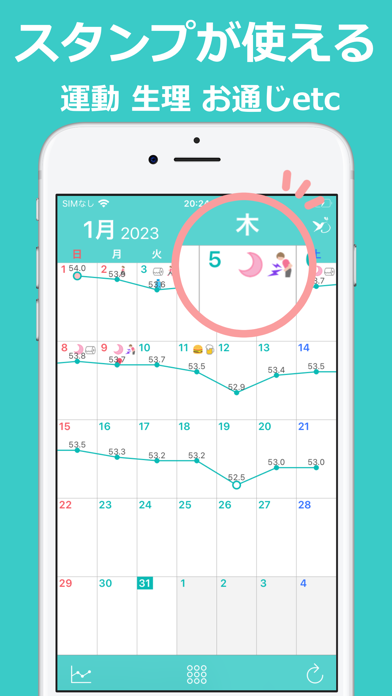
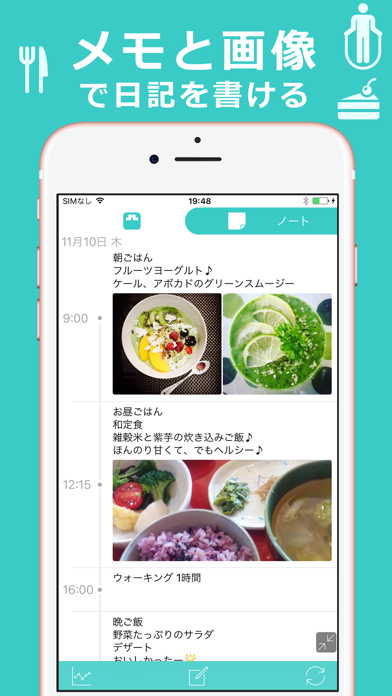
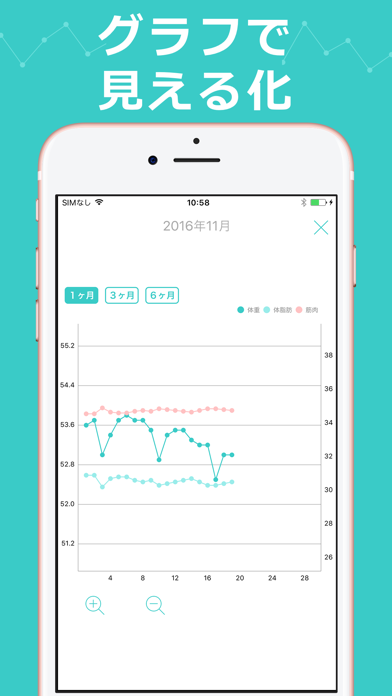
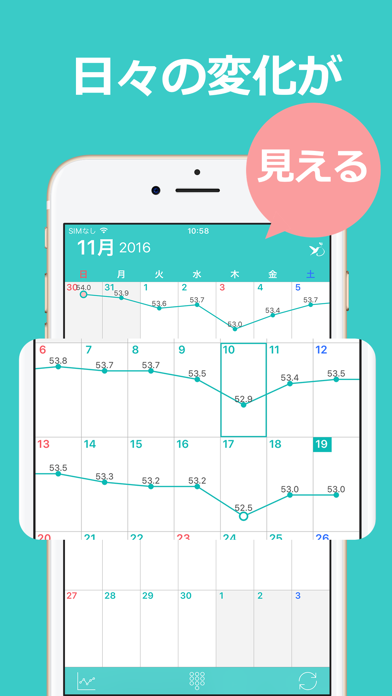
毎日の記録が、ダイエット成功のカギ。 カレンダーで見えるから続く!体重管理アプリ「ハミング」 ハミングは、カレンダーに体重を記録するだけの、かんたん無料ダイエットアプリ。 体重・体脂肪を入力するだけで、折れ線グラフがカレンダーに自動表示されます。 運動や食事、生理周期もスタンプ&メモで記録でき、 「何をした日が減ったのか」が一目でわかるのが特長です。 ◆ 主な特徴と機能 ● カレンダーに体重グラフが表示 - カレンダーに折れ線グラフを直接表示 - 日々の変化や1週間の流れが視覚的にわかる! ● スタンプで体重変化の要因を記録 - 食事、運動、生理周期などをスタンプで手軽に記録 - 体重の増減と日々の行動がひと目で関連づけられる ● メモ&画像で食事や運動の記録も充実 - 写真付きメモで詳細に管理(画像は1メモにつき最大4枚) - メモの数に制限なし!毎日の習慣記録にも最適 ● 体重・体脂肪率の入力が超シンプル - 直感的な入力画面で毎日続けやすいと好評! ● ヘルスケアアプリと連携 - 過去データを一括取…
App details
What you can learn from ダイエット記録カレンダー ハミング
Every shipping app on the App Store has gone through the same decisions you're working through right now: which screenshot goes first, what caption sits over it, which device frame to show, what color the background should be. The 7 screenshots above are ダイエット記録カレンダー ハミング's answers to those questions — they're public, they're real, and they made it through Apple's review.
Notice the first screenshot in particular. It's the one users see in search results and on the product page, and it's where most apps spend their best caption and tightest design. Look at the proportion of background to phone, where the text sits, what one thing the image is trying to communicate.
Want to see how other Health & Fitness apps approach the same problem? Browse more Health & Fitness apps in the showcase.
Take what works into your own screenshots
Open LaunchShots and design your App Store & Google Play screenshots — pick a device frame, drop captions, ship in minutes. Free, in your browser.
Open the screenshot editor →