Screenshots

Icon palette
About this app
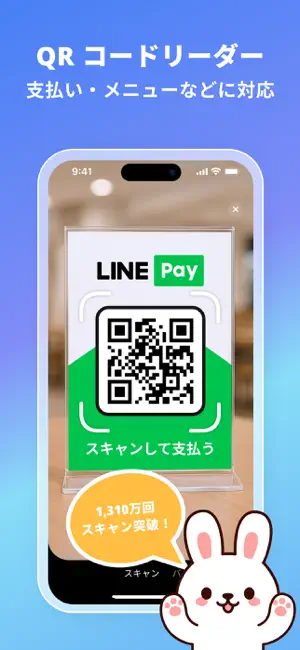
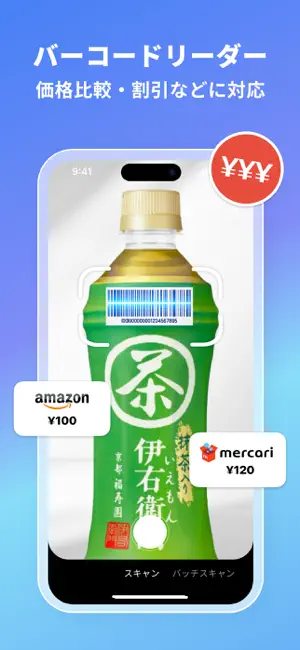
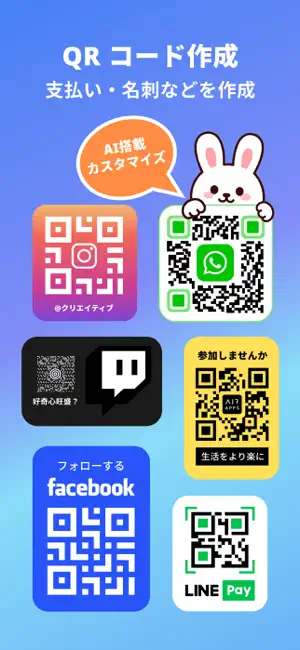
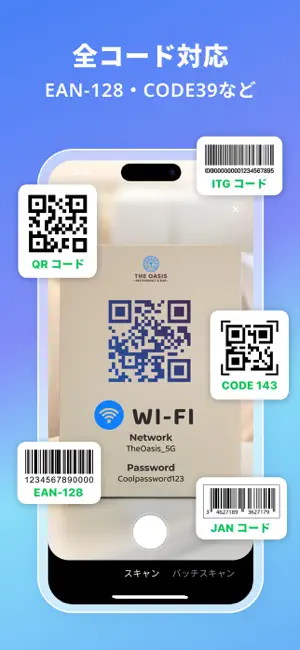
QR コード AirでQRコードやバーコードを瞬時にスキャン。日常生活で使いやすい信頼性の高いQRコードとバーコードのスキャナーです。あらゆる種類のコードを作成し、価格を比較し、在庫管理を一つのアプリで簡単に行えます。 QR コード Airは、オールインワンのQRコードリーダー、QRコードジェネレーター、商品スキャナーです。店舗でバーコードをスキャンしたり、メニューを確認したり、カスタムコードを作成したり、在庫管理を行ったりと、すべてを迅速かつ簡単に実現できます。 コードをスキャンするには? アプリを開き、カメラを向けてQRコードまたはバーコードを即座にスキャンします。QR コード Airは主要な形式すべてに対応しています:QR CODE、EAN13、UPC、ITF14、CODE128、AZTEC、DATAMATRIXなど。結果はすぐに表示され、リンクを開いたり、商品情報を確認したり、スキャン内容を保存できます。 QRコードやバーコードを作成できますか? 内蔵のQRコードジェネレーターとバーコードメーカーを使用すれば、ウェブサイト、連絡先情報、プロモーション、ビジ…
App details
What you can learn from QR コードリーダー Air - QR コード読み取りアプリ
Every shipping app on the App Store has gone through the same decisions you're working through right now: which screenshot goes first, what caption sits over it, which device frame to show, what color the background should be. The 5 screenshots above are QR コードリーダー Air - QR コード読み取りアプリ's answers to those questions — they're public, they're real, and they made it through Apple's review.
Notice the first screenshot in particular. It's the one users see in search results and on the product page, and it's where most apps spend their best caption and tightest design. Look at the proportion of background to phone, where the text sits, what one thing the image is trying to communicate.
Want to see how other Utilities apps approach the same problem? Browse more Utilities apps in the showcase.
Take what works into your own screenshots
Open LaunchShots and design your App Store & Google Play screenshots — pick a device frame, drop captions, ship in minutes. Free, in your browser.
Open the screenshot editor →