Screenshots


iPad screenshots


Icon palette
About this app
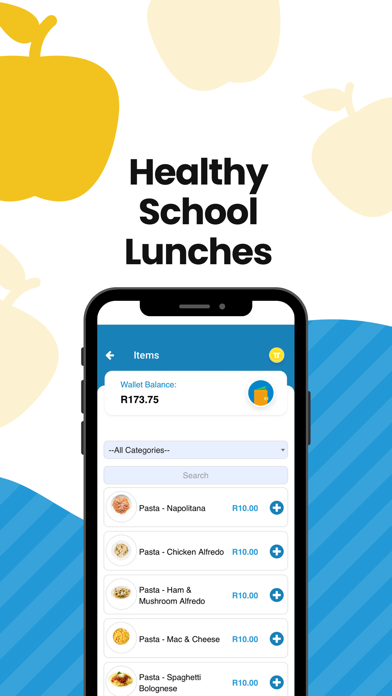
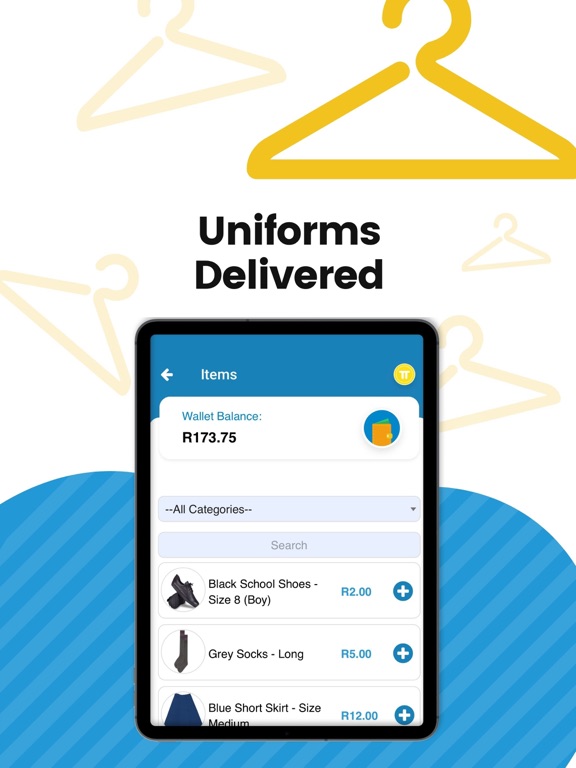
Taptuck just got better! Introducing Tap4Schools! Is scratching for money for child’s school event a drag? We have an app for that! Are you worried about your child’s choices at the tuck shop? We have an app for that! Life too busy? We have an app for that! TapTuck is a freely downloadable app that allows parents to pay for healthy meals at your child’s school tuck shop, school events, uniforms, stationery and more! TapTuck has both a parent facing application and a merchant redemption facing application, which ensures it touches all aspects of the ecosystem at schools. TapTuck allows multiple merchants on campus to sell products and services in app, receive money from a cashless card or display a merchant QR code which users can scan and pay from a mobile phone. Using our unique wallet system we remove cash and the responsibility of the child handling cash at school. Our funk…
App details
What you can learn from Tap4Schools formerly Taptuck
Every shipping app on the App Store has gone through the same decisions you're working through right now: which screenshot goes first, what caption sits over it, which device frame to show, what color the background should be. The 9 screenshots above are Tap4Schools formerly Taptuck's answers to those questions — they're public, they're real, and they made it through Apple's review.
Notice the first screenshot in particular. It's the one users see in search results and on the product page, and it's where most apps spend their best caption and tightest design. Look at the proportion of background to phone, where the text sits, what one thing the image is trying to communicate.
Want to see how other Education apps approach the same problem? Browse more Education apps in the showcase.
Take what works into your own screenshots
Open LaunchShots and design your App Store & Google Play screenshots — pick a device frame, drop captions, ship in minutes. Free, in your browser.
Open the screenshot editor →