Screenshots

iPad screenshots


Icon palette
About this app
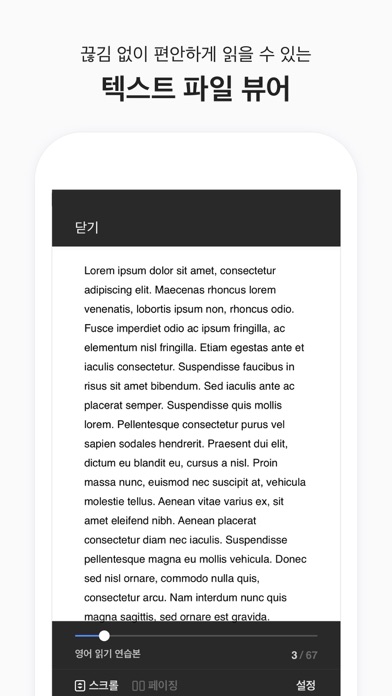
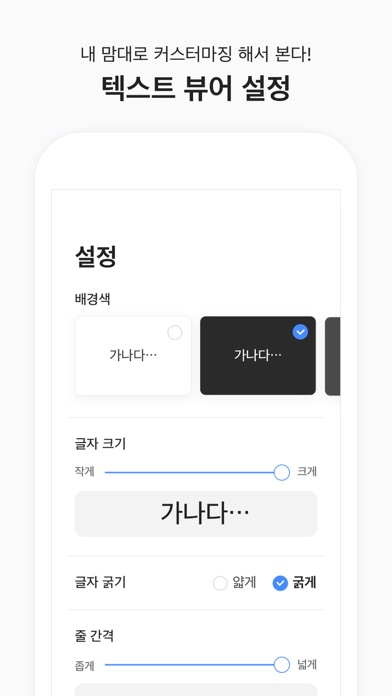
오늘부터 텍스트 뷰어는 리드미! 불필요한 기능은 모두 제거! 오직 텍스트 파일을 보기 위한 핵심 기능을 제공합니다. 언제 어디서나 리드미를 이용해 빠르고 간편하게 텍스트 파일(txt, text)을 열어보세요. [주요 기능] - 클라우드 내 파일 다운로드 지원 (iCloud, 구글드라이브, 드롭박스, 원드라이브 등) - itunes를 통한 파일 업로드 기능 - 압축파일 지원 (zip) - 텍스트 읽기만을 위한 최소한의 기능 제공 (줄간격, 테마, 폰트크기, 페이징 애니메이션 등) ** 클라우드 내 파일 다운로드 ** 클라우드 파일을 가져오기 위해서는 아이폰에 클라우드 앱(구글드라이브, 드롭박스, 원드라이브 등)을 설치하고 로그인하여주세요. 네이버 클라우드 앱에서는 `보내기 - 다른 앱으로 열기`를 통해서 파일을 복사 할 수 있습니다.
App details
What you can learn from 리드미 - Text Viewer, 텍스트 뷰어
Every shipping app on the App Store has gone through the same decisions you're working through right now: which screenshot goes first, what caption sits over it, which device frame to show, what color the background should be. The 8 screenshots above are 리드미 - Text Viewer, 텍스트 뷰어's answers to those questions — they're public, they're real, and they made it through Apple's review.
Notice the first screenshot in particular. It's the one users see in search results and on the product page, and it's where most apps spend their best caption and tightest design. Look at the proportion of background to phone, where the text sits, what one thing the image is trying to communicate.
Want to see how other Book apps approach the same problem? Browse more Book apps in the showcase.
Take what works into your own screenshots
Open LaunchShots and design your App Store & Google Play screenshots — pick a device frame, drop captions, ship in minutes. Free, in your browser.
Open the screenshot editor →