Screenshots




Icon palette
About this app
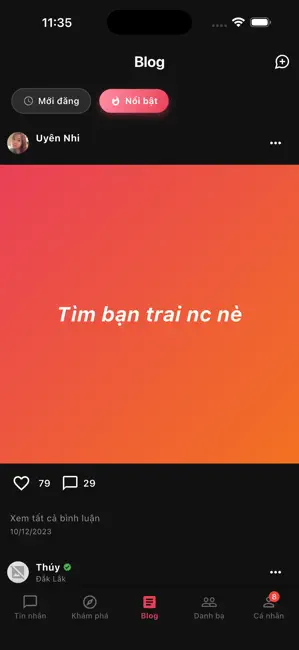
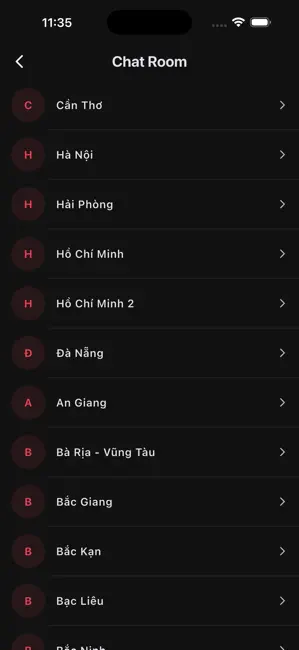
Our application is not only a place for personal connections but also a diverse space for sharing, socializing, and seeking information. With a multi-layered and multicultural community, we serve as a meeting point for unique individuals to share common interests and establish meaningful connections. Users can create and manage personal content, share photos, videos, and thoughts with friends, family, or the larger community. Equipped with advanced features, users can connect with those who share similar interests and viewpoints. A robust security system ensures the protection of personal information, creating a safe environment for users. Support services include: - Finding friends in Vietnam - Photo verification - Connecting chat for singles - Finding chat partners in the nearby area - Sharing photos - Location-based chat rooms - A collection of beautiful photos for phone wallpape…
App details
What you can learn from OlaMe - Make Friends & Date
Every shipping app on the App Store has gone through the same decisions you're working through right now: which screenshot goes first, what caption sits over it, which device frame to show, what color the background should be. The 6 screenshots above are OlaMe - Make Friends & Date's answers to those questions — they're public, they're real, and they made it through Apple's review.
Notice the first screenshot in particular. It's the one users see in search results and on the product page, and it's where most apps spend their best caption and tightest design. Look at the proportion of background to phone, where the text sits, what one thing the image is trying to communicate.
Want to see how other Social Networking apps approach the same problem? Browse more Social Networking apps in the showcase.
Take what works into your own screenshots
Open LaunchShots and design your App Store & Google Play screenshots — pick a device frame, drop captions, ship in minutes. Free, in your browser.
Open the screenshot editor →