Screenshots


Icon palette
About this app
Explore the essence of Buddhist teachings with the Dhamma Payeik App, your personal pocket companion to Buddha's teachings for peace and enlightenment. This app offers a carefully selected collection of paritta verses and suttas, presented with authentic Burmese pronunciations and enriching audio mp3 files, making it accessible to everyone, regardless of their familiarity with the Pali language. Dhamma Payeik is designed to be a source of comfort and wisdom. Each verse and sutta comes with translations and insightful explanations, helping you grasp the profound messages and teachings of the Buddha. It’s a simple yet powerful tool to incorporate the Buddha's virtues and guidance into your daily life. Whether you're seeking spiritual growth, mental clarity, or a moment of peace, the Dhamma Payeik App is here to support your journey. Download Dhamma Payeik today and embark on your p…
App details
What you can learn from Dhamma Payeik
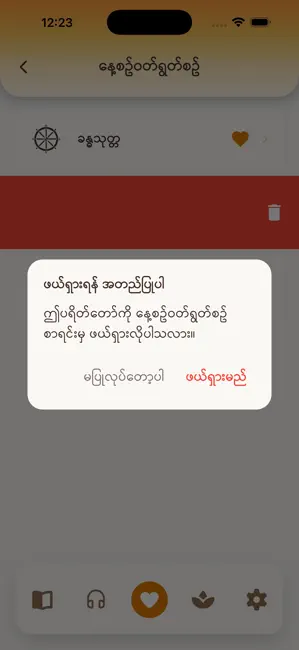
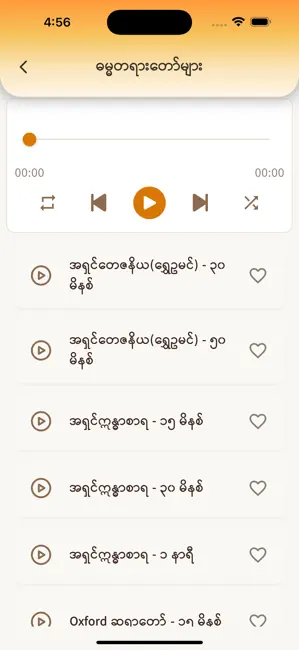
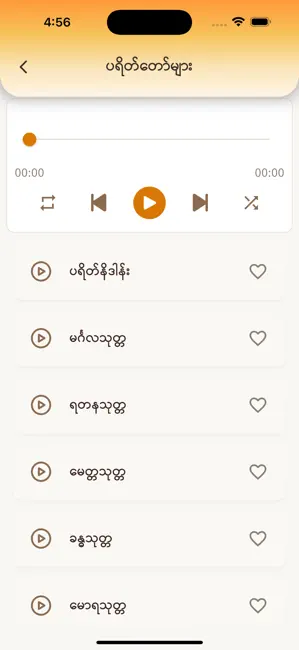
Every shipping app on the App Store has gone through the same decisions you're working through right now: which screenshot goes first, what caption sits over it, which device frame to show, what color the background should be. The 6 screenshots above are Dhamma Payeik's answers to those questions — they're public, they're real, and they made it through Apple's review.
Notice the first screenshot in particular. It's the one users see in search results and on the product page, and it's where most apps spend their best caption and tightest design. Look at the proportion of background to phone, where the text sits, what one thing the image is trying to communicate.
Want to see how other Reference apps approach the same problem? Browse more Reference apps in the showcase.
Take what works into your own screenshots
Open LaunchShots and design your App Store & Google Play screenshots — pick a device frame, drop captions, ship in minutes. Free, in your browser.
Open the screenshot editor →