Chart position — tracked daily by LaunchShots
Screenshot style breakdown
Sampled from 6 of EMMO 日记 - 笔记情绪备忘录's App Store screenshots — background, accent and theme, measured by LaunchShots (not something Apple publishes).
#F4CCCC bg
#D6B3B3
#FCD45C accent
#111111 text
Reading the caption text from the screenshots in your browser…
Screenshots



iPad screenshots



Icon palette
About this app
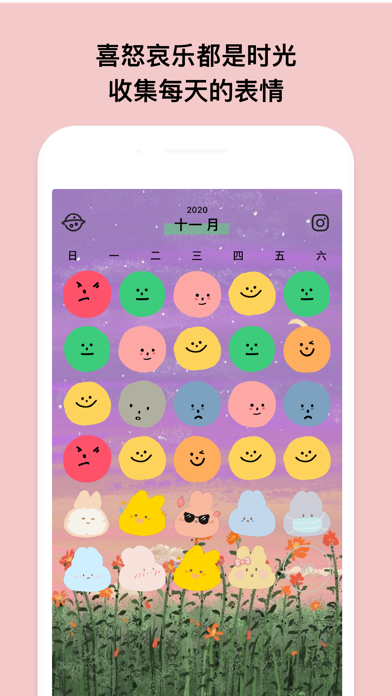
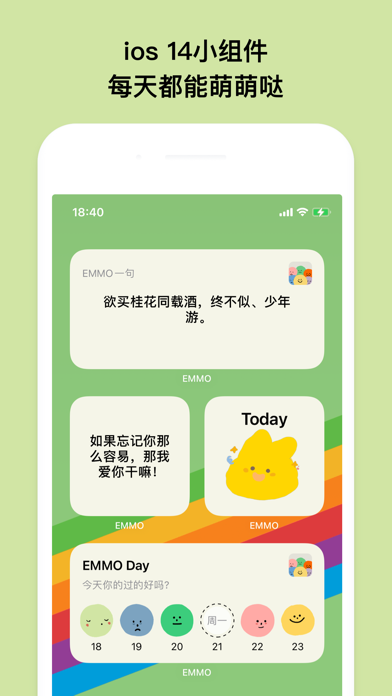
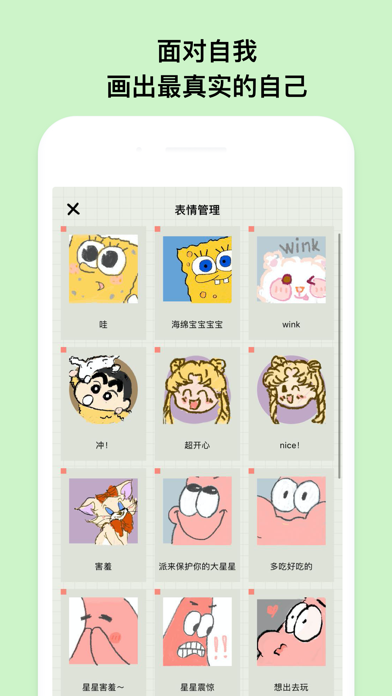
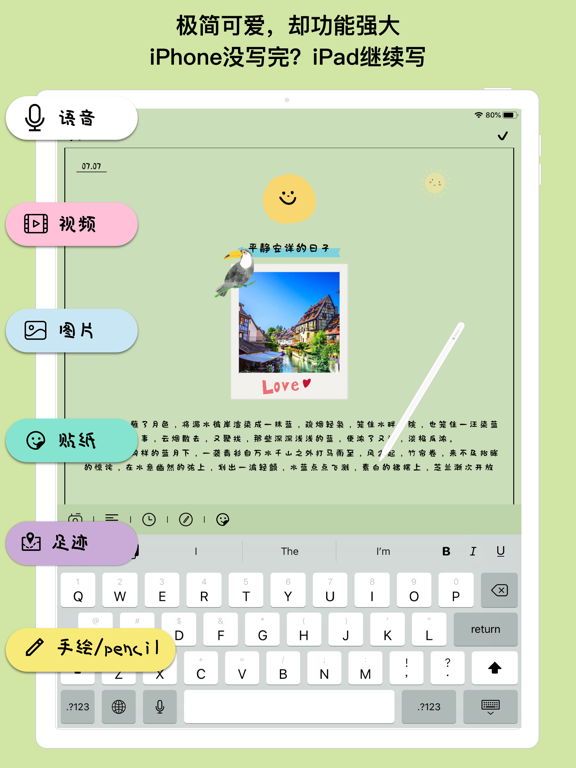
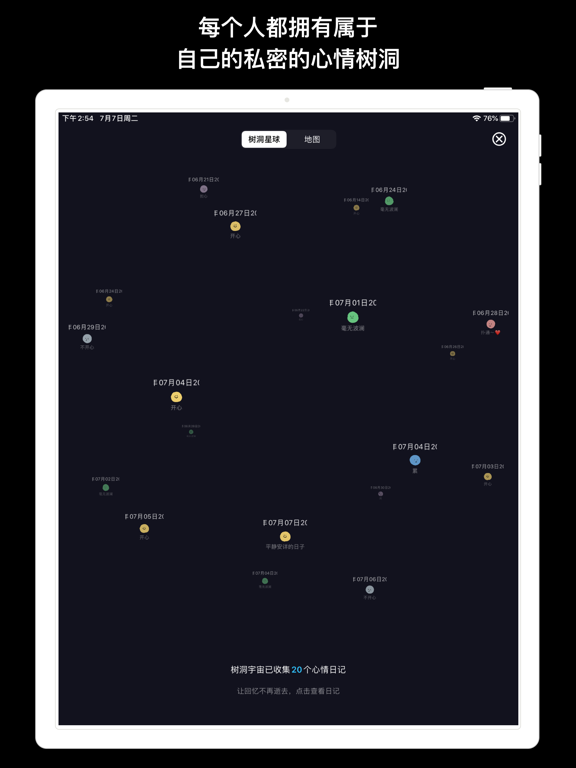
EMMO是一个让你随时随地记录心情的地方,或喜或悲或酸或甜。 这是一个小树洞,倾听你的一切美好与烦恼。 这是一个只属于你的小天地,在这里你可以用自制的表情表达自己的情绪。 emmo日记让人们以不一样的方式来写日记。 用自制表情+文字的方式遨游在自己的小世界, 快来emmo日记记录生活的点滴吧。 【备份】日记支持icloud备份。 【待办】日记也可以制作非常实用的待办功能咯。 【导出】日记、表情可以导出。 【提醒】可以设置时间提醒,不忘记任何一个美好 【字体】N多个性化字体选择,可以根据自己的爱好选择自己喜欢的字体。 【主题】全彩主题颜色可以随时更改,根据自己的心情更改。 【时间轴】写日记的时候可以插入时间轴,记录一天中不同的心情。 【日历】在日历上可以看到本月自己的心路历程。 【拍立得墙】收集日记本里的照片,形成一面照片墙。 【时间搜索】支持输入时间搜索任意一天写的日记。 【隐私】隐私可以支持face id / touch id密码解锁,所有数据都是私密的。 【地图】在emmo地图里,你可以追忆过往的足迹。 【apple pencil】你可以在手绘或者通过…
App details
What you can learn from EMMO 日记 - 笔记情绪备忘录
Every shipping app on the App Store has gone through the same decisions you're working through right now: which screenshot goes first, what caption sits over it, which device frame to show, what color the background should be. The 12 screenshots above are EMMO 日记 - 笔记情绪备忘录's answers to those questions — they're public, they're real, and they made it through Apple's review.
What the numbers say: EMMO 日记 - 笔记情绪备忘录 runs a mixed light-and-dark set where the background shifts from screenshot to screenshot (first shot #F4CCCC) — each image has to stand on its own, so the captions carry more of the story. The accent colour we picked up, #FCD45C, is the one to reuse for badges, arrows and highlighted words if you borrow this look. Hit Use this style to open the editor with these exact colours and drop your own screenshot in.
Notice the first screenshot in particular. It's the one users see in search results and on the product page, and it's where most apps spend their best caption and tightest design. Look at the proportion of background to phone, where the text sits, what one thing the image is trying to communicate.
Want to see how other Lifestyle apps approach the same problem? Browse more Lifestyle apps in the showcase.
Take what works into your own screenshots
Open LaunchShots and design your App Store & Google Play screenshots — pick a device frame, drop captions, ship in minutes. Free, in your browser.
Open the screenshot editor →Apps with a similar look
Closest background + accent colours among the listings we've analysed — useful when you want to see the same palette handled by a different team.