Screenshots


iPad screenshots
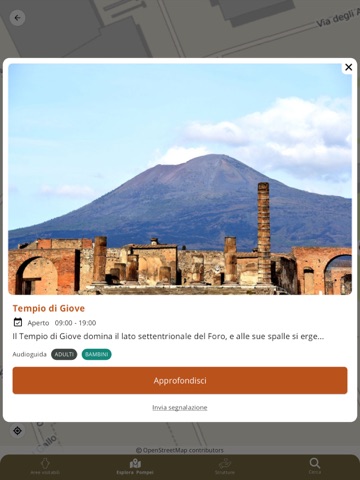
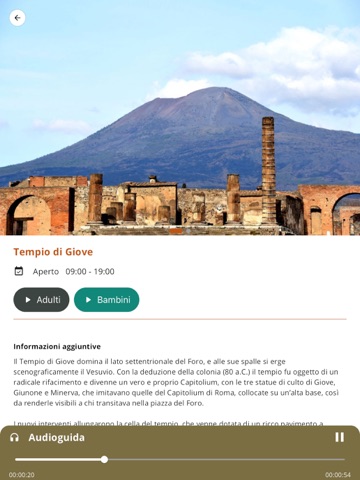
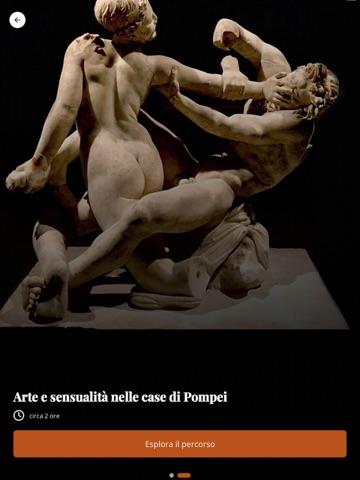
Icon palette
About this app
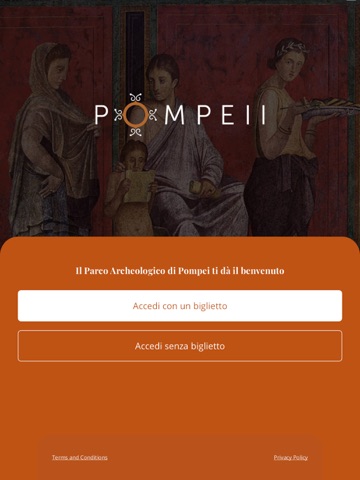
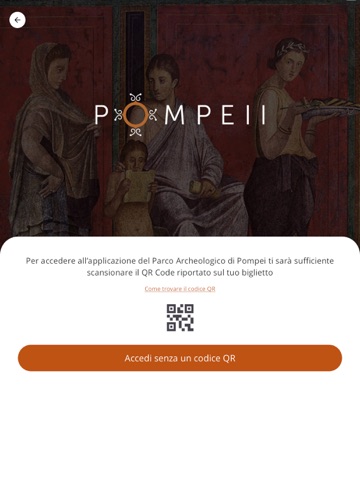
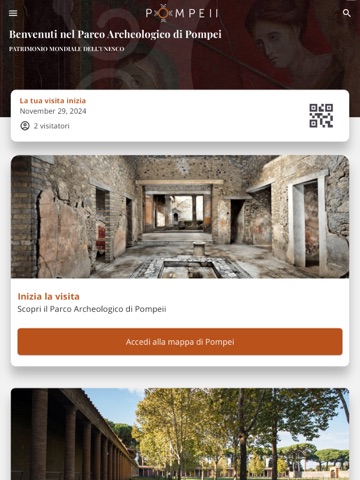
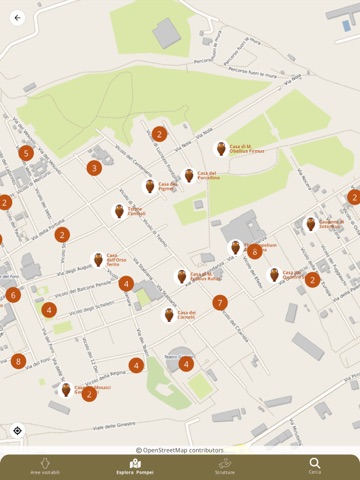
Do you want to organize your visit to the Archaeological Park of Pompeii and discover all the contents dedicated to you and the points of interest? Download MyPompeii, the official app of the Pompeii Archaeological Park How to log in. You can access the application without a ticket and discover all the points of interest in Pompeii. By accessing the application with a ticket, you will be able to take advantage of additional content. In this case, you will be able to access: • By scanning the QR Code or the barcode shown on the ticket • Manually enter the order number shown on your ticket Application functionality by signing in without a ticket. The Map feature allows you to discover all the points of interest that make the Archaeological Park of Pompeii one of the most important UNESCO World Heritage sites. For each point of interest, you will find descriptions, visiting hours, image…
App details
What you can learn from MyPompeii
Every shipping app on the App Store has gone through the same decisions you're working through right now: which screenshot goes first, what caption sits over it, which device frame to show, what color the background should be. The 15 screenshots above are MyPompeii's answers to those questions — they're public, they're real, and they made it through Apple's review.
Notice the first screenshot in particular. It's the one users see in search results and on the product page, and it's where most apps spend their best caption and tightest design. Look at the proportion of background to phone, where the text sits, what one thing the image is trying to communicate.
Want to see how other Education apps approach the same problem? Browse more Education apps in the showcase.
Take what works into your own screenshots
Open LaunchShots and design your App Store & Google Play screenshots — pick a device frame, drop captions, ship in minutes. Free, in your browser.
Open the screenshot editor →