Chart position — tracked daily by LaunchShots
Screenshot style breakdown
Sampled from 3 of Bibliotheek Noord-Veluwe's App Store screenshots — background, accent and theme, measured by LaunchShots (not something Apple publishes).
#FCFCFC bg
#DDDDDD
#F48C44 accent
#111111 text
Screenshots
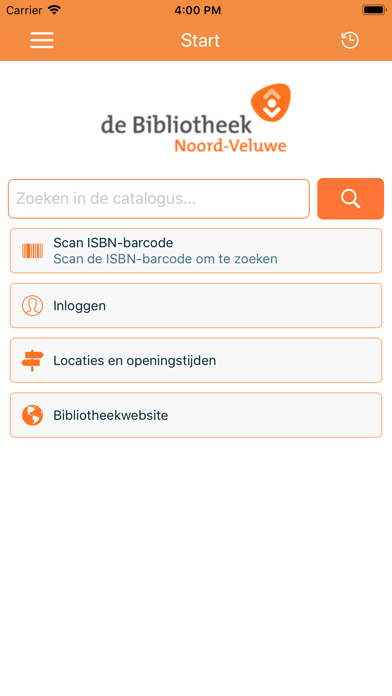
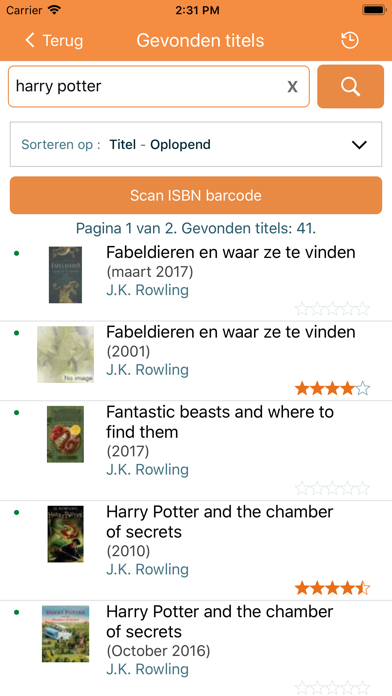
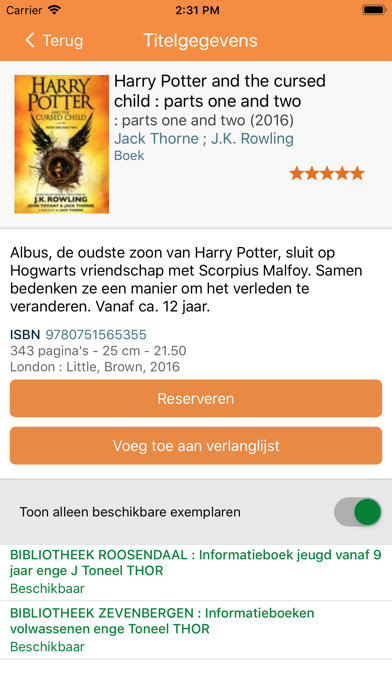
iPad screenshots


Icon palette
About this app
Gebruik de app om te zoeken en te reserveren in de collectie van Noord-Veluwe Bibliotheek. Heb je een boek bij de hand, dan kun je door het scannen van de ISBN-barcode kijken of de Bibliotheek het in bezit heeft. Je kunt boeken reserveren, jouw uitleningen verlengen en een leeslijst samenstellen. Verder geeft de app informatie over adressen en openingstijden van alle vestigingen en kun je ze rechtstreeks bellen of mailen. Je kunt ook abonnementen van anderen, bijvoorbeeld familieleden, koppelen om toegang te krijgen tot hun gegevens. Tenslotte kan je jezelf aanmelden voor notificaties, zodat je altijd op de hoogte blijft.
App details
What you can learn from Bibliotheek Noord-Veluwe
Every shipping app on the App Store has gone through the same decisions you're working through right now: which screenshot goes first, what caption sits over it, which device frame to show, what color the background should be. The 6 screenshots above are Bibliotheek Noord-Veluwe's answers to those questions — they're public, they're real, and they made it through Apple's review.
What the numbers say: Bibliotheek Noord-Veluwe runs a light set with one background colour (#FCFCFC) carried across every screenshot — the listing reads as a single poster when the shots sit side by side in search results. The accent colour we picked up, #F48C44, is the one to reuse for badges, arrows and highlighted words if you borrow this look. Hit Use this style to open the editor with these exact colours and drop your own screenshot in.
Notice the first screenshot in particular. It's the one users see in search results and on the product page, and it's where most apps spend their best caption and tightest design. Look at the proportion of background to phone, where the text sits, what one thing the image is trying to communicate.
Want to see how other Book apps approach the same problem? Browse more Book apps in the showcase.
Take what works into your own screenshots
Open LaunchShots and design your App Store & Google Play screenshots — pick a device frame, drop captions, ship in minutes. Free, in your browser.
Open the screenshot editor →Apps with a similar look
Closest background + accent colours among the listings we've analysed — useful when you want to see the same palette handled by a different team.