Screenshots
Icon palette
About this app
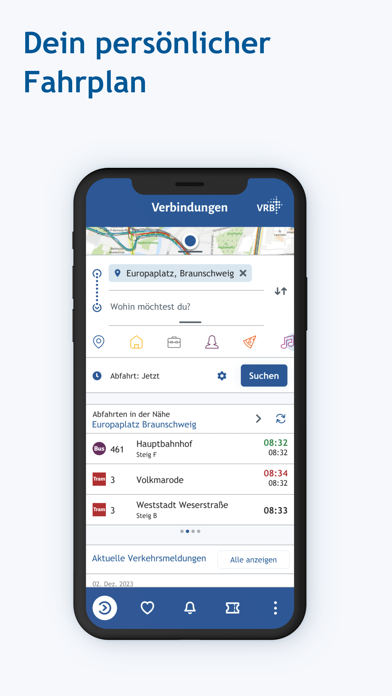
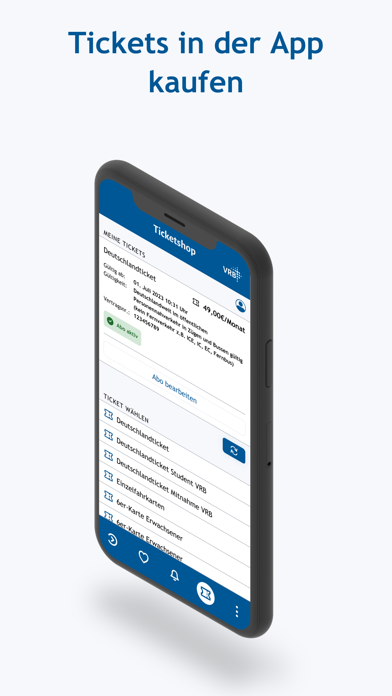
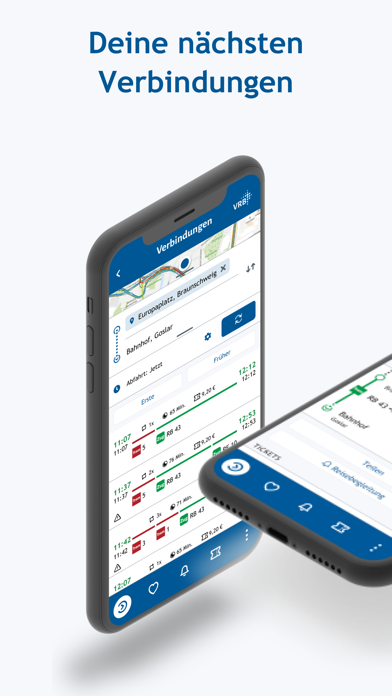
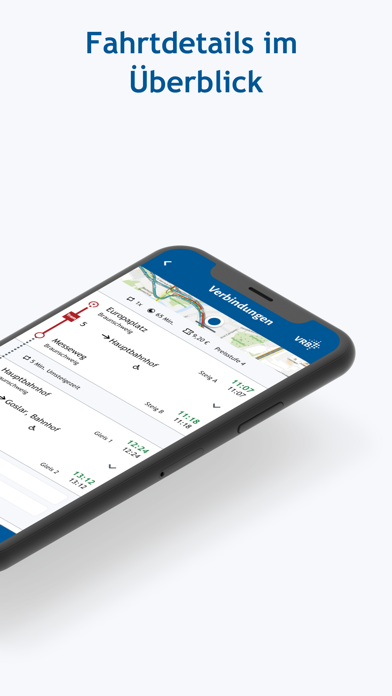
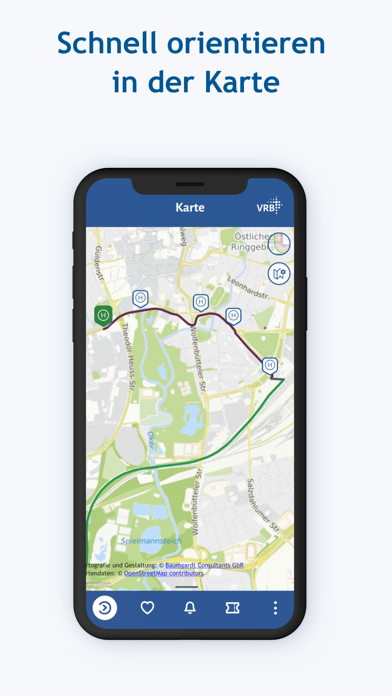
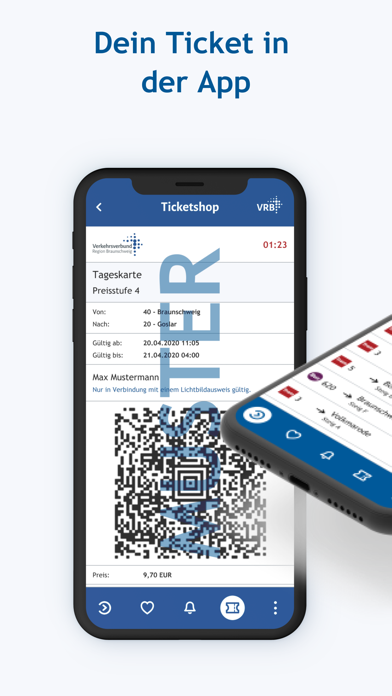
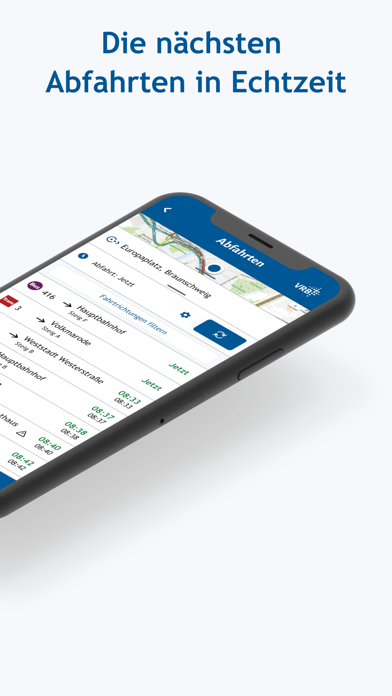
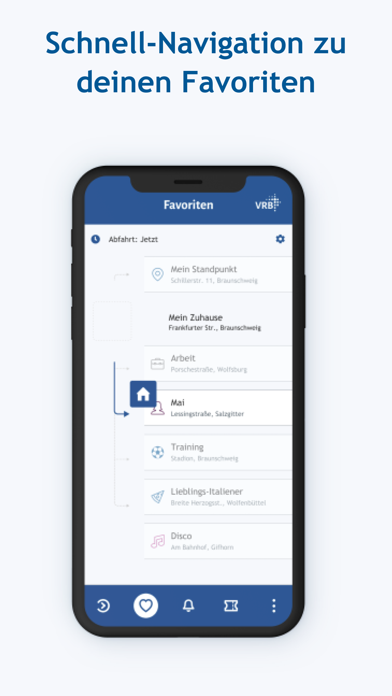
Schnellste Verbindungen, aktuelle Fahrzeiten, Handytickets. Die VRB-App ist dein perfekter Begleiter für Fahrten mit Bus, Tram und Regionalbahn rund um Braunschweig und Wolfsburg bis in den Harz. FUNKTIONEN UND FEATURES Fahrplanauskunft in Echtzeit Die App liefert dir die besten Verbindungen, wie du am schnellsten dein Ziel erreichst. Und das in Echtzeit mit aktuellen Abfahrts- und Ankunftszeiten. Außerdem erhältst du alle wichtigen Infos und Verkehrsmeldungen zu deiner Fahrt. Alle Wege vom Start bis zum Ziel kannst du auf einem Kartenausschnitt verfolgen. Du möchtest später fahren oder zu einer bestimmten Zeit am Ziel ankommen? Dann stellst du deine gewünschte Zeit einfach ein. Verbindungsvorschläge kannst du in der App speichern. Mach die Auskunft zu deiner! Hinterlege in den Einstellungen deine Wünsche, beispielsweise mit welchen Verkehrsmitteln du reisen möchtest, ob du lieber Dir…
App details
What you can learn from VRB Fahrinfo & Tickets
Every shipping app on the App Store has gone through the same decisions you're working through right now: which screenshot goes first, what caption sits over it, which device frame to show, what color the background should be. The 8 screenshots above are VRB Fahrinfo & Tickets's answers to those questions — they're public, they're real, and they made it through Apple's review.
Notice the first screenshot in particular. It's the one users see in search results and on the product page, and it's where most apps spend their best caption and tightest design. Look at the proportion of background to phone, where the text sits, what one thing the image is trying to communicate.
Want to see how other Navigation apps approach the same problem? Browse more Navigation apps in the showcase.
Take what works into your own screenshots
Open LaunchShots and design your App Store & Google Play screenshots — pick a device frame, drop captions, ship in minutes. Free, in your browser.
Open the screenshot editor →