Screenshots


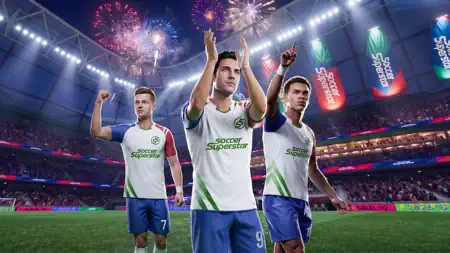
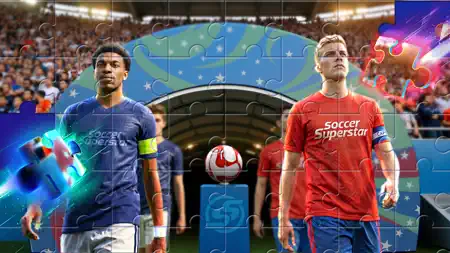
Icon palette
About this app
Play the brand new football game Soccer Super Star and enjoy the insanely real, ultra-fast and immersive football experience! Love action arcade soccer but lack the time to practice? The new Soccer Super Star’s very easy to learn game controls allows you to jump-start the fun. Just flick your finger across the screen to kick the ball and score a goal! Sounds easy, right? Wrong. As you progress through the game, shots become more challenging and you’ll need a solid strategy to bend shots and split defenses. Soccer Super Star doesn’t get overly complicated but maintains a steady increase in difficulty while offering the best flick to kick experience! Be the hero in every match. Soccer Super Star’s gameplay concept is expertly done, the high degree of independence allows you to reflect your personal strategy in the game as you level up through your dream Leagues. Topnotch artwork and…
App details
What you can learn from Soccer Superstar
Every shipping app on the App Store has gone through the same decisions you're working through right now: which screenshot goes first, what caption sits over it, which device frame to show, what color the background should be. The 7 screenshots above are Soccer Superstar's answers to those questions — they're public, they're real, and they made it through Apple's review.
Notice the first screenshot in particular. It's the one users see in search results and on the product page, and it's where most apps spend their best caption and tightest design. Look at the proportion of background to phone, where the text sits, what one thing the image is trying to communicate.
Want to see how other Games apps approach the same problem? Browse more Games apps in the showcase.
Take what works into your own screenshots
Open LaunchShots and design your App Store & Google Play screenshots — pick a device frame, drop captions, ship in minutes. Free, in your browser.
Open the screenshot editor →