Screenshots




Icon palette
About this app
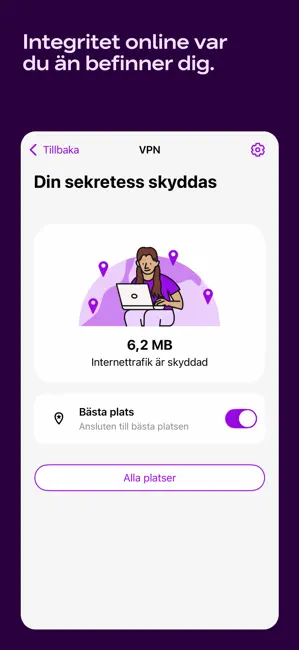
Telia Trygg samlar det bästa inom digital säkerhet och gör att du kan känna dig säker när du lever ditt digitala liv. Beroende på vilket paket du har från Telia får du tillgång till olika funktioner. HAR DU TRYGG SURF INGÅR DETTA: - Surfa tryggt på internet - Nå endast säkra bankwebbplatser (Bankskydd) - Familjeregler som låter dig ställa in surftider och skydda dina barn från olämpligt innehåll - Hantera alla skyddade enheter direkt i mobilappen eller via Trygghetsportalen HAR DU TRYGGHETSPAKETET INGÅR ÄVEN DETTA: - Bevakning dygnet runt av dina personuppgifter - Lösenordshanterare - VPN som ger dig skydd oavsett hur och var du surfar, inklusive på öppna wifi-nätverk - Juridisk support och försäkring vid id-stöld eller nätkränkning Vi vill att du ska kunna surfa utan att oroa dig. Så utforska webben, shoppa online, kolla på videos, lyssna på musik, kommunicera med släkt och vänn…
App details
What you can learn from Telia Trygg
Every shipping app on the App Store has gone through the same decisions you're working through right now: which screenshot goes first, what caption sits over it, which device frame to show, what color the background should be. The 5 screenshots above are Telia Trygg's answers to those questions — they're public, they're real, and they made it through Apple's review.
Notice the first screenshot in particular. It's the one users see in search results and on the product page, and it's where most apps spend their best caption and tightest design. Look at the proportion of background to phone, where the text sits, what one thing the image is trying to communicate.
Want to see how other Utilities apps approach the same problem? Browse more Utilities apps in the showcase.
Take what works into your own screenshots
Open LaunchShots and design your App Store & Google Play screenshots — pick a device frame, drop captions, ship in minutes. Free, in your browser.
Open the screenshot editor →