Chart position — tracked daily by LaunchShots
Screenshot style breakdown
Sampled from 4 of 樂透快 - taiwan lottery check's App Store screenshots — background, accent and theme, measured by LaunchShots (not something Apple publishes).
#FCFCFC bg
#DDDDDD
#2494F4 accent
#111111 text
Screenshots
iPad screenshots
Icon palette
About this app
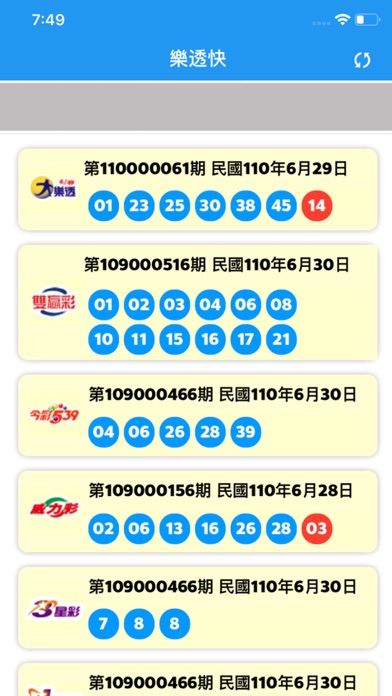
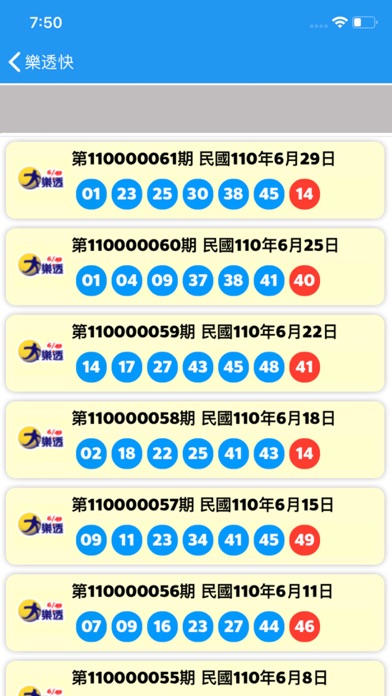
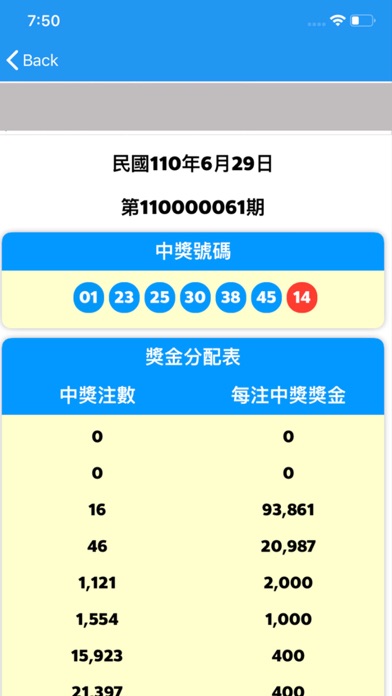
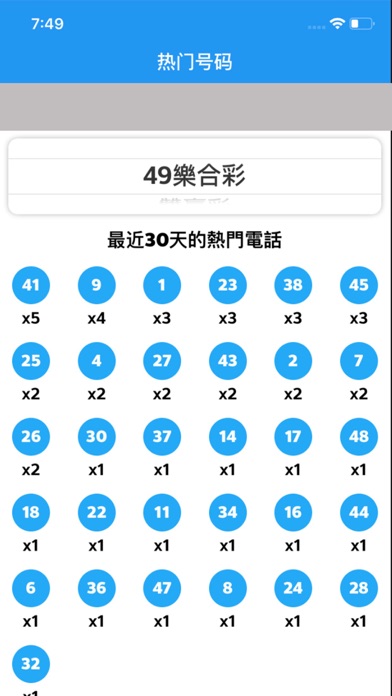
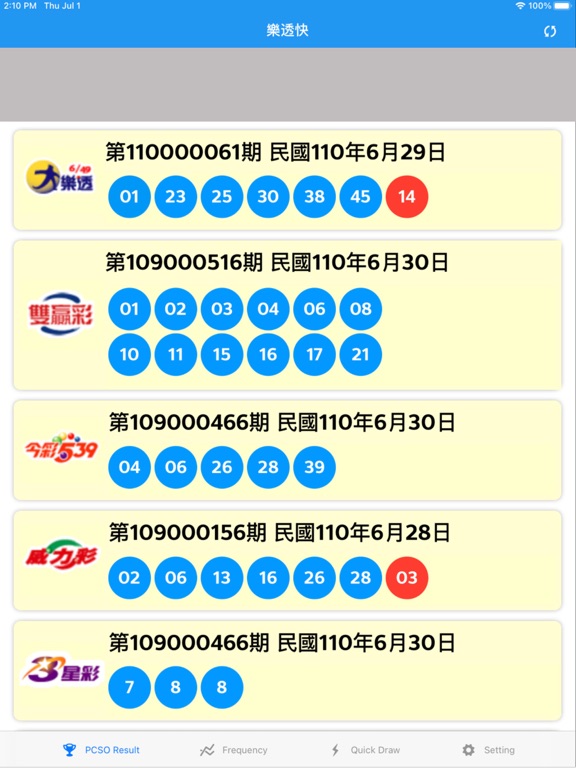
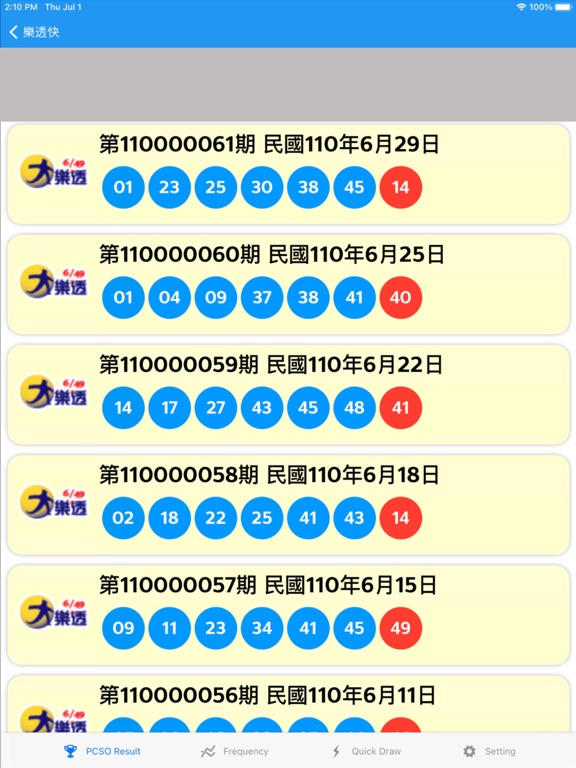
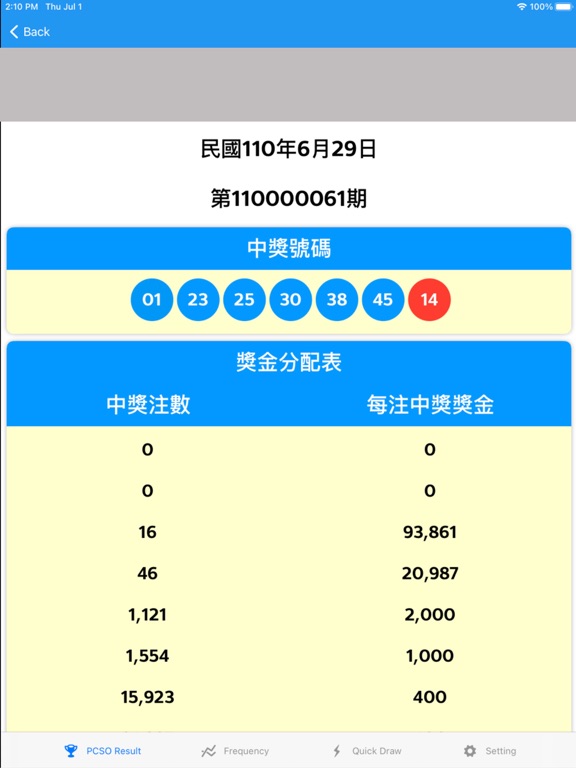
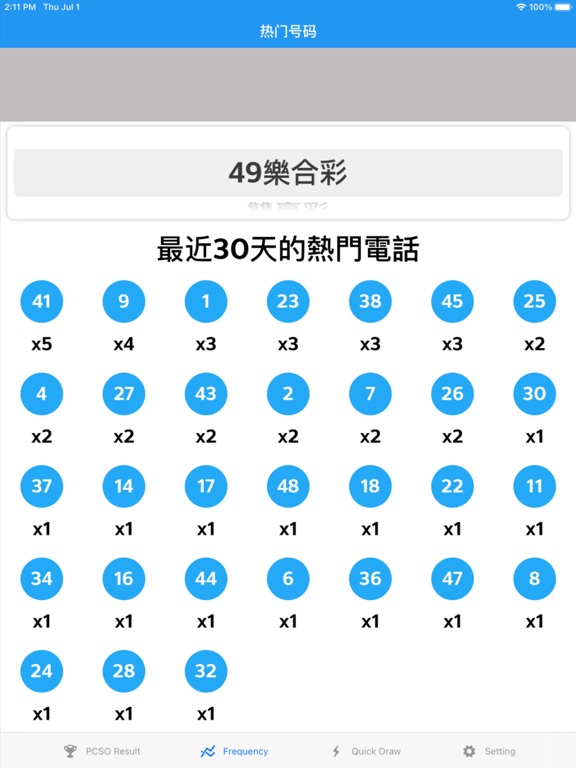
屬於台灣人的 “大樂透 - 台灣樂透快 - 即時開彩”APP , Push Notification 系統,讓您優先知曉 大樂透、威力彩、今彩539、雙贏彩、3星彩以及4星彩的開獎結果,除此,還能查看各期獎號與開獎結果。我們的APP裡還有 “熱門號碼”菜單選項,以便查看前 30 天最常開彩的獎號,和若您不知道該買什麼號碼,我們還有 “預測幸運號碼”菜單,提供給您預測您的幸運號碼。對於流行的今彩539,除星期日外每天更新。 查看台灣彩卷步驟 1. 打開APP "大樂透 - 台灣樂透快 - 即時開彩 (今彩539 & 威力彩 & 4星彩 & 3星彩 )" 2. 等待數據加載成功 3. 該 APP 將顯示各種彩卷的最新開獎結果 查看各期獎號與開獎結果步驟 1. 打開 APP "大樂透 - 台灣樂透快 - 即時開彩 (今彩539 & 威力彩 & 4星彩 & 3星彩 )" 2. 等待數據加載成功 3. 該APP將顯示各種彩卷的最近開獎結果 4. 打開需要查看前期最新開獎结果的彩卷 “台灣樂透快 - 即時開彩”APP 顯示幾種開獎結果 - 大樂透 - 威力彩 - 今彩539 - 雙贏彩 - 3星彩 - 4星彩 “查看前 30 天最常開獎號碼步驟 打開“熱門號碼” 最常開獎號碼顯示,和可選…
App details
What you can learn from 樂透快 - taiwan lottery check
Every shipping app on the App Store has gone through the same decisions you're working through right now: which screenshot goes first, what caption sits over it, which device frame to show, what color the background should be. The 8 screenshots above are 樂透快 - taiwan lottery check's answers to those questions — they're public, they're real, and they made it through Apple's review.
What the numbers say: 樂透快 - taiwan lottery check runs a mixed light-and-dark set where the background shifts from screenshot to screenshot (first shot #FCFCFC) — each image has to stand on its own, so the captions carry more of the story. The accent colour we picked up, #2494F4, is the one to reuse for badges, arrows and highlighted words if you borrow this look. Hit Use this style to open the editor with these exact colours and drop your own screenshot in.
Notice the first screenshot in particular. It's the one users see in search results and on the product page, and it's where most apps spend their best caption and tightest design. Look at the proportion of background to phone, where the text sits, what one thing the image is trying to communicate.
Want to see how other News apps approach the same problem? Browse more News apps in the showcase.
Take what works into your own screenshots
Open LaunchShots and design your App Store & Google Play screenshots — pick a device frame, drop captions, ship in minutes. Free, in your browser.
Open the screenshot editor →Apps with a similar look
Closest background + accent colours among the listings we've analysed — useful when you want to see the same palette handled by a different team.