Screenshots
Icon palette
About this app
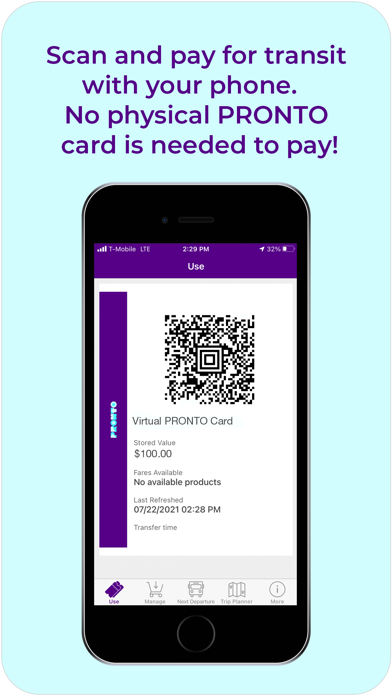
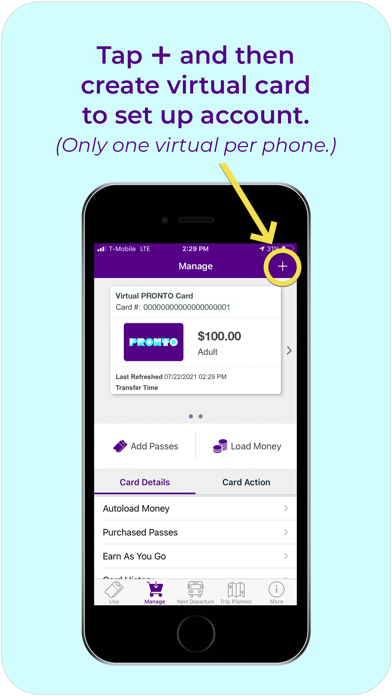
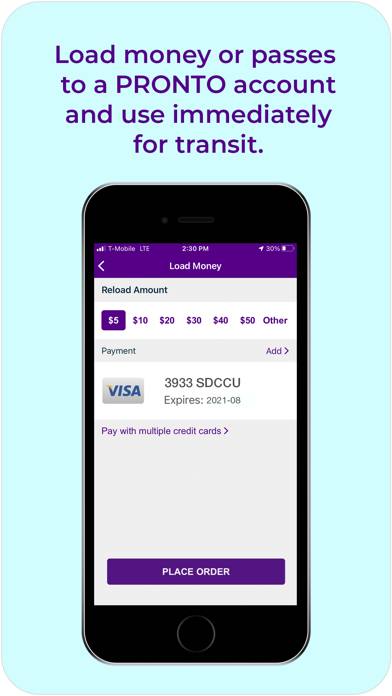
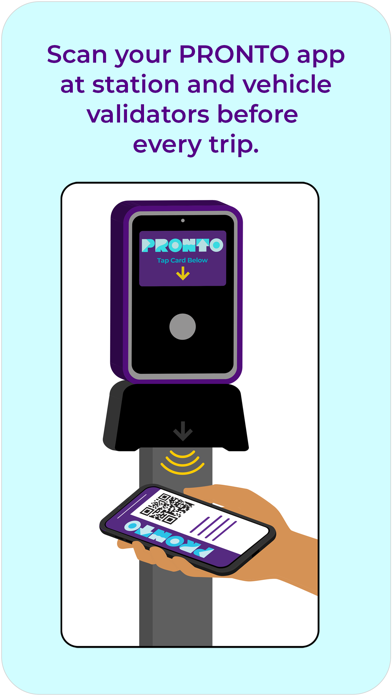
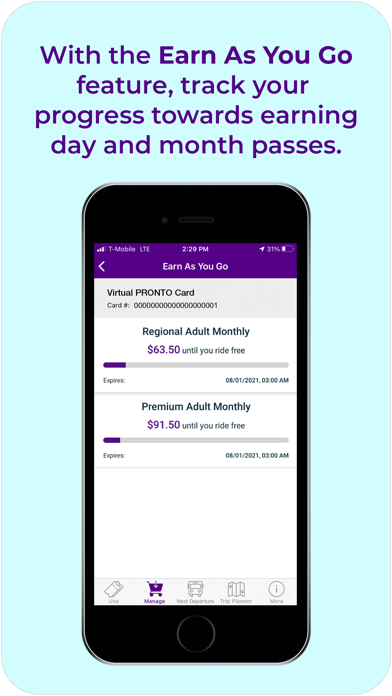
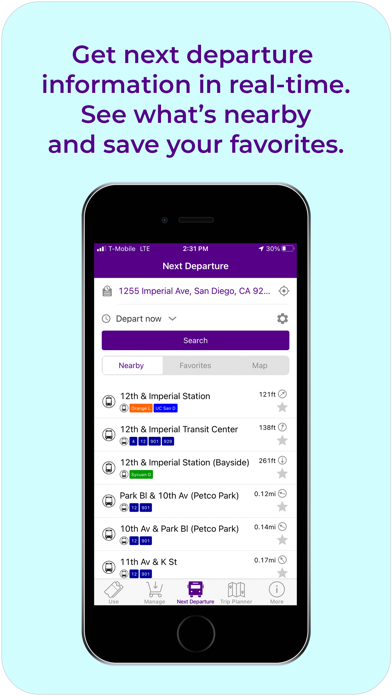
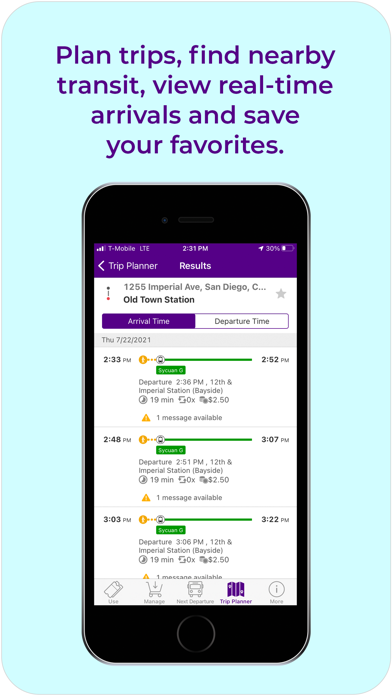
PRONTO makes buying fares for MTS and NCTD easier than ever. Add money to your PRONTO app, then scan your phone at the validator each trip you make. Our pay-as-you-go function means you always get the best fare! When using the app, hold your phone 5 to 6 inches below the validator to scan your barcode. The PRONTO app can also help you plan trips, see real-time arrivals, get service statuses, save favorite stations, and find stops for San Diego County area transit so you can plan your trip around San Diego without any problems. Always Get The Best Fare With PRONTO, you can pay-as-you-go* by adding money to your PRONTO account with a credit or debit card. Every time you scan your app, the appropriate one-way fare is deducted from your balance. Look for validators at Trolley, SPRINTER and COASTER stations, and onboard buses. You will never be charged more than a Day Pass ($6 Adult or $3…
App details
What you can learn from Pronto - San Diego
Every shipping app on the App Store has gone through the same decisions you're working through right now: which screenshot goes first, what caption sits over it, which device frame to show, what color the background should be. The 7 screenshots above are Pronto - San Diego's answers to those questions — they're public, they're real, and they made it through Apple's review.
Notice the first screenshot in particular. It's the one users see in search results and on the product page, and it's where most apps spend their best caption and tightest design. Look at the proportion of background to phone, where the text sits, what one thing the image is trying to communicate.
Want to see how other Travel apps approach the same problem? Browse more Travel apps in the showcase.
Take what works into your own screenshots
Open LaunchShots and design your App Store & Google Play screenshots — pick a device frame, drop captions, ship in minutes. Free, in your browser.
Open the screenshot editor →