Screenshots





iPad screenshots




Icon palette
About this app
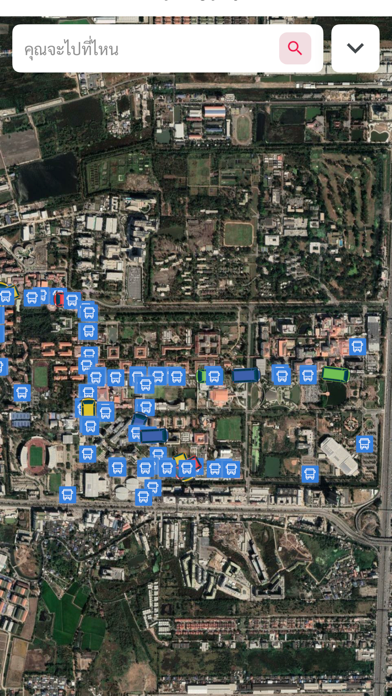
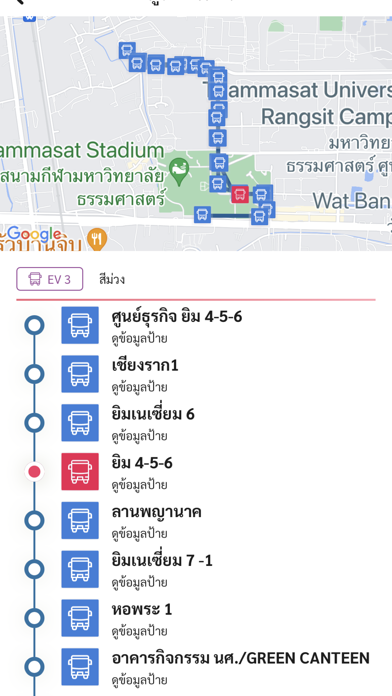
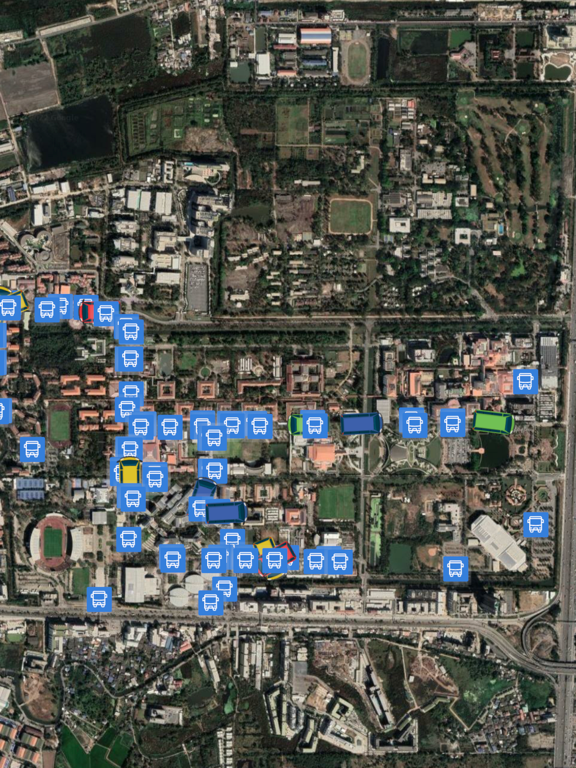
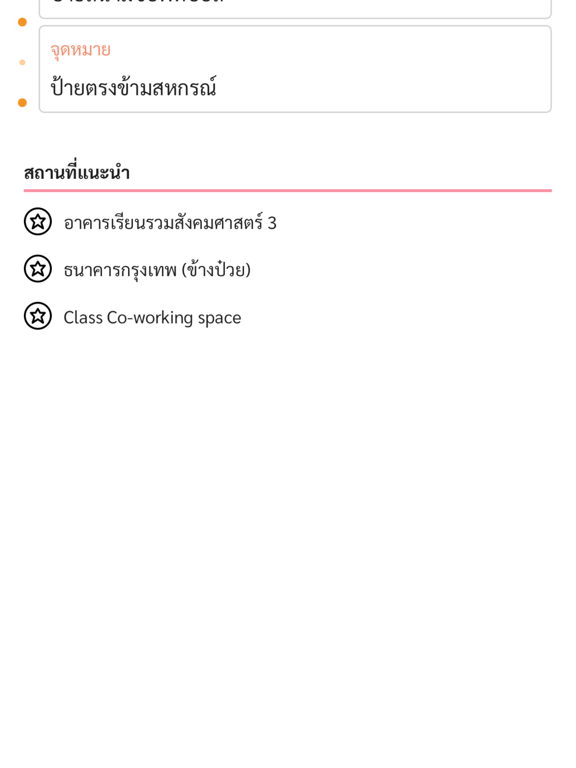
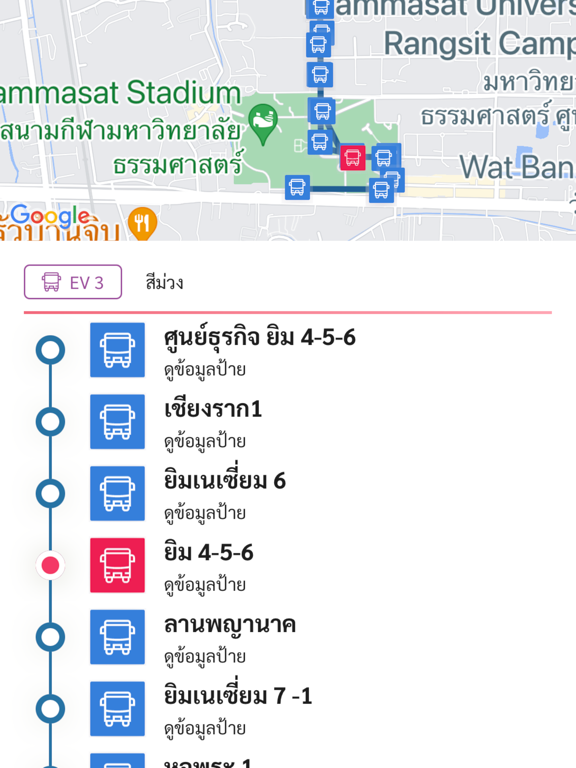
การใช้งาน แบ่งออกเป็น 2 ส่วน คือ การให้ข้อมูล และการนำทาง การให้ข้อมูล 1. แสดงแผนที่ป้ายรถบริการได้ 2. แจ้งเวลาเข้าป้ายสำหรับรถบริการได้ 3. แสดงข้อมูลป้ายรถบริการ ทั้งข้อมูลสายรถที่ผ่านและสถานที่ใกล้เคียง 4. แสดงข้อมูลรถ ทั้งชื่อป้ายและเวลาเข้าป้ายได้ การนำทาง 1.สามารถหาป้ายรถที่ใกล้ที่สุดได้ โดยใช้ชื่อสถานที่หรือชื่อป้ายรถ 2.สามารถหาป้ายรถสำหรับจดหมายปลายทางได้ โดยใช้ชื่อสถานที่หรือชื่อป้ายรถ 3.แนะนำสายรถที่สามารถไปยังจุดหมายได้ 4.แสดงเส้นทางที่จะเดินทางได้ 5.แจ้งตำแหน่งที่อยู่ขณะโดยสารได้
App details
What you can learn from TU Around
Every shipping app on the App Store has gone through the same decisions you're working through right now: which screenshot goes first, what caption sits over it, which device frame to show, what color the background should be. The 20 screenshots above are TU Around's answers to those questions — they're public, they're real, and they made it through Apple's review.
Notice the first screenshot in particular. It's the one users see in search results and on the product page, and it's where most apps spend their best caption and tightest design. Look at the proportion of background to phone, where the text sits, what one thing the image is trying to communicate.
Want to see how other Travel apps approach the same problem? Browse more Travel apps in the showcase.
Take what works into your own screenshots
Open LaunchShots and design your App Store & Google Play screenshots — pick a device frame, drop captions, ship in minutes. Free, in your browser.
Open the screenshot editor →