Screenshots

Icon palette
About this app
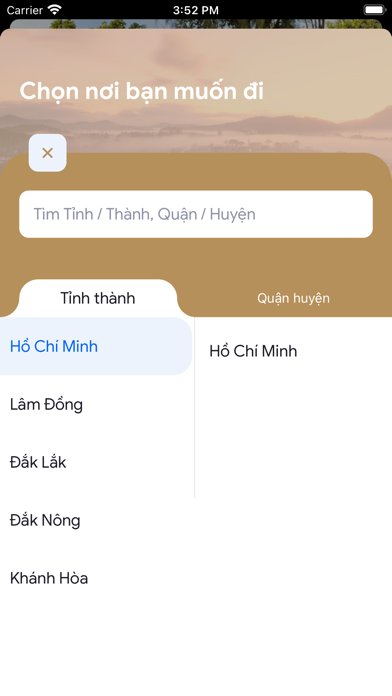
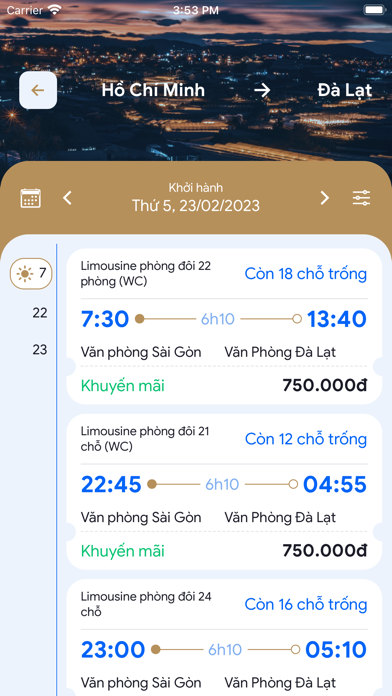
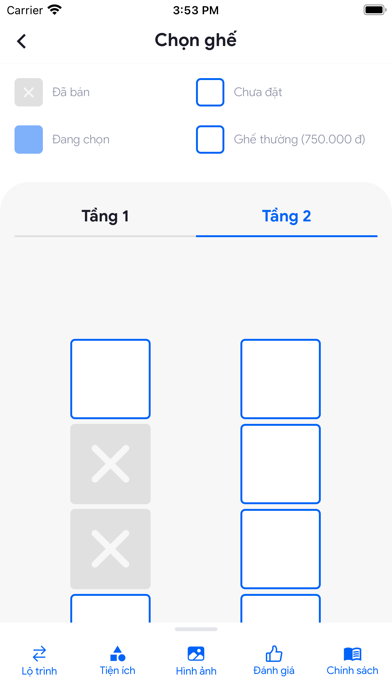
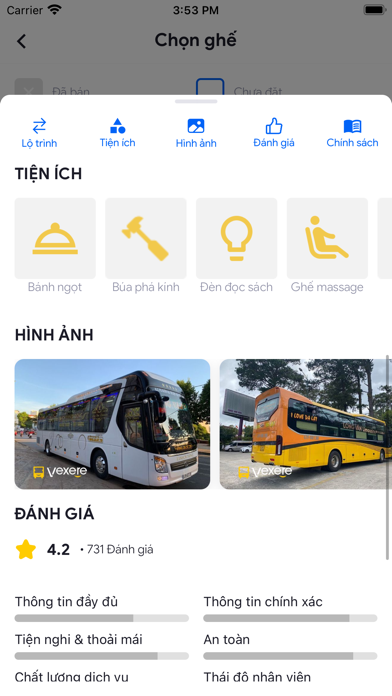
Nhà xe Long Vân Limousine - Ứng dụng đặt vé tiện lợi Ứng dụng Nhà xe Long Vân Limousine giúp hành khách dễ dàng tra cứu thông tin và đặt vé xe trực tuyến cho tuyến TP. Hồ Chí Minh - Đắk Lắk, Đà Lạt. Với giao diện thân thiện, ứng dụng mang đến trải nghiệm đặt vé nhanh chóng, an toàn và tiện lợi. Tính năng chính: - Tra cứu thông tin xe trực tuyến: Xem lộ trình, giờ khởi hành và thông tin điểm đón/trả khách chi tiết. - Đặt vé dễ dàng: Chọn tuyến đường, vị trí chỗ ngồi và đặt vé mọi lúc, mọi nơi. - Thanh toán linh hoạt: Hỗ trợ thanh toán bảo mật online hoặc trực tiếp tại văn phòng nhà xe. - Chương trình khuyến mãi: Nhận thông báo về các ưu đãi mới nhất ngay trên ứng dụng. - Hủy vé linh hoạt: Thực hiện hủy vé trực tiếp trên ứng dụng và nhận hoàn tiền theo quy định. Thông tin hỗ trợ: Hotline: 1900 252 547 Website: https://longvanlimousine.vn Tải ngay ứng dụng Nhà xe Long Vân Limousine để t…
App details
What you can learn from Xe Khách Long Vân Limousine
Every shipping app on the App Store has gone through the same decisions you're working through right now: which screenshot goes first, what caption sits over it, which device frame to show, what color the background should be. The 5 screenshots above are Xe Khách Long Vân Limousine's answers to those questions — they're public, they're real, and they made it through Apple's review.
Notice the first screenshot in particular. It's the one users see in search results and on the product page, and it's where most apps spend their best caption and tightest design. Look at the proportion of background to phone, where the text sits, what one thing the image is trying to communicate.
Want to see how other Travel apps approach the same problem? Browse more Travel apps in the showcase.
Take what works into your own screenshots
Open LaunchShots and design your App Store & Google Play screenshots — pick a device frame, drop captions, ship in minutes. Free, in your browser.
Open the screenshot editor →