Screenshot style breakdown
Sampled from 6 of 百度文库-GenFlow全能AI内容获取及创作's App Store screenshots — background, accent and theme, measured by LaunchShots (not something Apple publishes).
#DCFCEC bg
#C1DDCF
#D4A474 accent
#111111 text
Screenshots


Icon palette
About this app
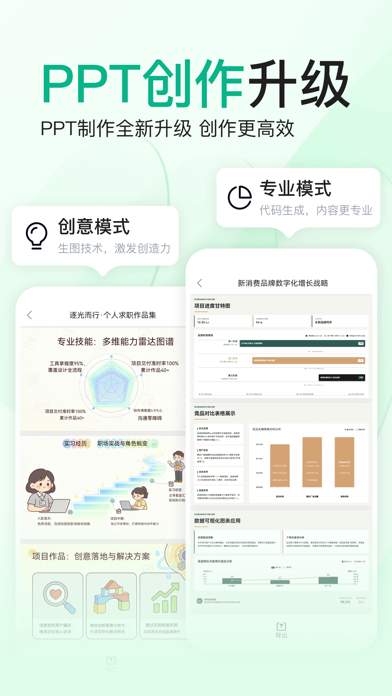
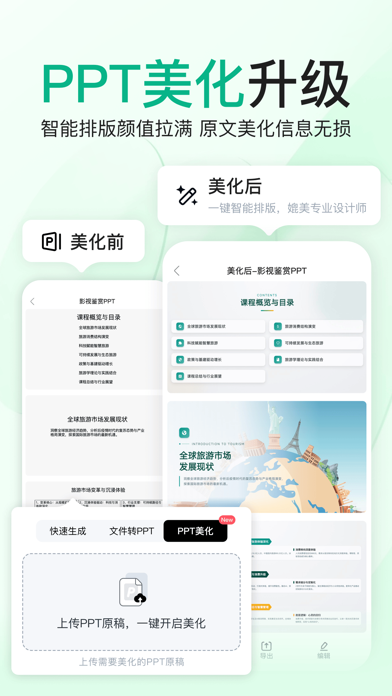
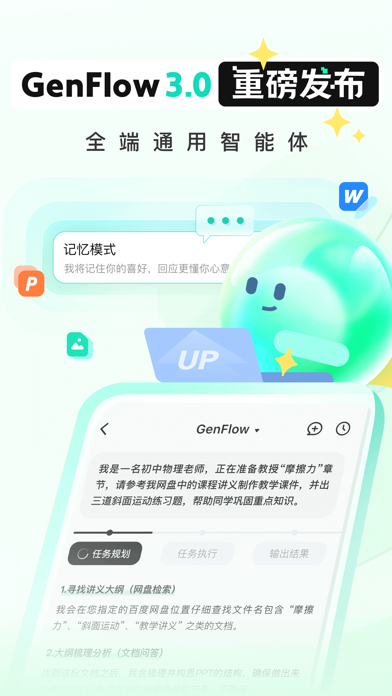
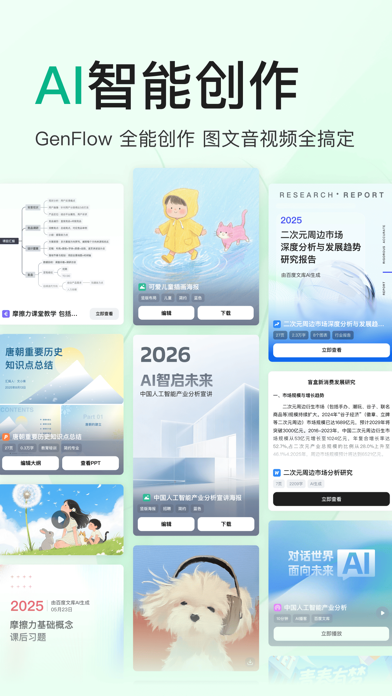
GenFlow3.0重磅更新!全端通用智能体,你的超级AI助理来啦——PPT、研报、绘本、代码、海报、图表等多模态结果分钟级交付!新增【AI博客生成】音频故事在线播放,支持随时暂停对话;【AI视频生成】一句话创作趣味视频,风格多变有趣;【记忆中心】熟记你的个人喜好,自主调用记忆信息,成为最懂你的私人助理~ 百度文库,一站式智能写作与文档资源集合平台,正式接入DeepSeek R1满血版,文档查找、编辑、资料管理一应俱全,AI内容生成能力再升级,办公学习好助手。 【AI智能生成 文档/PPT/海报/画本等】 1. 根据输入的主题及内容要求,一键生成格式标准、内容个性化的范文; 2. 基于主题或文档,快速生成多图PPT,海量精美PPT模版随心选择,一键搭配应用; 3. 定制专属AI海报:输入主题即可生成,支持编辑文案、更新配图、上传本地图片等; 4. 思维导图、研究报告、小红书/朋友圈文案、小说/漫画配图文案,也可快速生成,满足学习、工作、休闲等多场景写作需求; 5. 支持输入主题生成、基于文库文档生成或选择上传文档、模版进行生成,也可多文档合并参考生成,高效便…
App details
What you can learn from 百度文库-GenFlow全能AI内容获取及创作
Every shipping app on the App Store has gone through the same decisions you're working through right now: which screenshot goes first, what caption sits over it, which device frame to show, what color the background should be. The 8 screenshots above are 百度文库-GenFlow全能AI内容获取及创作's answers to those questions — they're public, they're real, and they made it through Apple's review.
What the numbers say: 百度文库-GenFlow全能AI内容获取及创作 runs a light set with one background colour (#DCFCEC) carried across every screenshot — the listing reads as a single poster when the shots sit side by side in search results. The accent colour we picked up, #D4A474, is the one to reuse for badges, arrows and highlighted words if you borrow this look. Hit Use this style to open the editor with these exact colours and drop your own screenshot in.
Notice the first screenshot in particular. It's the one users see in search results and on the product page, and it's where most apps spend their best caption and tightest design. Look at the proportion of background to phone, where the text sits, what one thing the image is trying to communicate.
Want to see how other Education apps approach the same problem? Browse more Education apps in the showcase.
Take what works into your own screenshots
Open LaunchShots and design your App Store & Google Play screenshots — pick a device frame, drop captions, ship in minutes. Free, in your browser.
Open the screenshot editor →Apps with a similar look
Closest background + accent colours among the listings we've analysed — useful when you want to see the same palette handled by a different team.