Screenshots
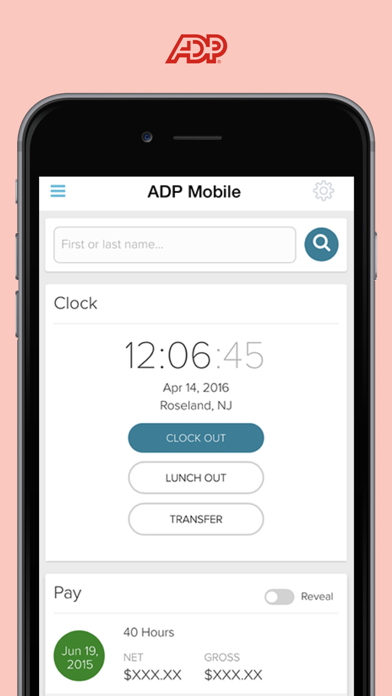
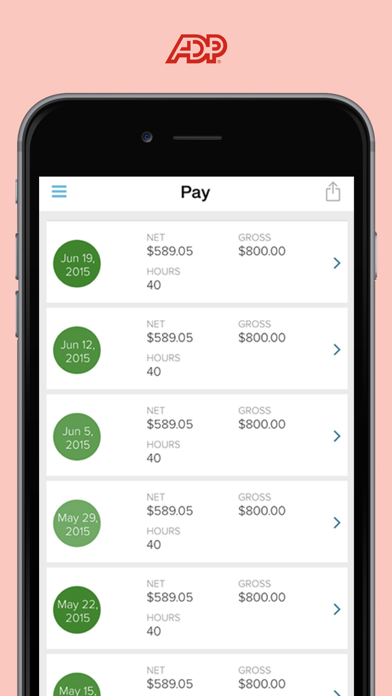


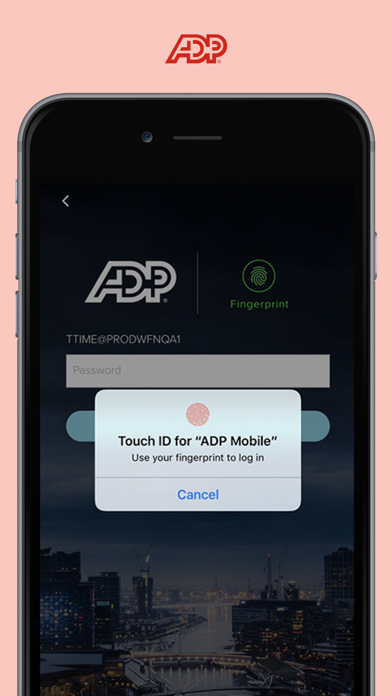
iPad screenshots


Icon palette
About this app
ADP Mobile Solutions provides you with an easy and convenient way to access payroll, time & attendance, benefits, and other vital HR information for you and your team. - All the features listed below may not be available to you. If you have question, review the FAQs in the Settings menu in the app. - This app is available to the employees and managers of companies that use the following ADP products: Workforce Now, Vantage, Portal Self Service, Run, TotalSource, ALINE Card by ADP, Spending Account / iPay Statements, and select products outside the US (ask your employer). Key Employee Features: • View pay & W2 statements • View & request time off • Track time & attendance o Punch in/out o Create timesheets o Update, edit, & approve time cards • View pay card accounts • View benefit plan information • Contact colleagues • Offers for ADP and third-party products and service…
App details
What you can learn from ADP Mobile Solutions
Every shipping app on the App Store has gone through the same decisions you're working through right now: which screenshot goes first, what caption sits over it, which device frame to show, what color the background should be. The 8 screenshots above are ADP Mobile Solutions's answers to those questions — they're public, they're real, and they made it through Apple's review.
Notice the first screenshot in particular. It's the one users see in search results and on the product page, and it's where most apps spend their best caption and tightest design. Look at the proportion of background to phone, where the text sits, what one thing the image is trying to communicate.
Want to see how other Business apps approach the same problem? Browse more Business apps in the showcase.
Take what works into your own screenshots
Open LaunchShots and design your App Store & Google Play screenshots — pick a device frame, drop captions, ship in minutes. Free, in your browser.
Open the screenshot editor →