Screenshots
Icon palette
About this app
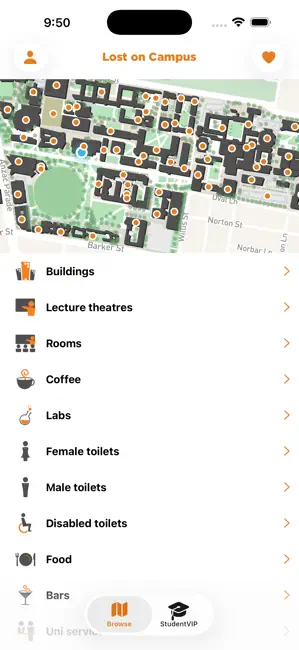
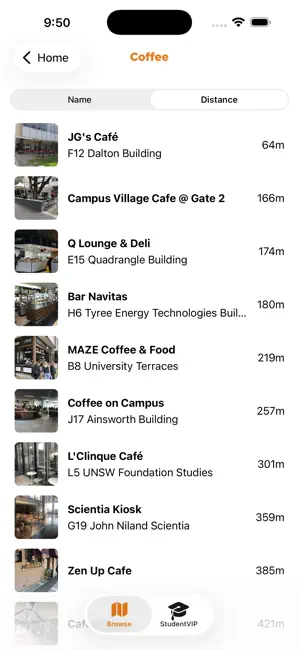
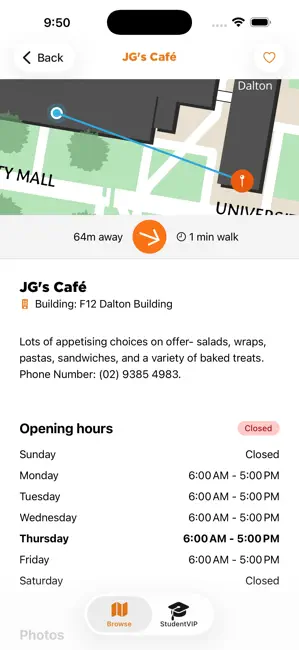
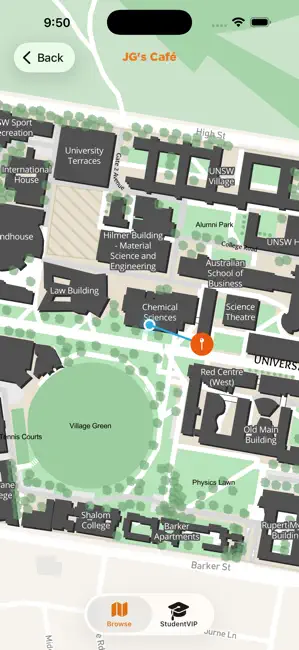
Free. 57 Australian uni and TAFE campus maps. 40,000 campus locations mapped. 52,000 photos. And 150,000+ very happy users! Find every tutorial room, lab, lecture theatre, coffee shop, carpark, bus stop, sports field, toilet, even your nearest vending machine and free microwaves. Plus campus "secret locations". The app tells you how far each location is from you and how much time it will take to walk. A COMPASS even points you in the right direction! And it's part of StudentVIP, so it's 100% free. 57 campuses from the following universities and TAFEs are supported: QUEENSLAND - University of Queensland - Griffith University - QUT NEW SOUTH WALES & AUSTRALIAN CAPITAL TERRITORY - Sydney University - Sydney Tafe - UNSW - Macquarie University - UTS - UWS - University of Newcastle - University of New England - University of Wollongong - ANU - University of Canberra V…
App details
What you can learn from Lost on Campus by StudentVIP
Every shipping app on the App Store has gone through the same decisions you're working through right now: which screenshot goes first, what caption sits over it, which device frame to show, what color the background should be. The 4 screenshots above are Lost on Campus by StudentVIP's answers to those questions — they're public, they're real, and they made it through Apple's review.
Notice the first screenshot in particular. It's the one users see in search results and on the product page, and it's where most apps spend their best caption and tightest design. Look at the proportion of background to phone, where the text sits, what one thing the image is trying to communicate.
Want to see how other Navigation apps approach the same problem? Browse more Navigation apps in the showcase.
Take what works into your own screenshots
Open LaunchShots and design your App Store & Google Play screenshots — pick a device frame, drop captions, ship in minutes. Free, in your browser.
Open the screenshot editor →