Screenshots

iPad screenshots


Icon palette
About this app
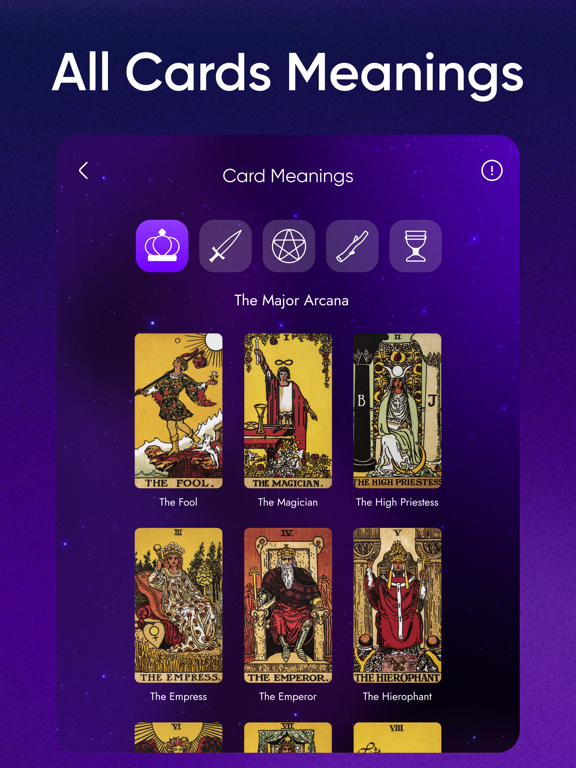
Lumi is your all-in-one spiritual companion for tarot, astrology, and self-reflection. AI-powered tarot readings, a personalized horoscope, moon calendar, daily affirmations, and a personal AI oracle chat — all in one beautifully designed app. Whether you want to draw a tarot card, check your zodiac forecast, set a daily intention, or ask the AI oracle about love, career, or compatibility — Lumi guides you every day. WHY LUMI - Trusted by over 1.5 millions users worldwide - 4.7-star rating on the App Store - Available in 10 languages - Beautifully crafted, calming visual design - Privacy-first: your readings and questions stay yours AI TAROT READINGS - Classic Rider-Waite tarot deck with multiple beautiful card back designs to choose from - A vast library of tarot spreads — from a single-card pull to nine-card layouts - Spreads for love, career, the day ahead, decisions, self-ref…
App details
What you can learn from Lumi: AI Tarot & Horoscope
Every shipping app on the App Store has gone through the same decisions you're working through right now: which screenshot goes first, what caption sits over it, which device frame to show, what color the background should be. The 10 screenshots above are Lumi: AI Tarot & Horoscope's answers to those questions — they're public, they're real, and they made it through Apple's review.
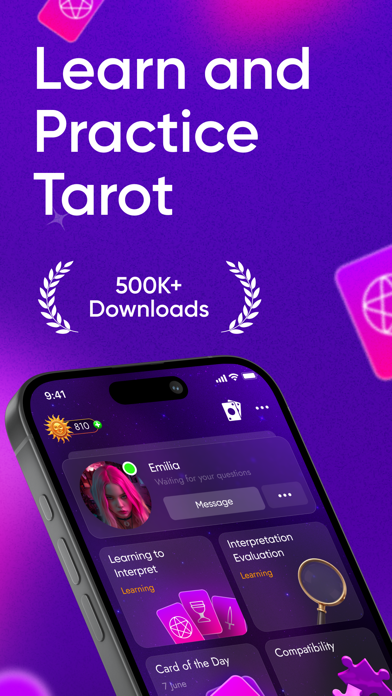
Notice the first screenshot in particular. It's the one users see in search results and on the product page, and it's where most apps spend their best caption and tightest design. Look at the proportion of background to phone, where the text sits, what one thing the image is trying to communicate.
Want to see how other Lifestyle apps approach the same problem? Browse more Lifestyle apps in the showcase.
Take what works into your own screenshots
Open LaunchShots and design your App Store & Google Play screenshots — pick a device frame, drop captions, ship in minutes. Free, in your browser.
Open the screenshot editor →