Screenshots
Icon palette
About this app
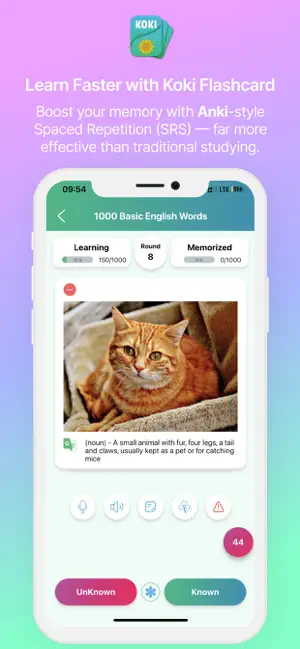
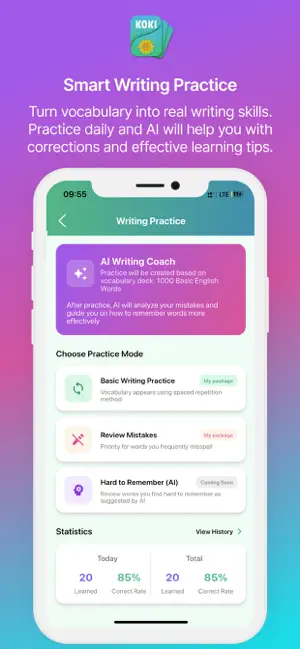
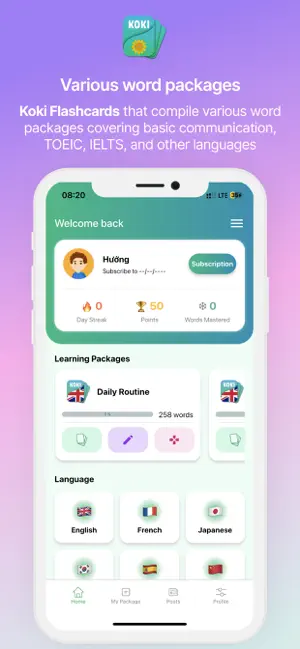
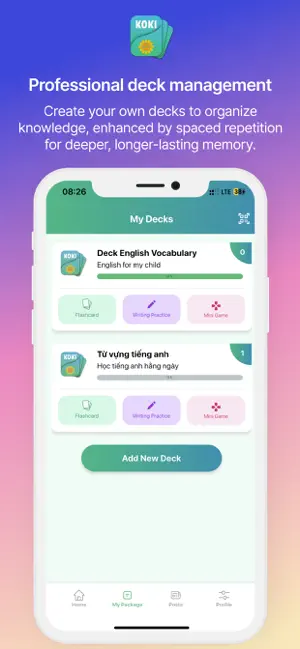
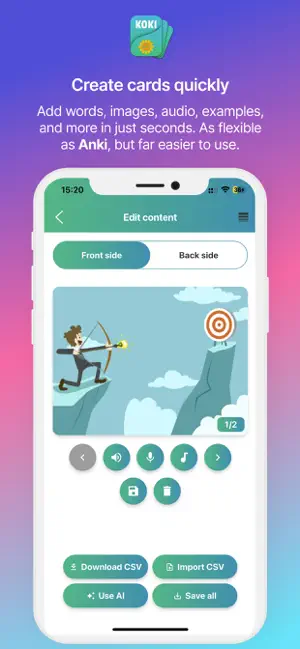
Anki Style - Koki Flashcard - Learn vocabulary effectively with a smart spaced repetition method. Koki Flashcards is a smart multilingual flashcard app that helps you learn vocabulary faster, remember longer, and study more effectively. Inspired by the Anki-style learning method, Koki uses a Spaced Repetition System (SRS) to show you the right flashcards at the right time, so you can focus on the words you are most likely to forget. Whether you are learning English, Japanese, Korean, Chinese, Spanish, or another language, Koki Flashcards helps you build long-term memory with ready-to-use vocabulary decks, custom flashcards, images, audio, examples, and personalized review schedules. Key Features Anki-style flashcards with Spaced Repetition Koki Flashcards applies the Anki-style flashcard learning method with SRS to help you remember vocabulary more efficiently. Difficult words appe…
App details
What you can learn from Anki FlashCard
Every shipping app on the App Store has gone through the same decisions you're working through right now: which screenshot goes first, what caption sits over it, which device frame to show, what color the background should be. The 6 screenshots above are Anki FlashCard's answers to those questions — they're public, they're real, and they made it through Apple's review.
Notice the first screenshot in particular. It's the one users see in search results and on the product page, and it's where most apps spend their best caption and tightest design. Look at the proportion of background to phone, where the text sits, what one thing the image is trying to communicate.
Want to see how other Education apps approach the same problem? Browse more Education apps in the showcase.
Take what works into your own screenshots
Open LaunchShots and design your App Store & Google Play screenshots — pick a device frame, drop captions, ship in minutes. Free, in your browser.
Open the screenshot editor →