Screenshots
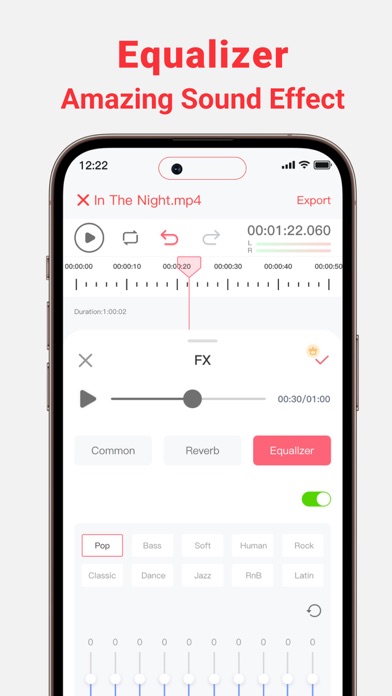
iPad screenshots


Icon palette
About this app
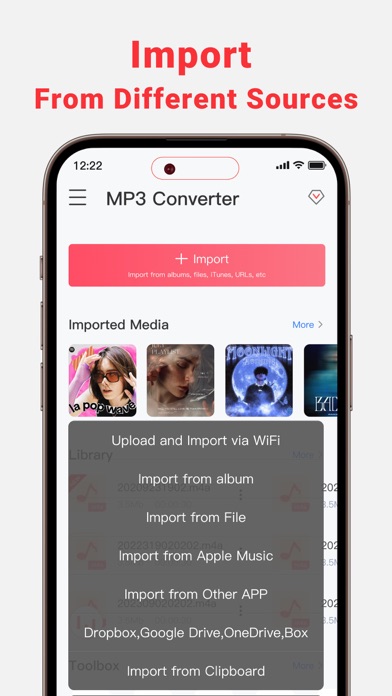
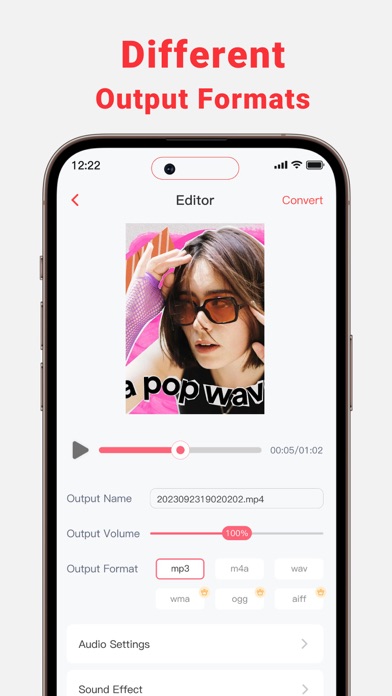
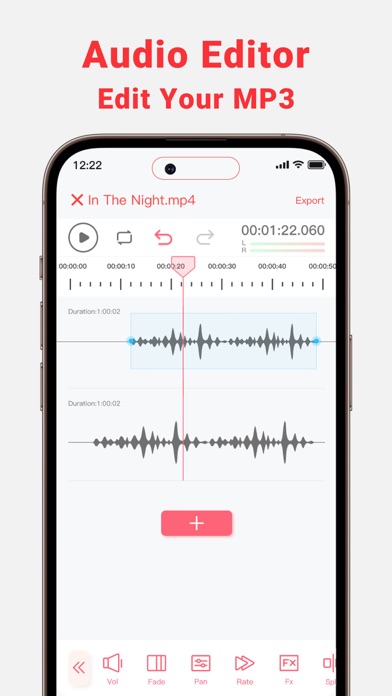
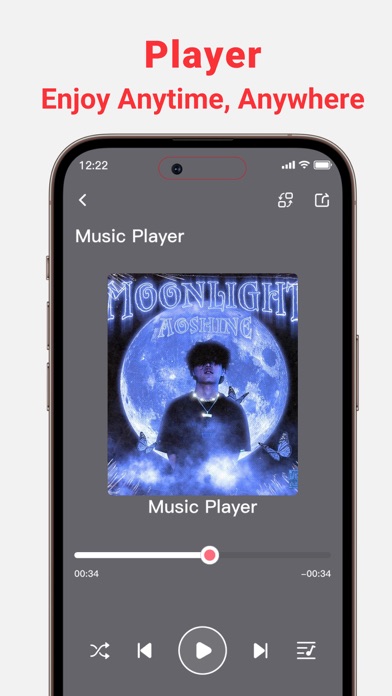
MP3 Converter can Extract Audio from your Local and Online Video Files. Download and Convert Online Videos to MP3. Trim or mix converted MP3 to your phone or set them as personalized ringtones! Key Features: - Multi-Format Support, extract MP3, AAC, WAV, and more audio formats from various video formats such as 3GP,FLV,MP4,MOV,MXF,MKV,AVI,MPG,MPEG, and others. - Audio Editor (Splicing,Cutting,Shifting,Balance,Fade, etc.) - Vocal Remover, remove vocals from audio track and create accompaniment version for Karaoke. - Multiple audio clippers and splicers,Mix and Reverb - Intelligent denoising function - Quickly set ringtones - Audio Toolbox( Noise reduction, vocal enhancement, vocal/accompaniment separation...) - Multiple methods to import the audio: Wi-Fi Transfer,Video extract, Apple music, file and clipboard - Share extracted audio files via other apps MP3 Converter is per…
App details
What you can learn from MP3 Converter : music editor
Every shipping app on the App Store has gone through the same decisions you're working through right now: which screenshot goes first, what caption sits over it, which device frame to show, what color the background should be. The 10 screenshots above are MP3 Converter : music editor's answers to those questions — they're public, they're real, and they made it through Apple's review.
Notice the first screenshot in particular. It's the one users see in search results and on the product page, and it's where most apps spend their best caption and tightest design. Look at the proportion of background to phone, where the text sits, what one thing the image is trying to communicate.
Want to see how other Music apps approach the same problem? Browse more Music apps in the showcase.
Take what works into your own screenshots
Open LaunchShots and design your App Store & Google Play screenshots — pick a device frame, drop captions, ship in minutes. Free, in your browser.
Open the screenshot editor →