Screenshots

Icon palette
About this app
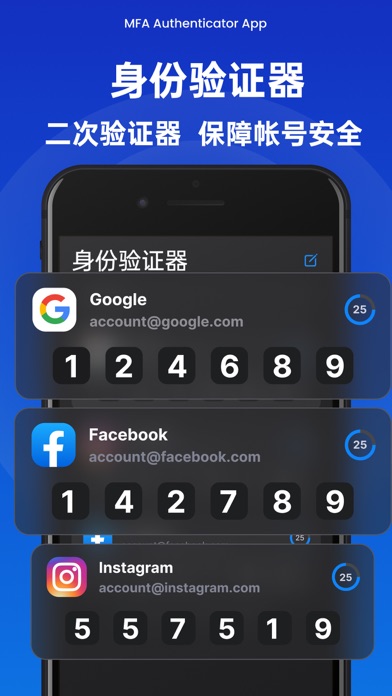
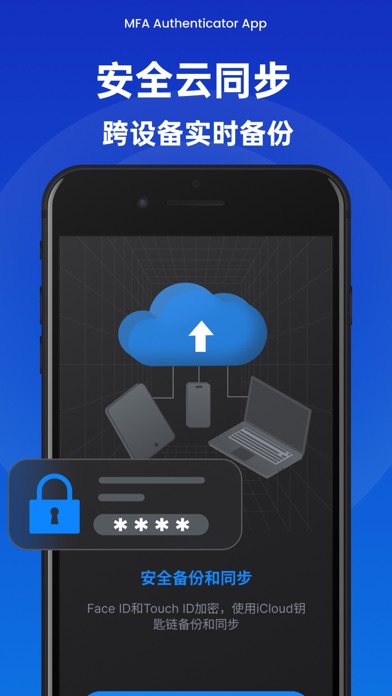
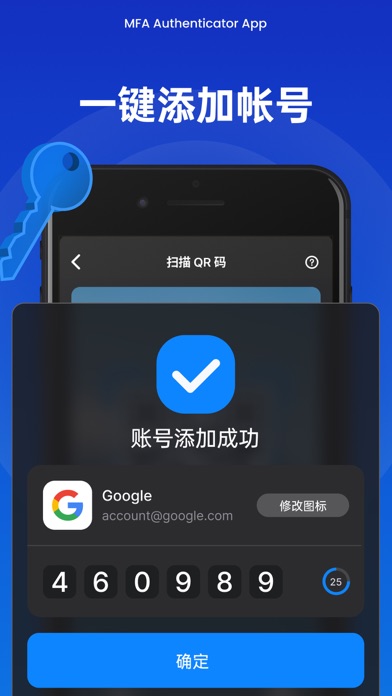
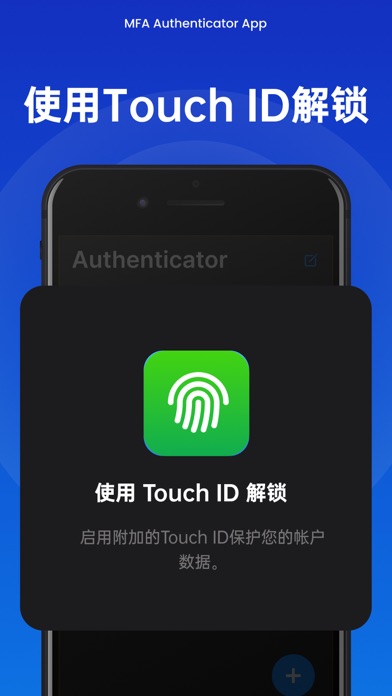
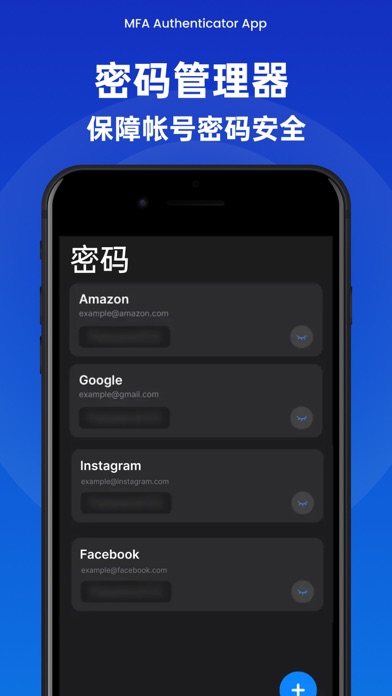
身份验证器应用程序(MFA/2FA Authenticator)采用银行级端到端加密技术,保护您的网络帐号,让您更安全更放心体验互联网服务。 核心功能: - 便捷添加帐号: 打开摄像头对准二维码即可添加帐号信息,并获得有时效性的一次性验证码(TOTP),实现您各种互联网平台帐号的双因素或多因素身份验证(2FA/FMA)。 - 安全备份和同步: 支持在iCloud上创建安全加密的数据备份,以防设备丢失或更换新设备。您使用新的设备时,也可实时同步到新设备上。 - 安全与隐私: 您存储在本App的数据采用银行级的端到端加密,任何第三方平台都无法访问。通过Face ID和Touch ID快速而安全打开应用程序,查看帐号数据和令牌数据。 - 不存储密码、离线使用: 应用程序生成基于时间的一次性密码(TOTP),存储在用户的设备上,无需互联网访问。这种解决方案极大地增强了登录安全性。 - 支持主流应用和网站: 支持Google、Facebook、Amazon、Microsoft、Linked、Telegram、Instagram、X等数千个主流平台。 - 密码管理器: 统一管理保护您所有的帐号和密码,更加方便高效。通过Face ID和Touch…
App details
What you can learn from 身份验证器-智能身份验证,谷歌身份验证认证密码器,Authy
Every shipping app on the App Store has gone through the same decisions you're working through right now: which screenshot goes first, what caption sits over it, which device frame to show, what color the background should be. The 7 screenshots above are 身份验证器-智能身份验证,谷歌身份验证认证密码器,Authy's answers to those questions — they're public, they're real, and they made it through Apple's review.
Notice the first screenshot in particular. It's the one users see in search results and on the product page, and it's where most apps spend their best caption and tightest design. Look at the proportion of background to phone, where the text sits, what one thing the image is trying to communicate.
Want to see how other Reference apps approach the same problem? Browse more Reference apps in the showcase.
Take what works into your own screenshots
Open LaunchShots and design your App Store & Google Play screenshots — pick a device frame, drop captions, ship in minutes. Free, in your browser.
Open the screenshot editor →