Screenshots


Icon palette
About this app
The Pupil Progress App is the next big leap forward in empowering parents with clear and detailed information about students educational attainment and progress, right at your fingertips in a smartphone app. * Clear and Detailed Information: Get clear, detailed updates on educational attainment and progress. * Convenient Student Access: Access your academic data anytime, anywhere, from your smartphone. * Empowering Parents: Take an active role in your children's education and make informed decisions. * Improved Communication: Stay connected with real-time updates and foster a stronger home-school partnership. * For School using Pupil Progress: Exclusively available to students in schools using the Pupil Progress core platform. Pupil Progress App can only be used by students and the parents of students at schools who use the Pupil Progress core platform. Contact your school to find ou…
App details
What you can learn from Pupil Progress App
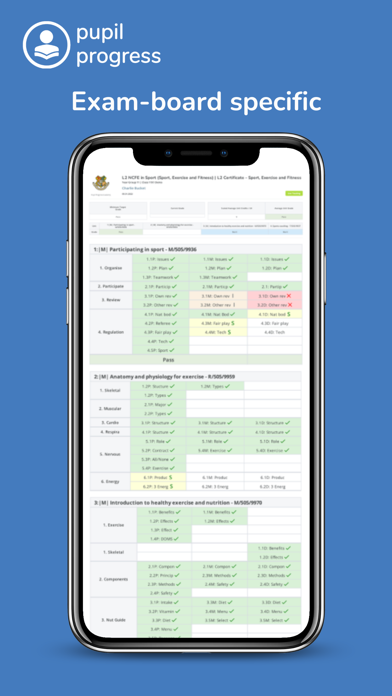
Every shipping app on the App Store has gone through the same decisions you're working through right now: which screenshot goes first, what caption sits over it, which device frame to show, what color the background should be. The 3 screenshots above are Pupil Progress App's answers to those questions — they're public, they're real, and they made it through Apple's review.
Notice the first screenshot in particular. It's the one users see in search results and on the product page, and it's where most apps spend their best caption and tightest design. Look at the proportion of background to phone, where the text sits, what one thing the image is trying to communicate.
Want to see how other Education apps approach the same problem? Browse more Education apps in the showcase.
Take what works into your own screenshots
Open LaunchShots and design your App Store & Google Play screenshots — pick a device frame, drop captions, ship in minutes. Free, in your browser.
Open the screenshot editor →