Screenshots



Icon palette
About this app
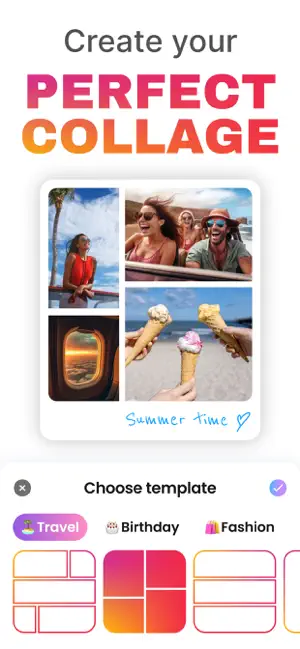
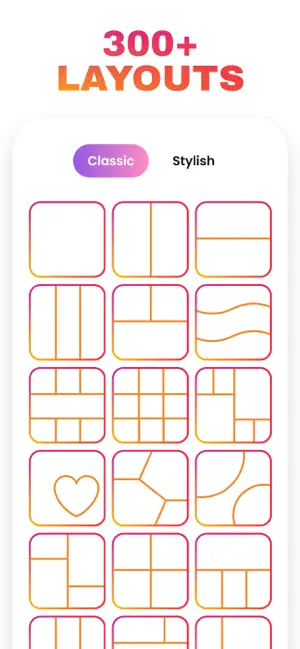
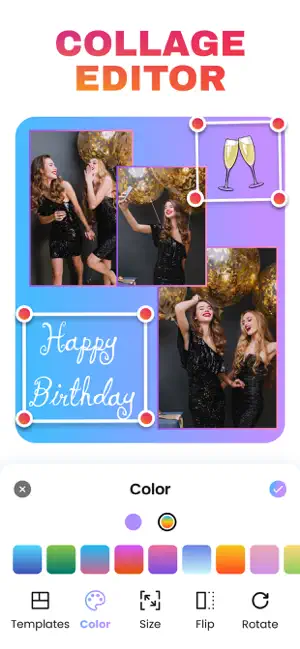
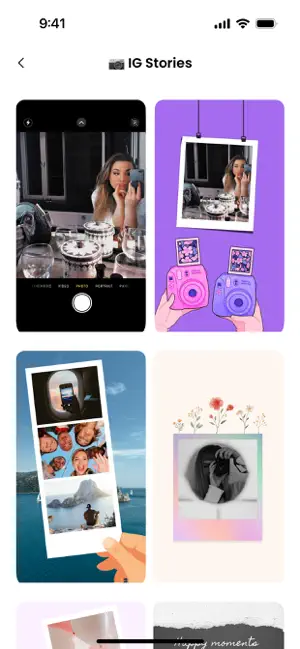
Create beautiful, stylish photo collages in minutes Photo Collage Maker is a simple, intuitive app that helps you turn your favorite photos into clean, expressive collages. With an easy-to-use interface and thoughtfully designed tools, you can create layouts that look polished without any learning curve. Key features: • A diverse collection of templates — from minimal grids to themed layouts for any mood or occasion. • Essential editing tools — flip, rotate, resize, and freely reposition photos for the perfect composition. • Flexible design options — adjust spacing, proportions, and border styles to customize every detail. • A clean, streamlined interface — everything is organized so you can create without distractions. • High-quality exports — ideal for sharing on social media or saving your favorite moments in a curated format. Bring your photos together, tell visual stories, and …
App details
What you can learn from Photo Collage Maker・Pic Layout
Every shipping app on the App Store has gone through the same decisions you're working through right now: which screenshot goes first, what caption sits over it, which device frame to show, what color the background should be. The 7 screenshots above are Photo Collage Maker・Pic Layout's answers to those questions — they're public, they're real, and they made it through Apple's review.
Notice the first screenshot in particular. It's the one users see in search results and on the product page, and it's where most apps spend their best caption and tightest design. Look at the proportion of background to phone, where the text sits, what one thing the image is trying to communicate.
Want to see how other Photo & Video apps approach the same problem? Browse more Photo & Video apps in the showcase.
Take what works into your own screenshots
Open LaunchShots and design your App Store & Google Play screenshots — pick a device frame, drop captions, ship in minutes. Free, in your browser.
Open the screenshot editor →