Screenshots

Icon palette
About this app
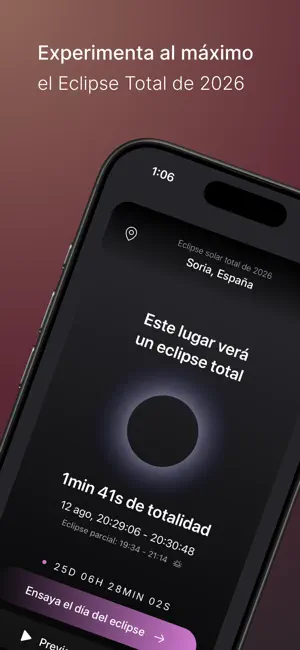
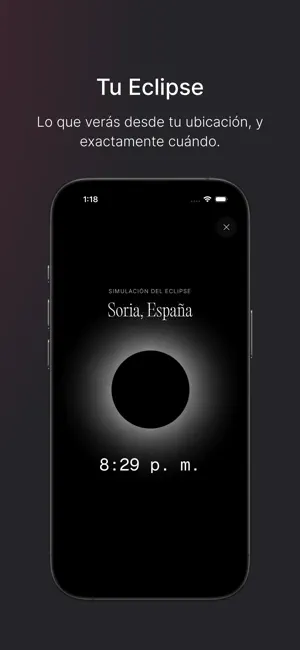
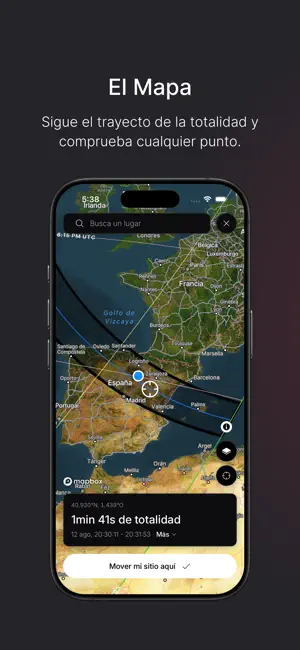
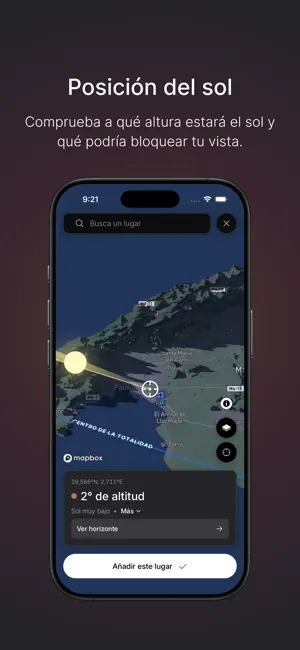
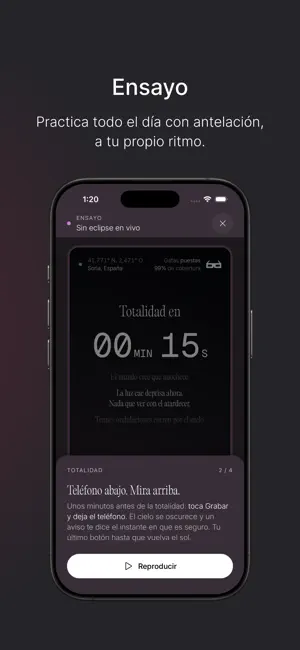
El 12 de agosto de 2026, un eclipse solar total cruzará Groenlandia, Islandia y España, y durante unos minutos de calma el cielo se oscurecerá. The Eclipse App es tu compañera durante todo el día: un mapa interactivo de la franja de totalidad, un ensayo para que sepas lo que va a ocurrir y una cuenta atrás en directo que te guía segundo a segundo, desde el primer contacto hasta el momento en que te quitas las gafas de eclipse. ▶ TU ECLIPSE Descubre exactamente cómo se verá el eclipse desde tu ubicación: si verás la totalidad, cuánto durará, qué parte del Sol quedará cubierta y cuándo empieza y termina cada fase, con precisión de segundos. ¿Estás fuera de la franja? También verás los horarios de tu eclipse parcial. Previsualiza tu cielo con antelación y activa las Alertas del día para que nada te pille por sorpresa. ▶ EL MAPA Explora la franja de totalidad desde Groenlandia, pasando …
App details
What you can learn from The Eclipse App
Every shipping app on the App Store has gone through the same decisions you're working through right now: which screenshot goes first, what caption sits over it, which device frame to show, what color the background should be. The 7 screenshots above are The Eclipse App's answers to those questions — they're public, they're real, and they made it through Apple's review.
Notice the first screenshot in particular. It's the one users see in search results and on the product page, and it's where most apps spend their best caption and tightest design. Look at the proportion of background to phone, where the text sits, what one thing the image is trying to communicate.
Want to see how other Travel apps approach the same problem? Browse more Travel apps in the showcase.
Take what works into your own screenshots
Open LaunchShots and design your App Store & Google Play screenshots — pick a device frame, drop captions, ship in minutes. Free, in your browser.
Open the screenshot editor →