Screenshots
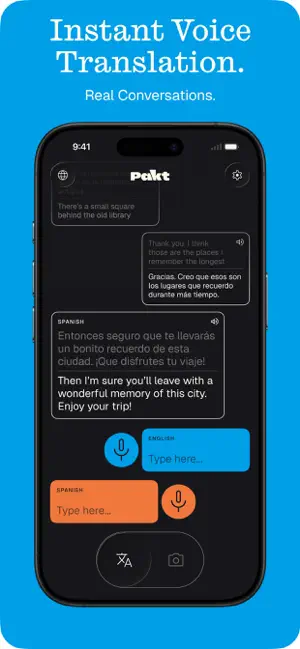


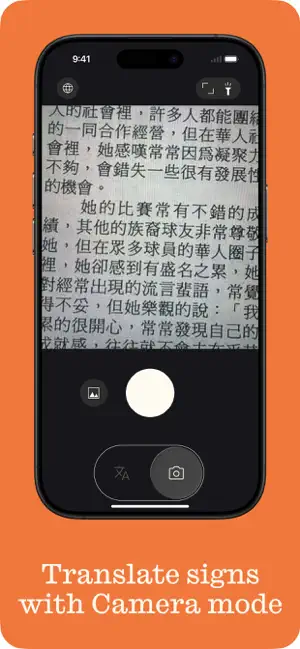

Icon palette
About this app
Pakt by Lingofonex is an offline voice translator for travel: translate in 100 languages and hear voice output in 50 without internet or cloud. Use Pakt when WiFi, roaming, or mobile signal fails. Type or speak into the app, get an instant translation, and hear supported translations spoken back. Built for real travel moments: taxis, hotels, restaurants, airports, pharmacies, train stations, and markets. • Translate offline in 100 languages • Hear voice output in 50 languages • Type or speak when you need help • Keep conversations private — no cloud required • Prepare before your trip and translate on the go Download Pakt before your next trip and travel with a translator that still works when your connection does not.
App details
What you can learn from Pakt: Offline Voice Translator
Every shipping app on the App Store has gone through the same decisions you're working through right now: which screenshot goes first, what caption sits over it, which device frame to show, what color the background should be. The 5 screenshots above are Pakt: Offline Voice Translator's answers to those questions — they're public, they're real, and they made it through Apple's review.
Notice the first screenshot in particular. It's the one users see in search results and on the product page, and it's where most apps spend their best caption and tightest design. Look at the proportion of background to phone, where the text sits, what one thing the image is trying to communicate.
Want to see how other Reference apps approach the same problem? Browse more Reference apps in the showcase.
Take what works into your own screenshots
Open LaunchShots and design your App Store & Google Play screenshots — pick a device frame, drop captions, ship in minutes. Free, in your browser.
Open the screenshot editor →