Screenshots
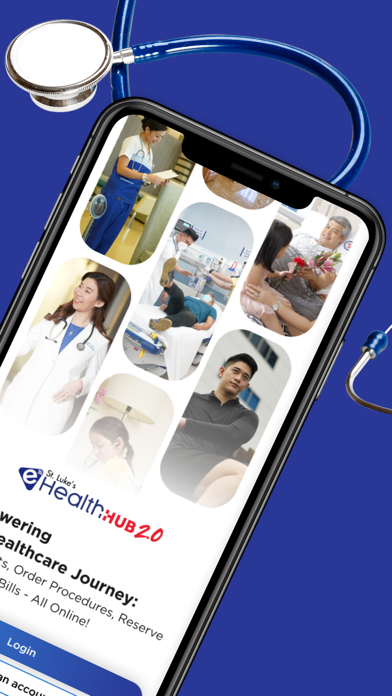


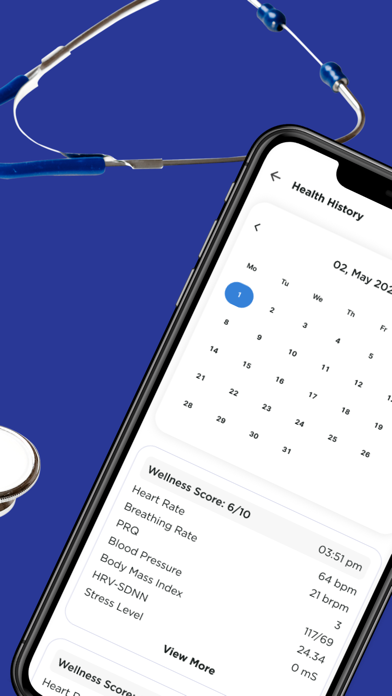
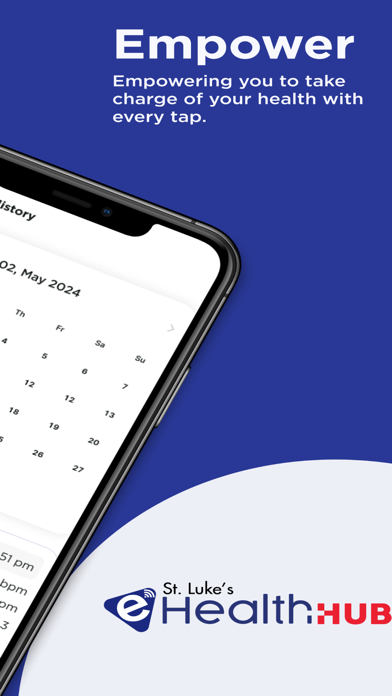
iPad screenshots


Icon palette
About this app
St. Luke's eHealth Hub app provides patients access to view test results, order and pay for selected laboratory procedures, and AI-powered video-based monitoring tool for wellness scores. IMPORTANT NOTICE St. Luke’s Health App is NOT a medical or diagnostic product. The measured indicators are not intended for medical use, including self-diagnosis or consultation with a doctor, and are only designed for general fitness and wellness purposes. In order to undergo any treatment or diagnosis, consult with a medical professional. Data Privacy In order to extract vital-sign measurements, the Application uses only a video of a small patch of skin from the person’s face or finger, without any identifiable feature such as eyes. That information is processed in real-time, is not retained once the measurement ends and is not transferred to our servers. For trends and history, the app saves me…
App details
What you can learn from St. Luke's eHealth Hub App
Every shipping app on the App Store has gone through the same decisions you're working through right now: which screenshot goes first, what caption sits over it, which device frame to show, what color the background should be. The 10 screenshots above are St. Luke's eHealth Hub App's answers to those questions — they're public, they're real, and they made it through Apple's review.
Notice the first screenshot in particular. It's the one users see in search results and on the product page, and it's where most apps spend their best caption and tightest design. Look at the proportion of background to phone, where the text sits, what one thing the image is trying to communicate.
Want to see how other Health & Fitness apps approach the same problem? Browse more Health & Fitness apps in the showcase.
Take what works into your own screenshots
Open LaunchShots and design your App Store & Google Play screenshots — pick a device frame, drop captions, ship in minutes. Free, in your browser.
Open the screenshot editor →