Screenshots




Icon palette
About this app
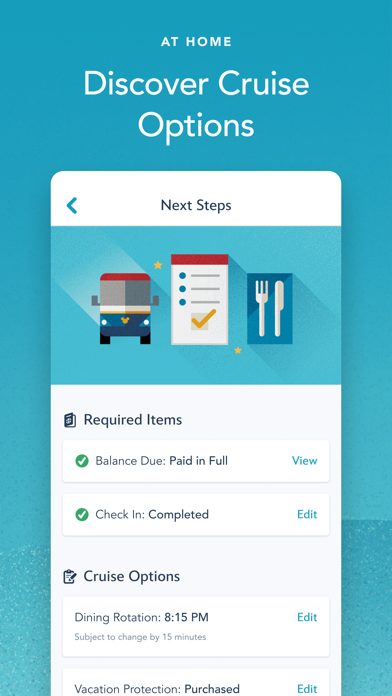
Use the Disney Cruise Line Navigator app before, during and after your voyage—to plan, explore and relive the fun. AT HOME Plan your vacation, make payments, breeze through check-in, reserve onboard activities or make special requests—from dietary preferences to birthday surprises. Get Ready to Cruise • Retrieve your reservation to make payments, review required documents and more. • Use My Online Check-In to fill out your cruise documents and register kids for youth clubs. • Explore activities and entertainment. • Book activities, including Port Adventures, Premium Dining, Onboard Fun, Spa & Fitness and Nursery. • Change your dinner seating assignment. • Add or edit Vacation Protection Plan and Ground Transportation. • View your Air Transportation. • Make Special Requests, including special diets, accommodations for little ones, celebrations and more. ON BOARD THE SHIP With your…
App details
What you can learn from Disney Cruise Line Navigator
Every shipping app on the App Store has gone through the same decisions you're working through right now: which screenshot goes first, what caption sits over it, which device frame to show, what color the background should be. The 8 screenshots above are Disney Cruise Line Navigator's answers to those questions — they're public, they're real, and they made it through Apple's review.
Notice the first screenshot in particular. It's the one users see in search results and on the product page, and it's where most apps spend their best caption and tightest design. Look at the proportion of background to phone, where the text sits, what one thing the image is trying to communicate.
Want to see how other Travel apps approach the same problem? Browse more Travel apps in the showcase.
Take what works into your own screenshots
Open LaunchShots and design your App Store & Google Play screenshots — pick a device frame, drop captions, ship in minutes. Free, in your browser.
Open the screenshot editor →