Screenshots
Icon palette
About this app
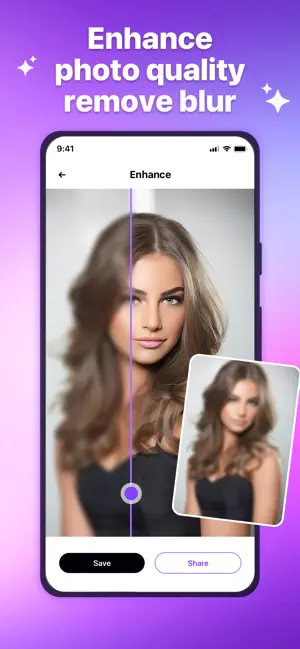
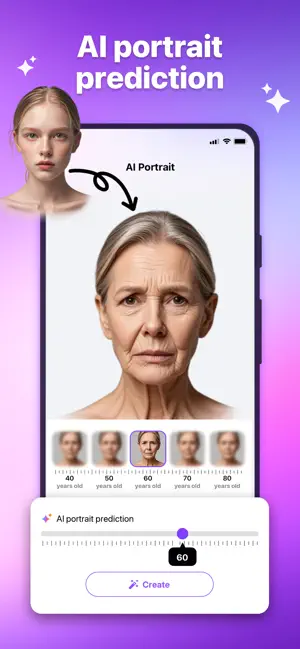
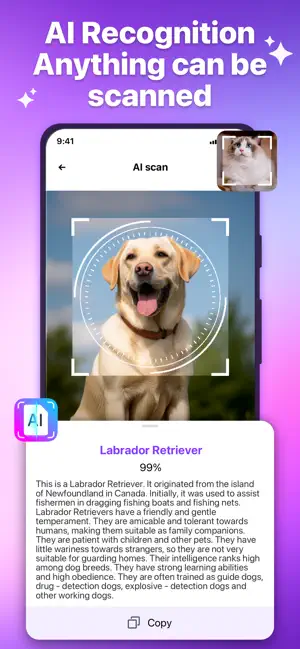
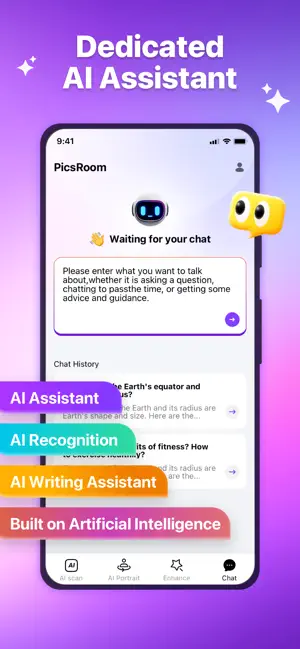
PicsRoom - Your All-round AI Life Assistant Open up a new dimension of smart life with PicsRoom - this application that integrates four core functions: artificial intelligence recognition, artificial intelligence photo aging, artificial intelligence chat and photo enhancement. Infuse your life with the warmth of technology and make every use a pleasant experience. 1. AI Visual Recognition: Make the World Tangible Scan everything like an encyclopedia! Just snap a photo of plants, animals, products, currencies, or landmarks, and get precise encyclopedic information in milliseconds. Become a walking knowledge base effortlessly. 2. AI Fun Face Swap: Unleash Creative Social Boundaries Leverage our powerful AI database to predict your past and future looks. With just one photo, generate your appearance across all age groups – perfect for playful social sharing or nostalgic journeys through …
App details
What you can learn from PicsRoom - AI Photo Generator
Every shipping app on the App Store has gone through the same decisions you're working through right now: which screenshot goes first, what caption sits over it, which device frame to show, what color the background should be. The 4 screenshots above are PicsRoom - AI Photo Generator's answers to those questions — they're public, they're real, and they made it through Apple's review.
Notice the first screenshot in particular. It's the one users see in search results and on the product page, and it's where most apps spend their best caption and tightest design. Look at the proportion of background to phone, where the text sits, what one thing the image is trying to communicate.
Want to see how other Photo & Video apps approach the same problem? Browse more Photo & Video apps in the showcase.
Take what works into your own screenshots
Open LaunchShots and design your App Store & Google Play screenshots — pick a device frame, drop captions, ship in minutes. Free, in your browser.
Open the screenshot editor →