Screenshots


Icon palette
About this app
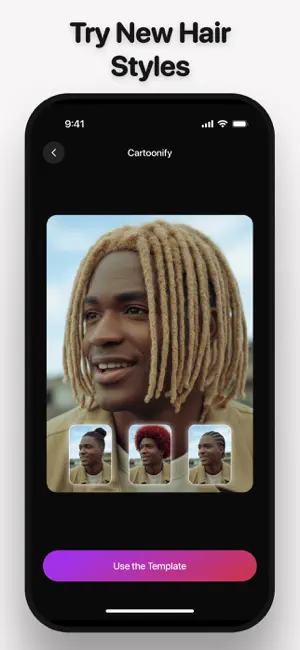
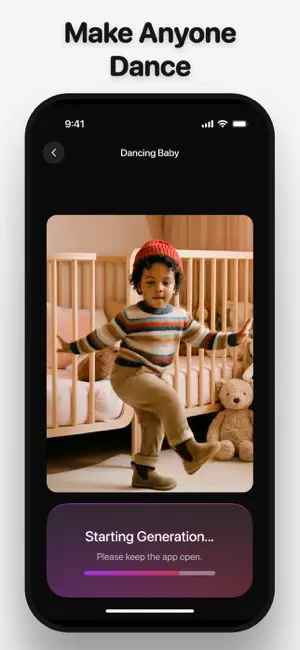
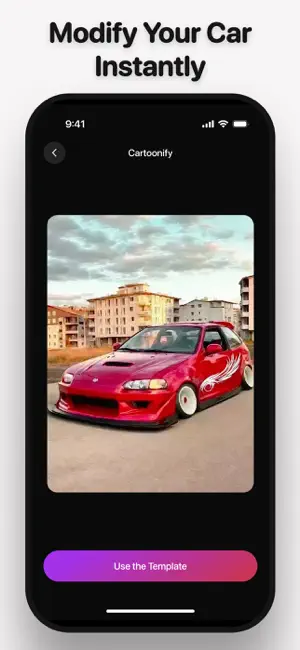
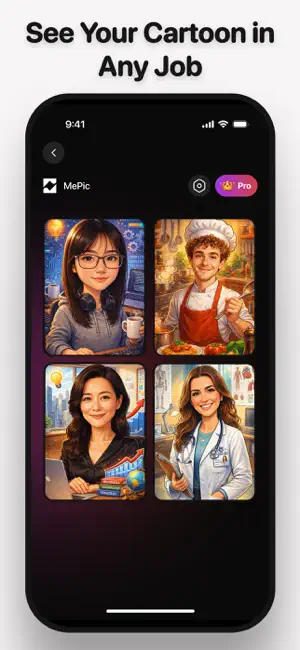
Transform your world with MePic, the ultimate AI-powered studio for viral content! Stop posting dull content. Start creating hits. MePic is your high-octane AI studio designed to turn ordinary photos into viral videos, cinematic life timelines, and studio-quality portraits instantly. Please note: MePic is a premium AI experience. To deliver the highest quality AI creations, all features below require an active subscription or in-app tokens. Key Premium Features: Viral AI Dancing (Premium) Turn a single photo into a trending dance video! Our AI analyses your pose and creates a lively, natural dance animation ready for TikTok and Reels. Life Timeline & Ageing Filter (Premium) Travel through time! See yourself from childhood to old age with our hyper-realistic ageing engine. A perfect way to visualise your life’s journey. AI Hairstyle & Hair Changer (Premium) Thinking of a new look? T…
App details
What you can learn from MePic – AI Photo Video Maker
Every shipping app on the App Store has gone through the same decisions you're working through right now: which screenshot goes first, what caption sits over it, which device frame to show, what color the background should be. The 6 screenshots above are MePic – AI Photo Video Maker's answers to those questions — they're public, they're real, and they made it through Apple's review.
Notice the first screenshot in particular. It's the one users see in search results and on the product page, and it's where most apps spend their best caption and tightest design. Look at the proportion of background to phone, where the text sits, what one thing the image is trying to communicate.
Want to see how other Photo & Video apps approach the same problem? Browse more Photo & Video apps in the showcase.
Take what works into your own screenshots
Open LaunchShots and design your App Store & Google Play screenshots — pick a device frame, drop captions, ship in minutes. Free, in your browser.
Open the screenshot editor →