Screenshots


Icon palette
About this app
Neuroboost is a simple and effective brain training app designed to help keep your mind active every day. With short daily exercises, Neuroboost supports the improvement of memory, logic, attention, focus, concentration, and thinking skills in a relaxed and easy way. No pressure and no complicated rules — just a few minutes a day to build a healthy brain training habit. Brain Tests, ADHD Test & Self-Assessment Neuroboost provides a variety of brain tests and self-assessment activities to help you better understand your current cognitive state. These activities focus on memory, logic, attention, concentration, focus, cognitive skills, and emotional awareness, offering clear and easy-to-understand feedback for personal reference. The app also includes an ADHD Test, ADHD Quiz, Attention Test, and Focus Assessment designed to help you better understand your focus habits, concentration p…
App details
What you can learn from NeuroBoost-IQ Enhance&CogniFit
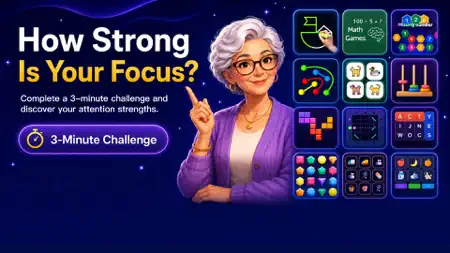
Every shipping app on the App Store has gone through the same decisions you're working through right now: which screenshot goes first, what caption sits over it, which device frame to show, what color the background should be. The 7 screenshots above are NeuroBoost-IQ Enhance&CogniFit's answers to those questions — they're public, they're real, and they made it through Apple's review.
Notice the first screenshot in particular. It's the one users see in search results and on the product page, and it's where most apps spend their best caption and tightest design. Look at the proportion of background to phone, where the text sits, what one thing the image is trying to communicate.
Want to see how other Education apps approach the same problem? Browse more Education apps in the showcase.
Take what works into your own screenshots
Open LaunchShots and design your App Store & Google Play screenshots — pick a device frame, drop captions, ship in minutes. Free, in your browser.
Open the screenshot editor →