Screenshots

Icon palette
About this app
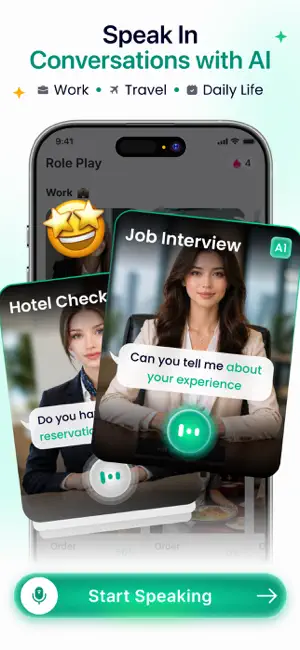
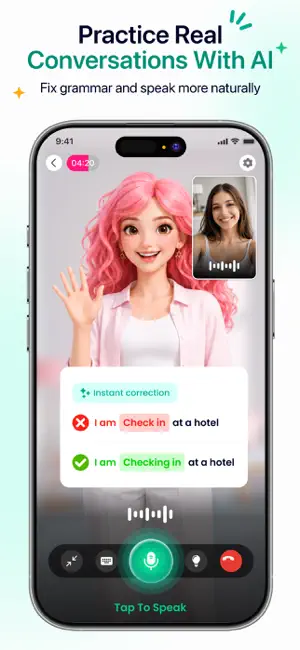
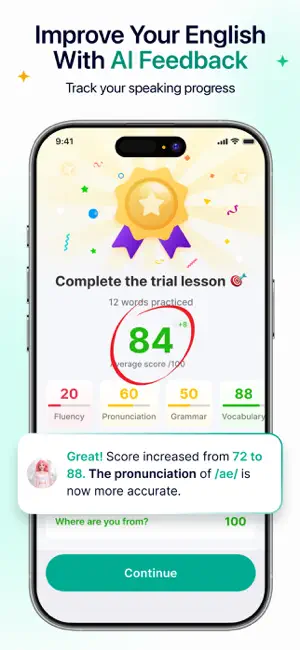
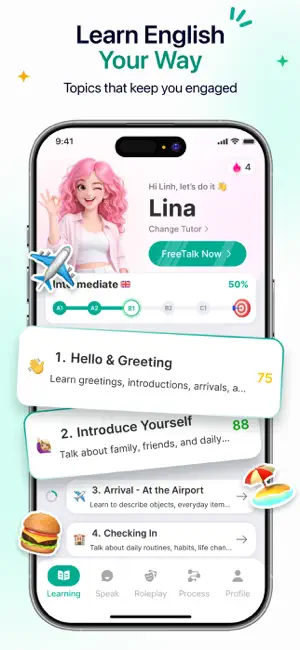
Linaoi is your personal AI English tutor designed to help you speak English with confidence through natural conversations. Whether you're a beginner learning everyday English or an advanced learner improving fluency, Linaoi helps you practice speaking anytime, anywhere with interactive AI-powered lessons and conversations. Instead of memorizing vocabulary lists or repeating grammar exercises, you can learn by speaking. Linaoi listens, responds, and provides helpful feedback to support your learning journey. WHY LEARN WITH LINAOI? • Practice Real Conversations Talk about daily life, travel, work, school, business, and many other topics through natural AI conversations. • Improve English Speaking Build confidence and develop speaking skills by practicing English regularly in a comfortable environment. • Pronunciation Feedback Receive pronunciation guidance and speaking feedback to help yo…
App details
What you can learn from Linaoi: Speak & Learn English
Every shipping app on the App Store has gone through the same decisions you're working through right now: which screenshot goes first, what caption sits over it, which device frame to show, what color the background should be. The 5 screenshots above are Linaoi: Speak & Learn English's answers to those questions — they're public, they're real, and they made it through Apple's review.
Notice the first screenshot in particular. It's the one users see in search results and on the product page, and it's where most apps spend their best caption and tightest design. Look at the proportion of background to phone, where the text sits, what one thing the image is trying to communicate.
Want to see how other Education apps approach the same problem? Browse more Education apps in the showcase.
Take what works into your own screenshots
Open LaunchShots and design your App Store & Google Play screenshots — pick a device frame, drop captions, ship in minutes. Free, in your browser.
Open the screenshot editor →