Screenshot style breakdown
Sampled from 5 of 健康追踪仪-健康习惯养成's App Store screenshots — background, accent and theme, measured by LaunchShots (not something Apple publishes).
#FCECEC bg
#DDCFCF
#946C54 accent
#111111 text
Screenshots

Icon palette
About this app
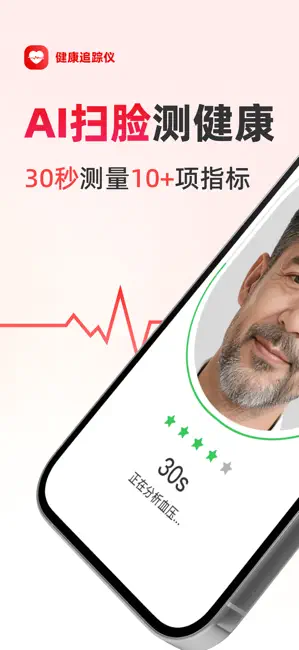
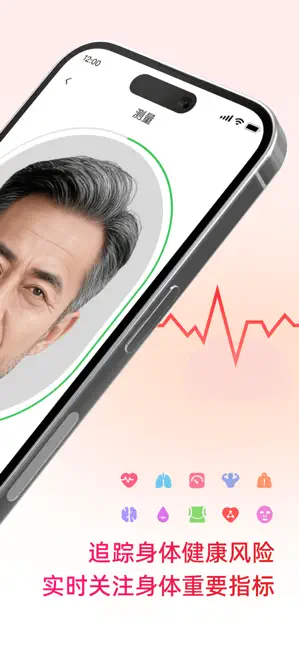
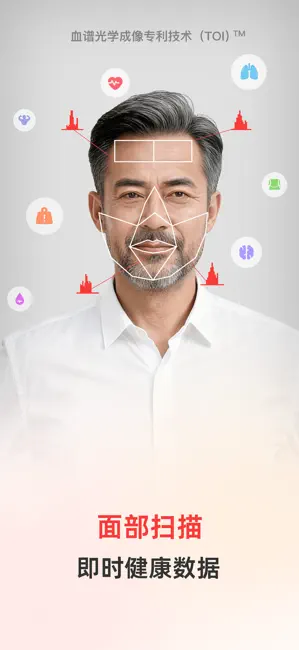
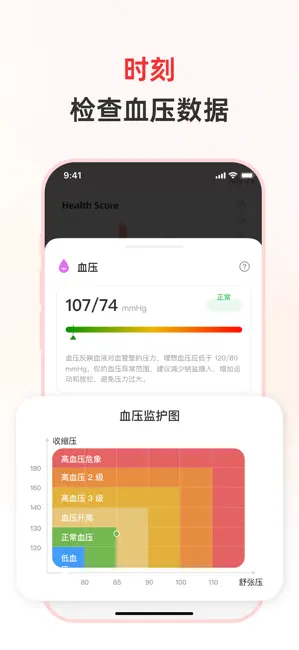
了解您的生命体征是保护健康、改善生活方式的关键一步。健康追踪仪让您能够实时跟踪和记录心率、呼吸、皮肤年龄、BMI、等关键健康数据,助力您的健康管理之旅。将健康追踪仪作为您的个人健康日记,在一个应用中轻松记录和查看所有数据,关注身体的每一个变化,确保您的健康发展稳步前进。 功能亮点: 个人健康统计——跟踪您的健康变化,记录每一个重要细节,随时掌握身体状况。 全面健康监测——心率等生命体征数据,轻松记录,及时查看,确保健康每一天。 健康趋势图——通过直观的图表跟踪身体各项指标的变化,确保您持续监测自己的健康状态。 免责声明: 健康追踪仪的内容不作为任何类型健康问题的医疗建议、诊断或治疗方案。它不能替代您的医生或医疗专家的治疗计划。如果您遇到健康问题或有任何疑虑,请在开始任何健康计划之前,先咨询您的医疗保健提供者。 *付款-用户确认购买并付款后,款项记入iTunes账户; *会员套餐:198元/终身 38元/周周会员,首周9.9元 38/周促销会员,新用户前3天免费 *自动续订- 苹果iTunes账户会在到期前24小时内扣款,扣款成功后,顺延…
App details
What you can learn from 健康追踪仪-健康习惯养成
Every shipping app on the App Store has gone through the same decisions you're working through right now: which screenshot goes first, what caption sits over it, which device frame to show, what color the background should be. The 5 screenshots above are 健康追踪仪-健康习惯养成's answers to those questions — they're public, they're real, and they made it through Apple's review.
What the numbers say: 健康追踪仪-健康习惯养成 runs a light set where the background shifts from screenshot to screenshot (first shot #FCECEC) — each image has to stand on its own, so the captions carry more of the story. The accent colour we picked up, #946C54, is the one to reuse for badges, arrows and highlighted words if you borrow this look. Hit Use this style to open the editor with these exact colours and drop your own screenshot in.
Notice the first screenshot in particular. It's the one users see in search results and on the product page, and it's where most apps spend their best caption and tightest design. Look at the proportion of background to phone, where the text sits, what one thing the image is trying to communicate.
Want to see how other Utilities apps approach the same problem? Browse more Utilities apps in the showcase.
Take what works into your own screenshots
Open LaunchShots and design your App Store & Google Play screenshots — pick a device frame, drop captions, ship in minutes. Free, in your browser.
Open the screenshot editor →Apps with a similar look
Closest background + accent colours among the listings we've analysed — useful when you want to see the same palette handled by a different team.