Screenshots
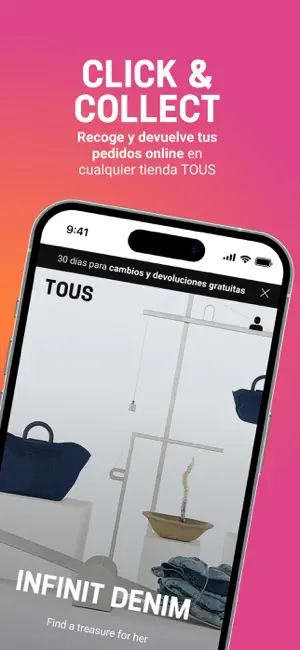
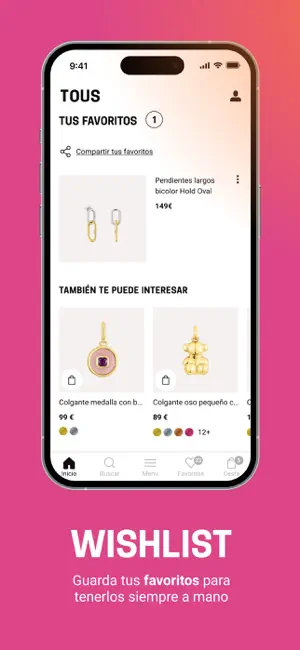
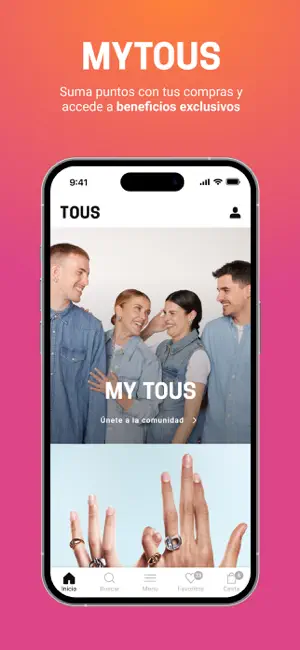
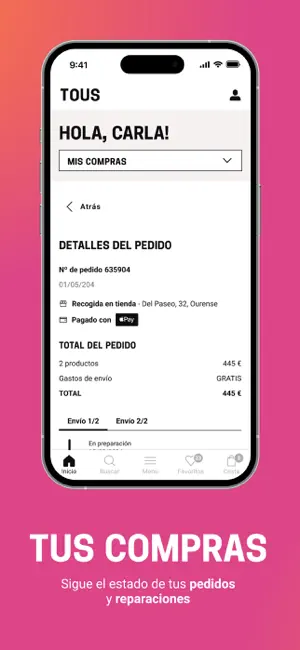
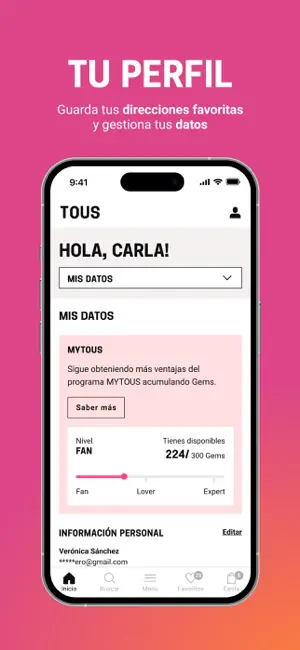
Icon palette
About this app
¡Bienvenido al mundo TOUS! Con la app oficial de TOUS podrás acceder al catálogo completo de joyas, bolsos, relojes y accesorios. Compra de forma fácil, rápida y segura desde tu móvil. Descubre nuestros collares y pulseras, y combínalos con tus anillos y colgantes favoritos, así como con nuestra amplia selección de pendientes, para lograr tu look perfecto. Explora todas las categorías y encuentra las joyas de tus sueños, elaboradas con piedras preciosas y metales como oro, plata, acero y titanio, además del bolso y los accesorios ideales para cada ocasión. Sea cual sea tu estilo, lo encontrarás en TOUS. Además, no te perderás nada de nuestras últimas colecciones, campañas exclusivas y experiencias TOUS. Y para que estés a solo un clic del mundo TOUS, personaliza tus joyas y hazlas únicas con nuestro servicio de grabado gratuito. Mensajes, iniciales, fechas… ¡Transforma tus joyas…
App details
What you can learn from TOUS - Online Jewelry
Every shipping app on the App Store has gone through the same decisions you're working through right now: which screenshot goes first, what caption sits over it, which device frame to show, what color the background should be. The 6 screenshots above are TOUS - Online Jewelry's answers to those questions — they're public, they're real, and they made it through Apple's review.
Notice the first screenshot in particular. It's the one users see in search results and on the product page, and it's where most apps spend their best caption and tightest design. Look at the proportion of background to phone, where the text sits, what one thing the image is trying to communicate.
Want to see how other Shopping apps approach the same problem? Browse more Shopping apps in the showcase.
Take what works into your own screenshots
Open LaunchShots and design your App Store & Google Play screenshots — pick a device frame, drop captions, ship in minutes. Free, in your browser.
Open the screenshot editor →