Screenshots
Icon palette
About this app
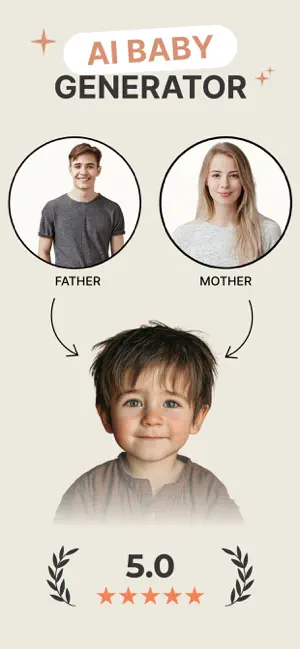
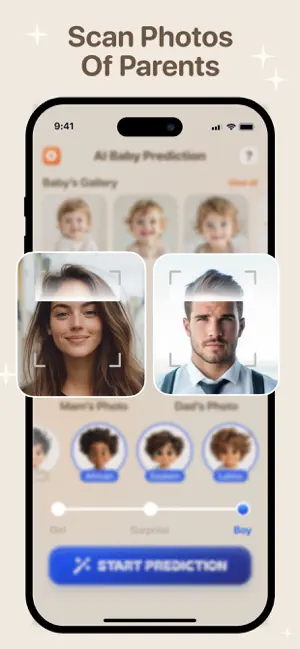
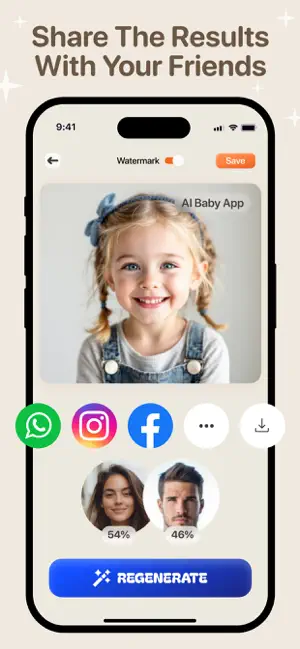
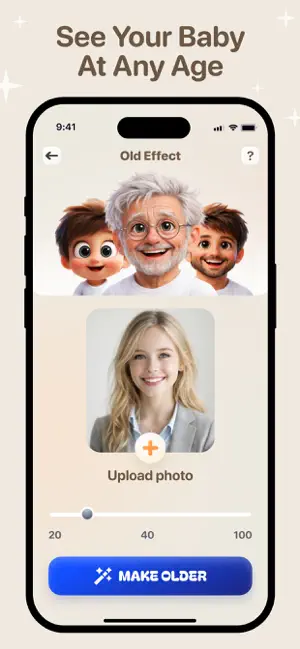
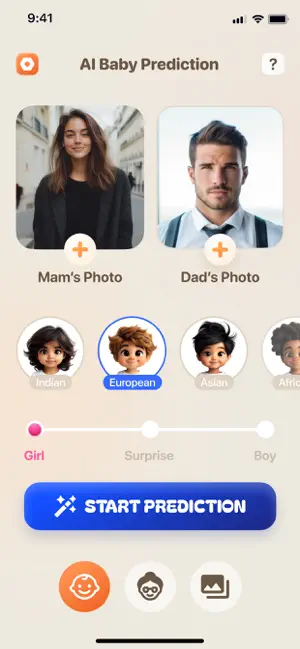
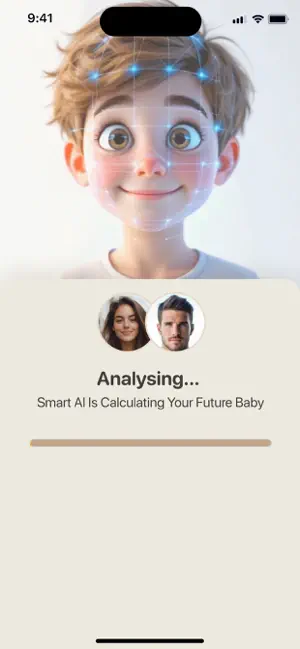
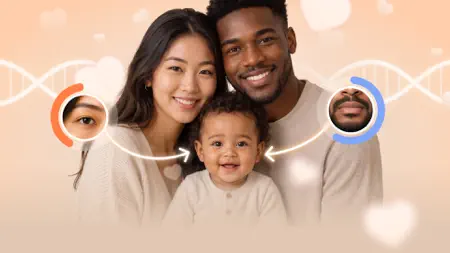
Meet your AI baby generator for fun, realistic future baby photos. Upload parent pictures, try Future Baby AI, and see what your baby could look like in just a few taps. Use the future baby generator to create a possible baby face from two parent photos. Choose girl, boy, or surprise, and let the baby face generator create a natural-looking AI baby portrait for entertainment, sharing, and fun. Explore AI baby and family features: AI Baby Generator Upload photos of both parents and generate a cute future baby portrait inspired by their features. Use it as a playful future baby predictor, baby maker, and baby from parents photo tool to imagine what your future child could look like. Save favourites and share results with your partner, family, or friends. Baby Photo Presets Try ready-made AI photo presets and themed scenes. Create baby portraits, family moments, birthday looks, fairy-t…
App details
What you can learn from AI Baby Generator・Future Face
Every shipping app on the App Store has gone through the same decisions you're working through right now: which screenshot goes first, what caption sits over it, which device frame to show, what color the background should be. The 7 screenshots above are AI Baby Generator・Future Face's answers to those questions — they're public, they're real, and they made it through Apple's review.
Notice the first screenshot in particular. It's the one users see in search results and on the product page, and it's where most apps spend their best caption and tightest design. Look at the proportion of background to phone, where the text sits, what one thing the image is trying to communicate.
Want to see how other Photo & Video apps approach the same problem? Browse more Photo & Video apps in the showcase.
Take what works into your own screenshots
Open LaunchShots and design your App Store & Google Play screenshots — pick a device frame, drop captions, ship in minutes. Free, in your browser.
Open the screenshot editor →