Screenshots
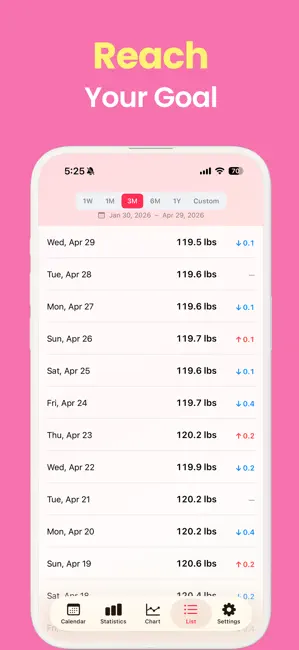
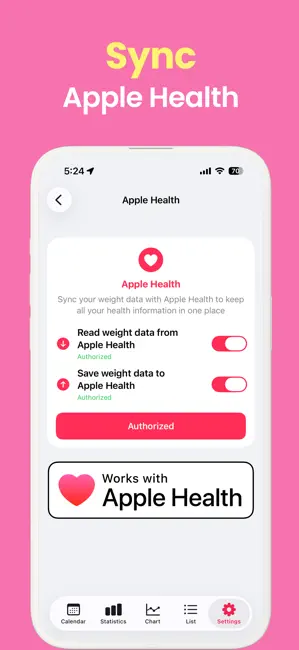
Icon palette
About this app
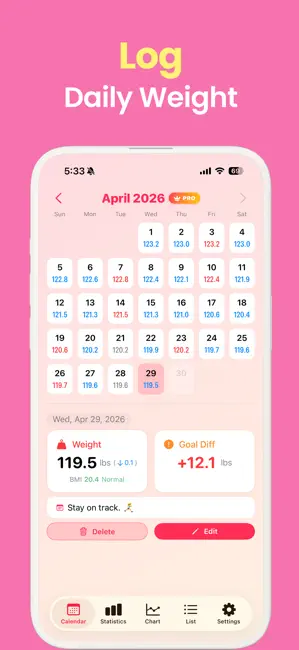
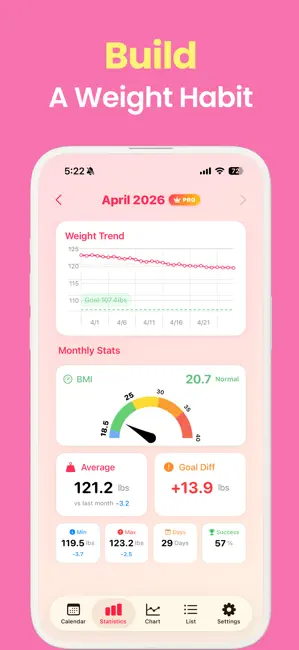
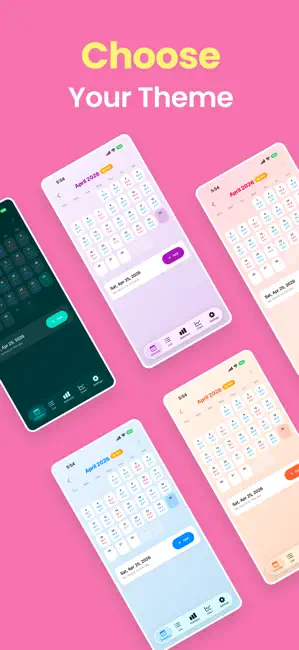
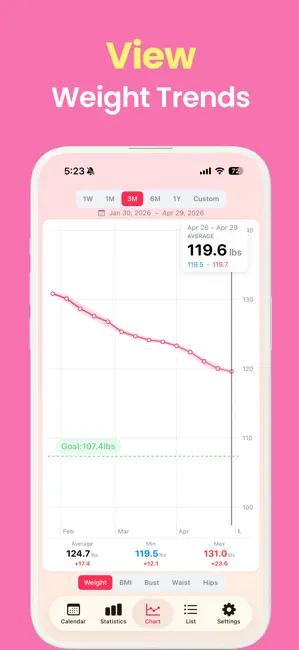
10 seconds a day. The simplest habit for self-care. Even in a busy life, take a brief moment just for "you". Tracking weight isn't just about numbers. It's a process of listening to your body and caring for yourself. [ Key Features ] ■ Beautifully Capture Daily Changes • Track your journey with a clean, aesthetic calendar. • Check your progress at a glance with intuitive graphs. • Visualize the distance to your goal weight. • Customize your page with your favorite theme colors. ■ BMI Calculator • Instantly calculate your BMI based on your weight and height. • Track your BMI changes over time alongside your weight. • Understand your health status at a glance. ■ Precious Memos for Today's You • Record your mood, condition, and emotions with emojis. • Note down delicious meals and small happiness. • Save enjoyable workouts, activities, and special moments. ■ Secure Data, Seamless Exp…
App details
What you can learn from Weigh In +
Every shipping app on the App Store has gone through the same decisions you're working through right now: which screenshot goes first, what caption sits over it, which device frame to show, what color the background should be. The 6 screenshots above are Weigh In +'s answers to those questions — they're public, they're real, and they made it through Apple's review.
Notice the first screenshot in particular. It's the one users see in search results and on the product page, and it's where most apps spend their best caption and tightest design. Look at the proportion of background to phone, where the text sits, what one thing the image is trying to communicate.
Want to see how other Health & Fitness apps approach the same problem? Browse more Health & Fitness apps in the showcase.
Take what works into your own screenshots
Open LaunchShots and design your App Store & Google Play screenshots — pick a device frame, drop captions, ship in minutes. Free, in your browser.
Open the screenshot editor →